
Starlink Gen 2 accessories
Compare mounts, cables, Ethernet adapters and connector protection by installation task and setup location.

Quick setup finder
Choose a product task and setup location. We'll narrow the collection to the most useful starting point.
ⓘ Final fit depends on dish generation, connector, mounting dimensions and selected variant.
Choose by setup task
Starlink Gen 2 collection
Showing 12 of 16 matching products · 16 visible products in the collection.
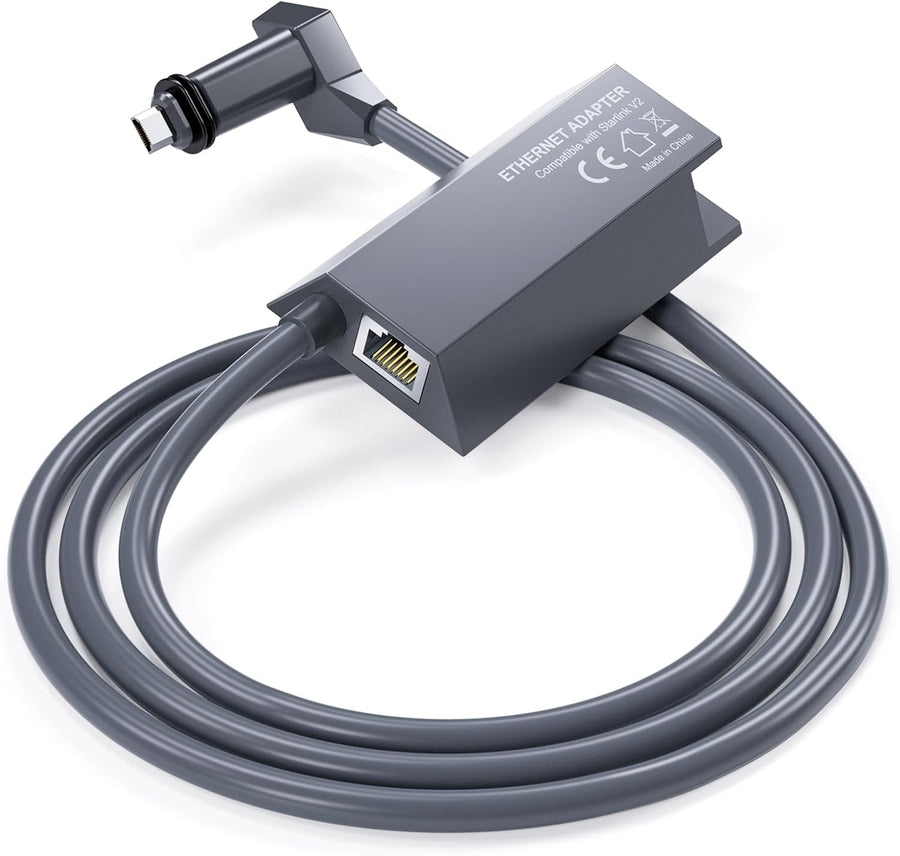
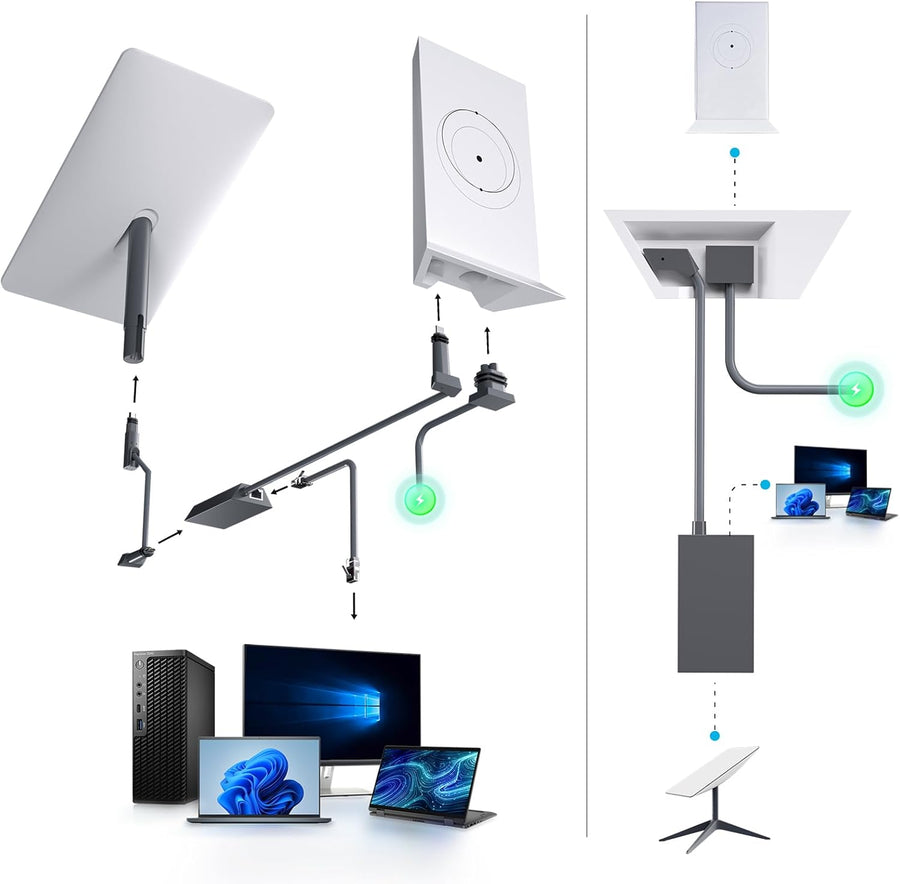
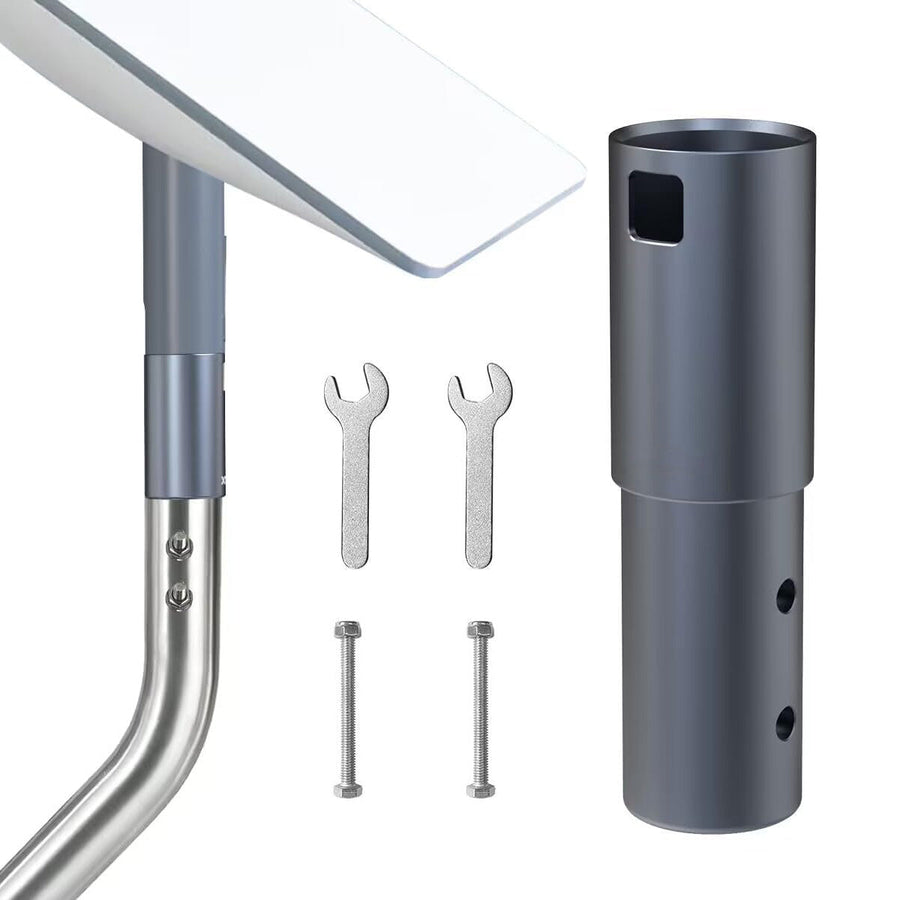
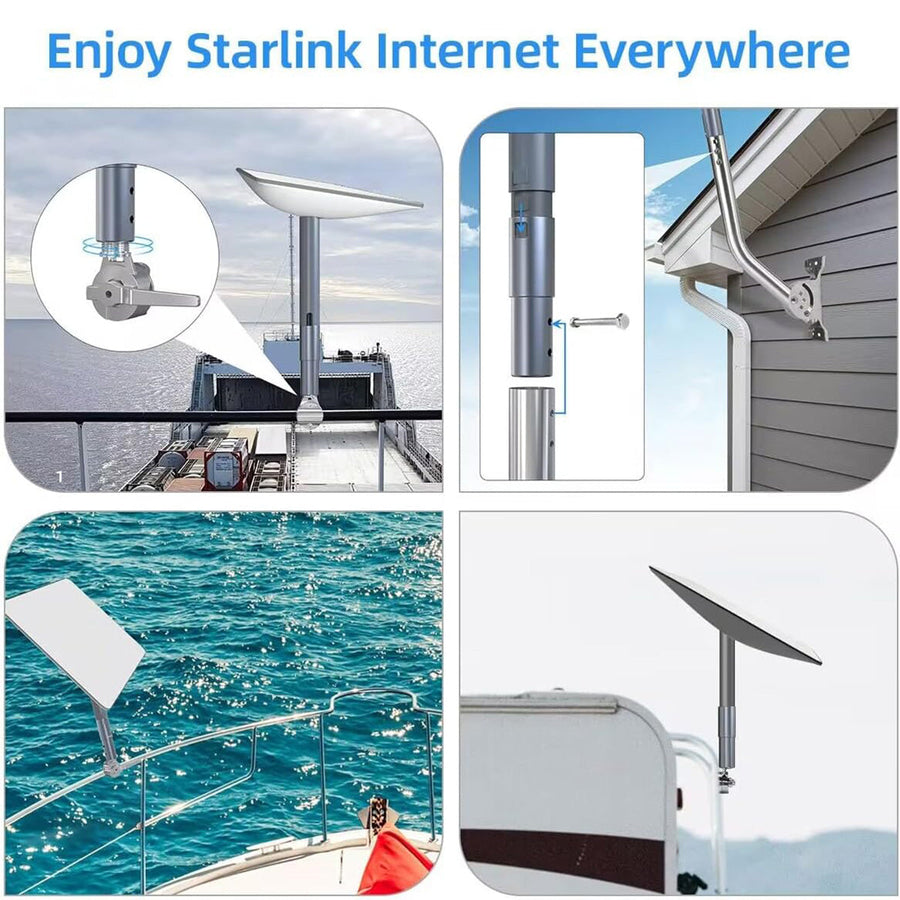
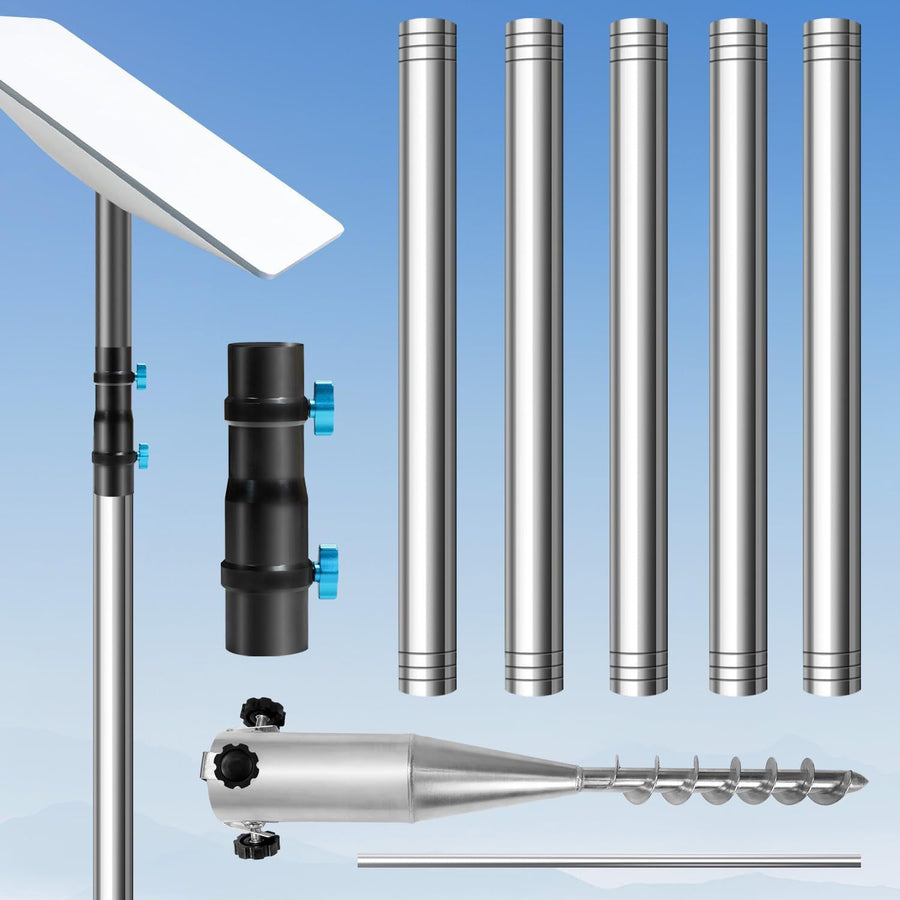
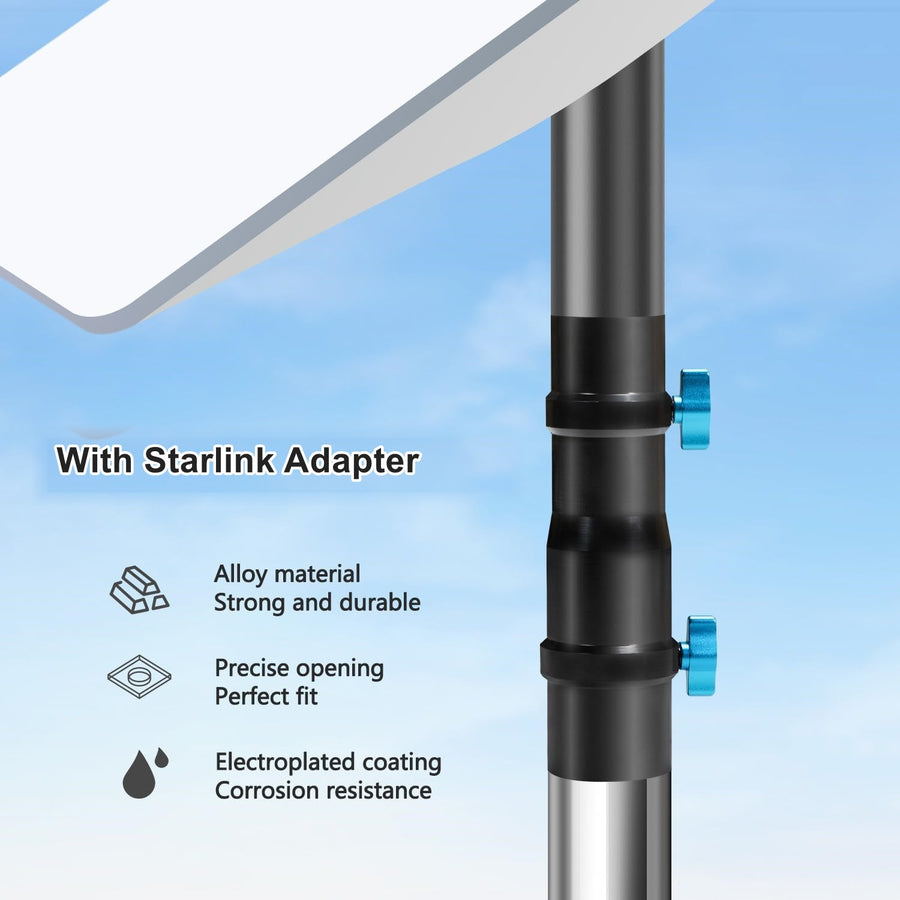
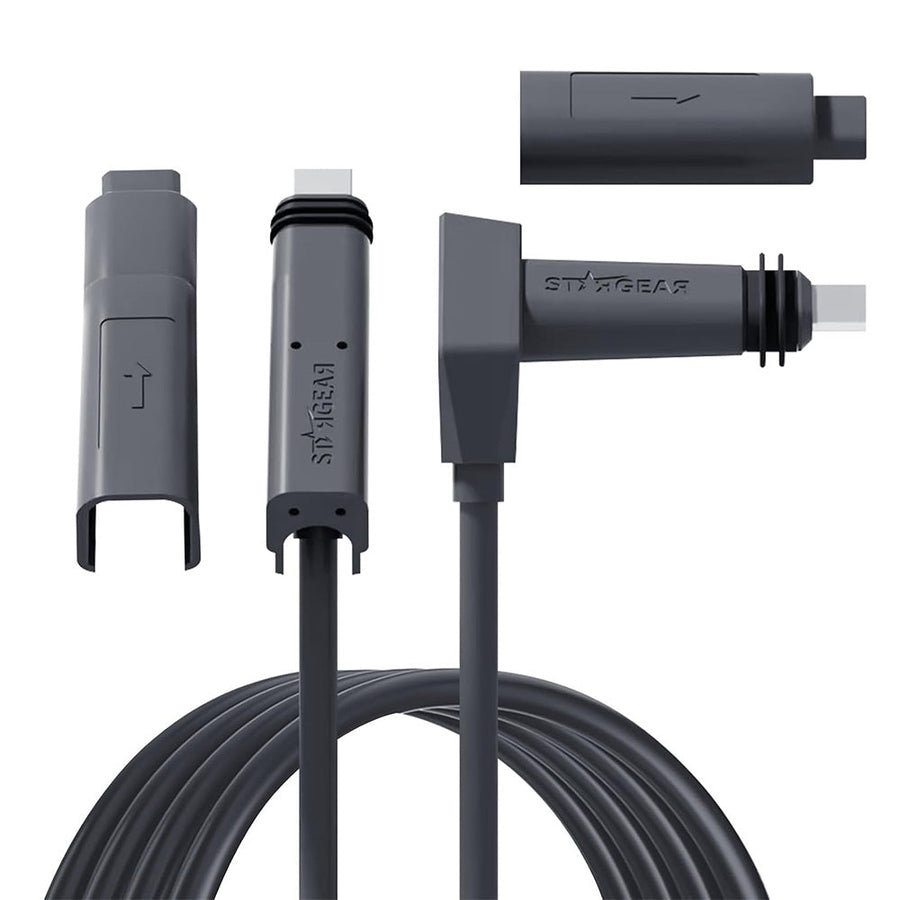
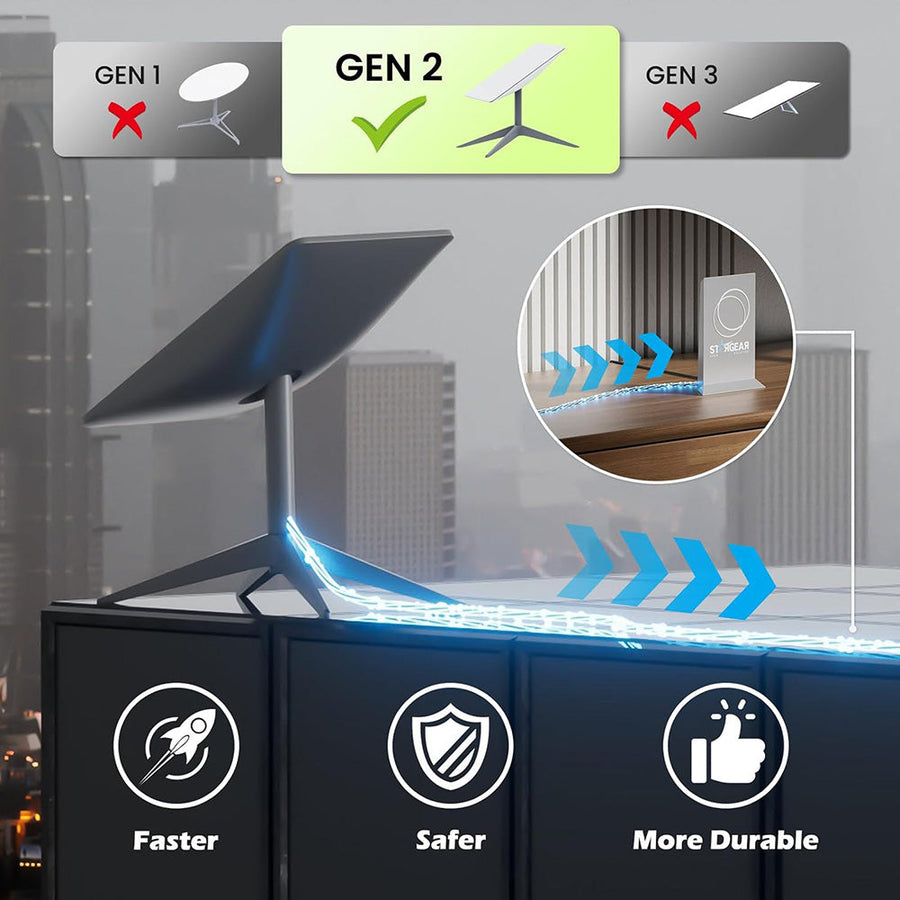

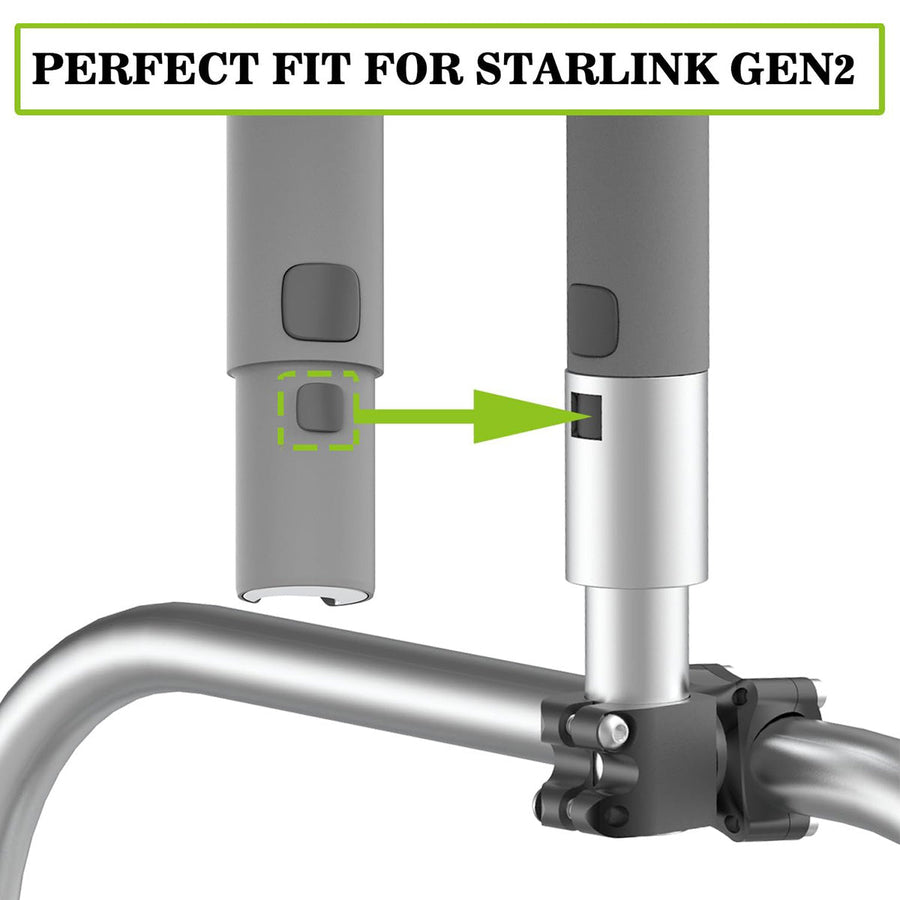
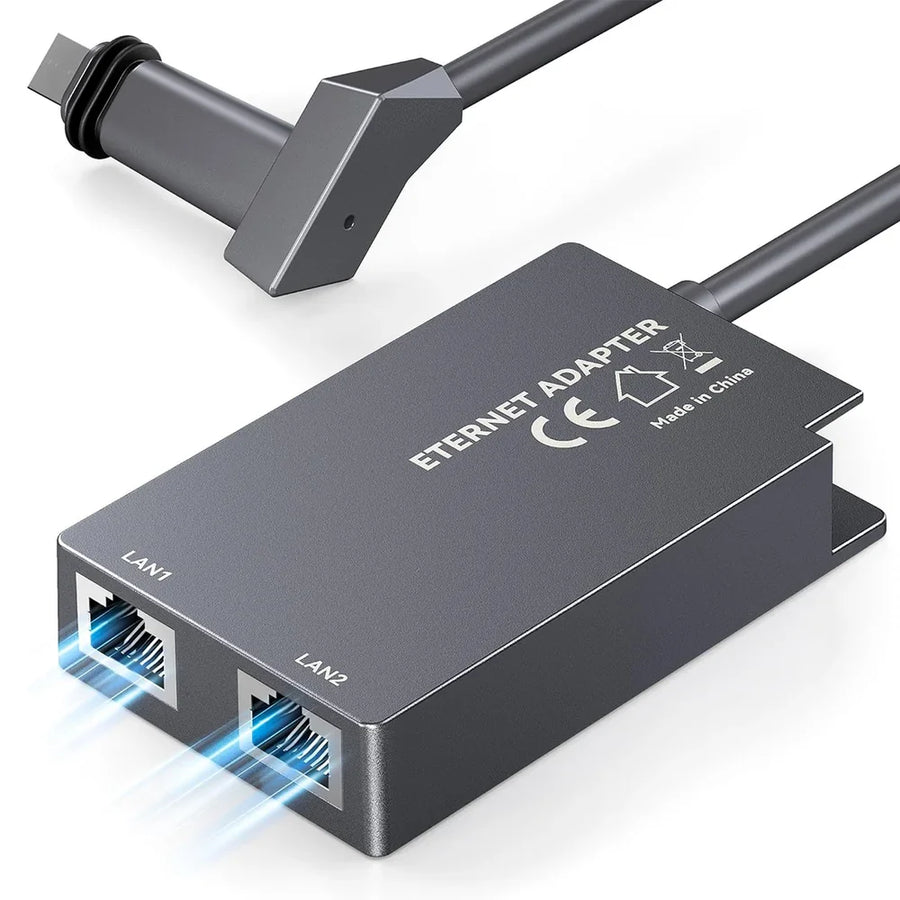
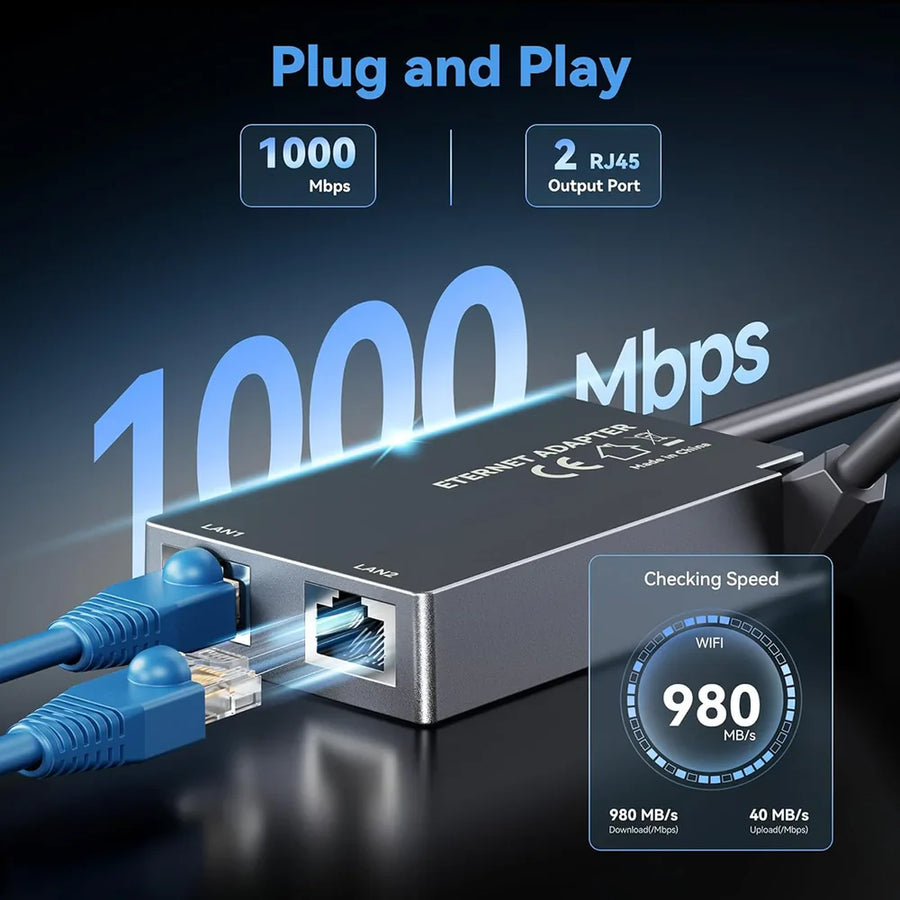
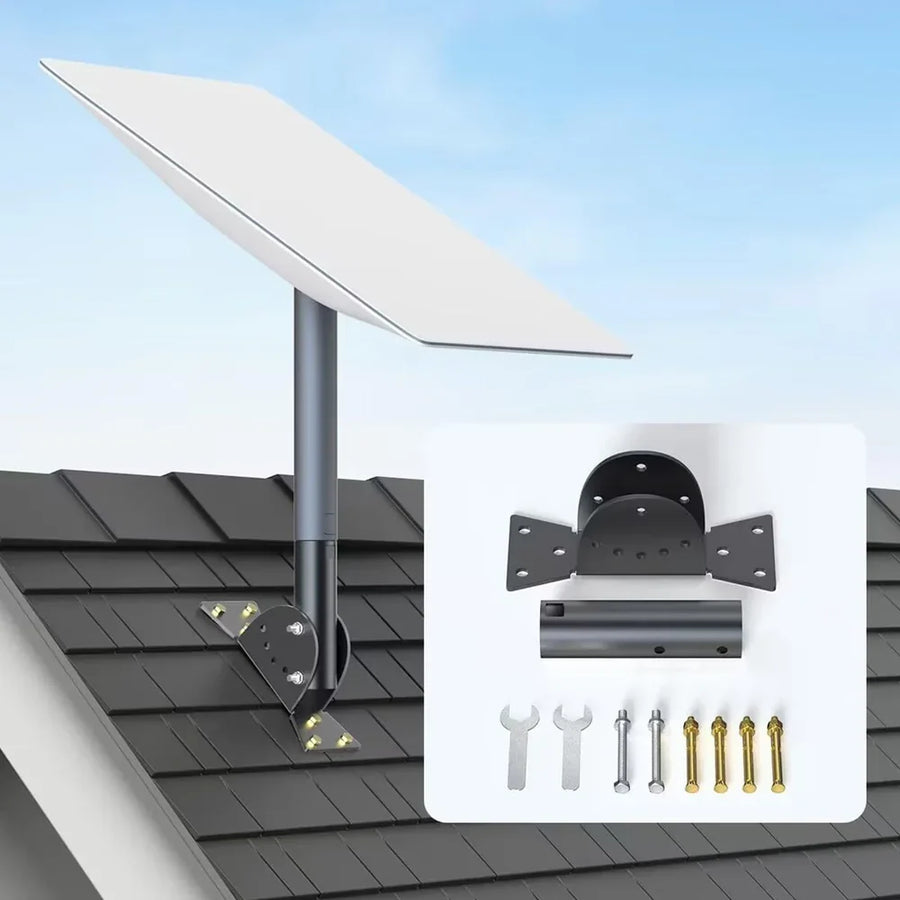
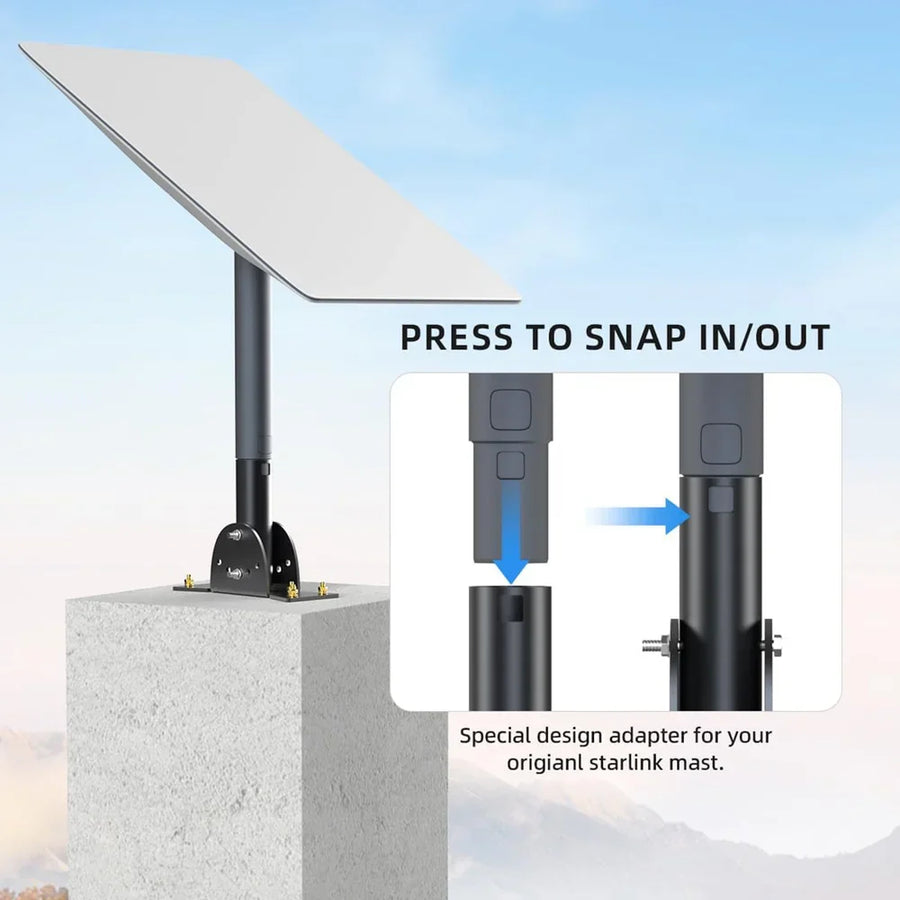
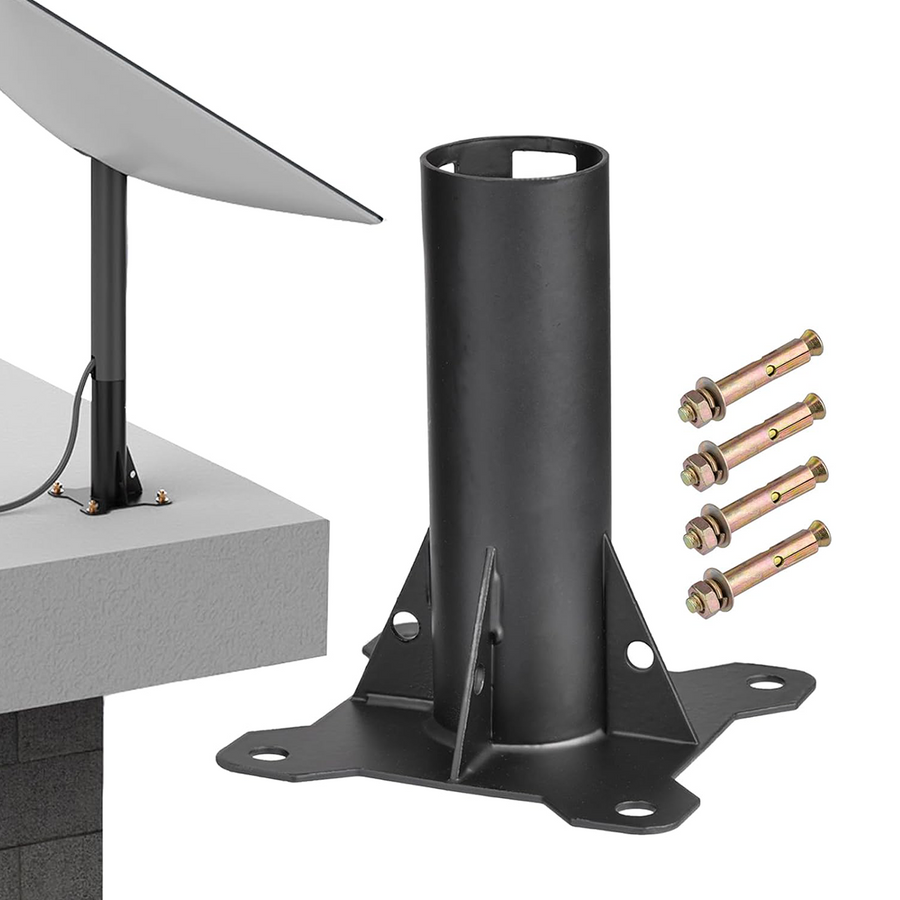
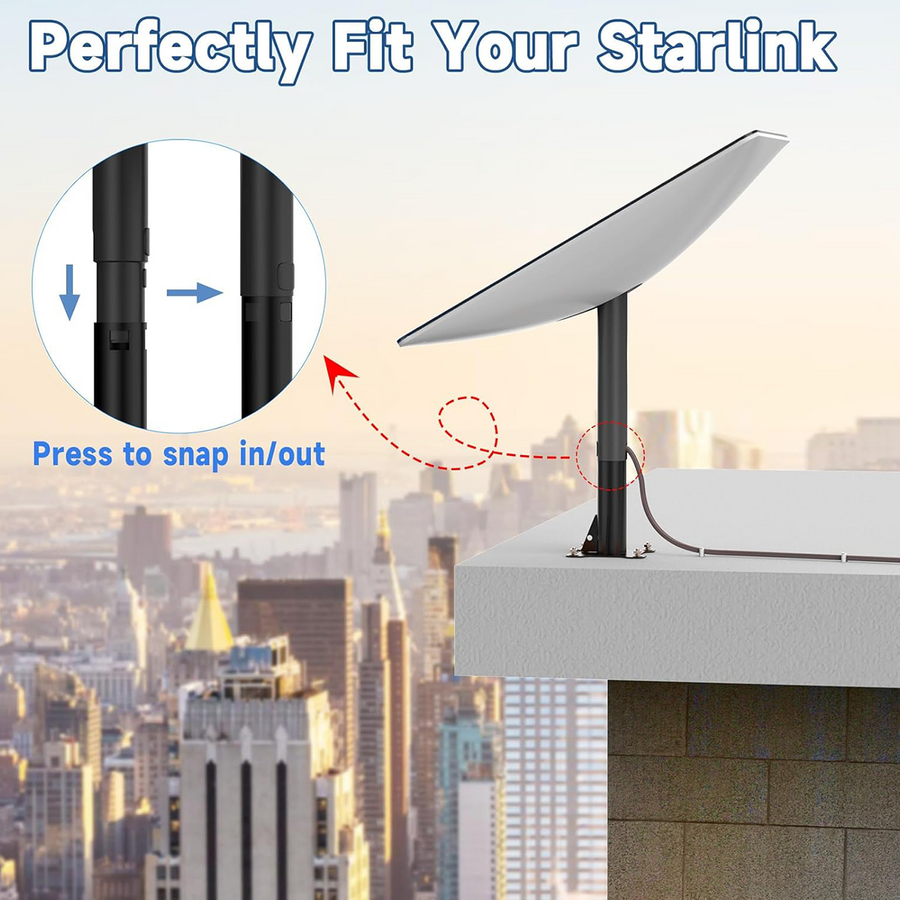
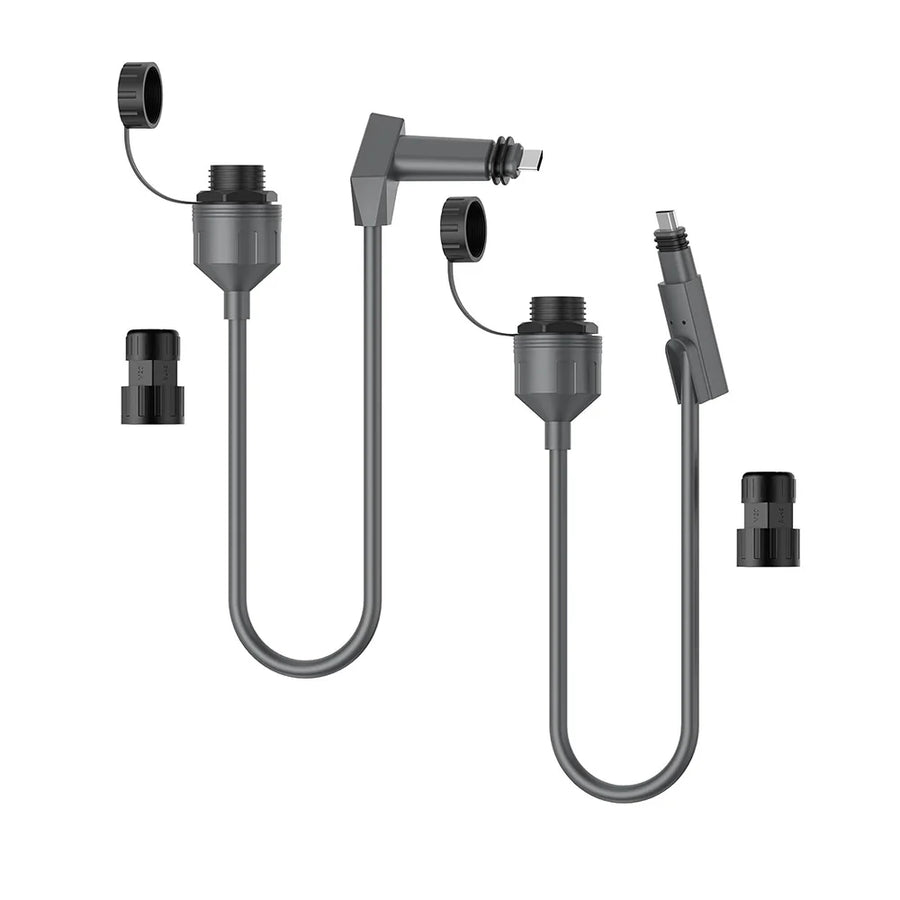
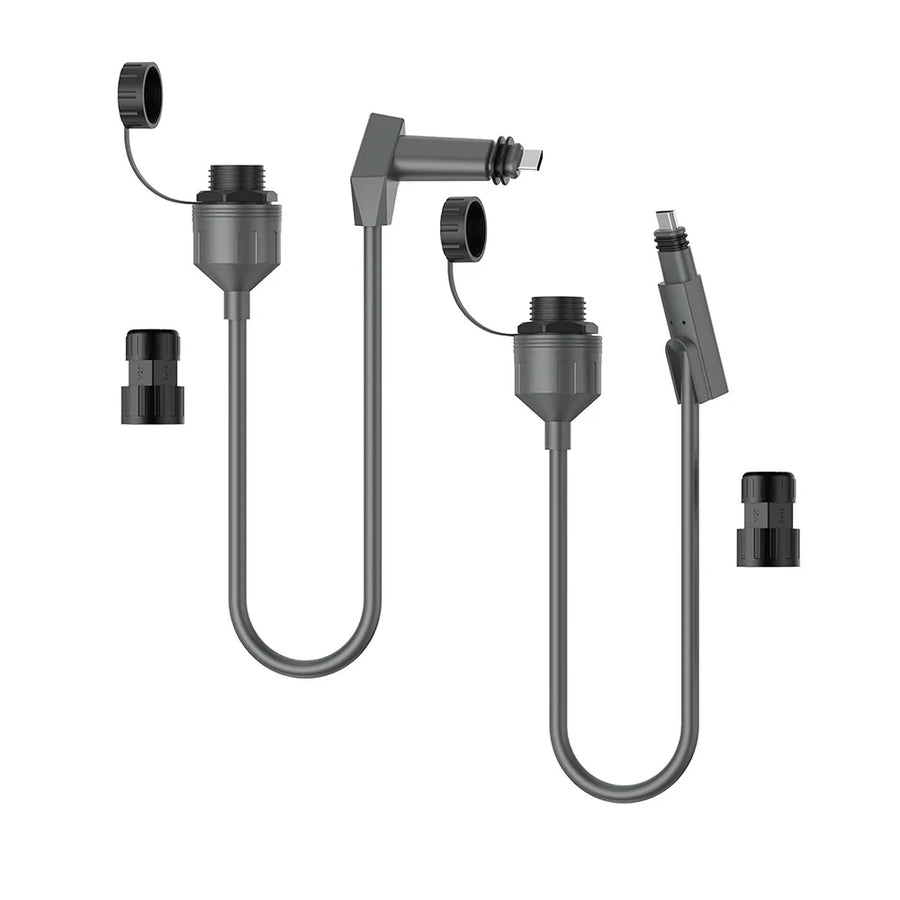
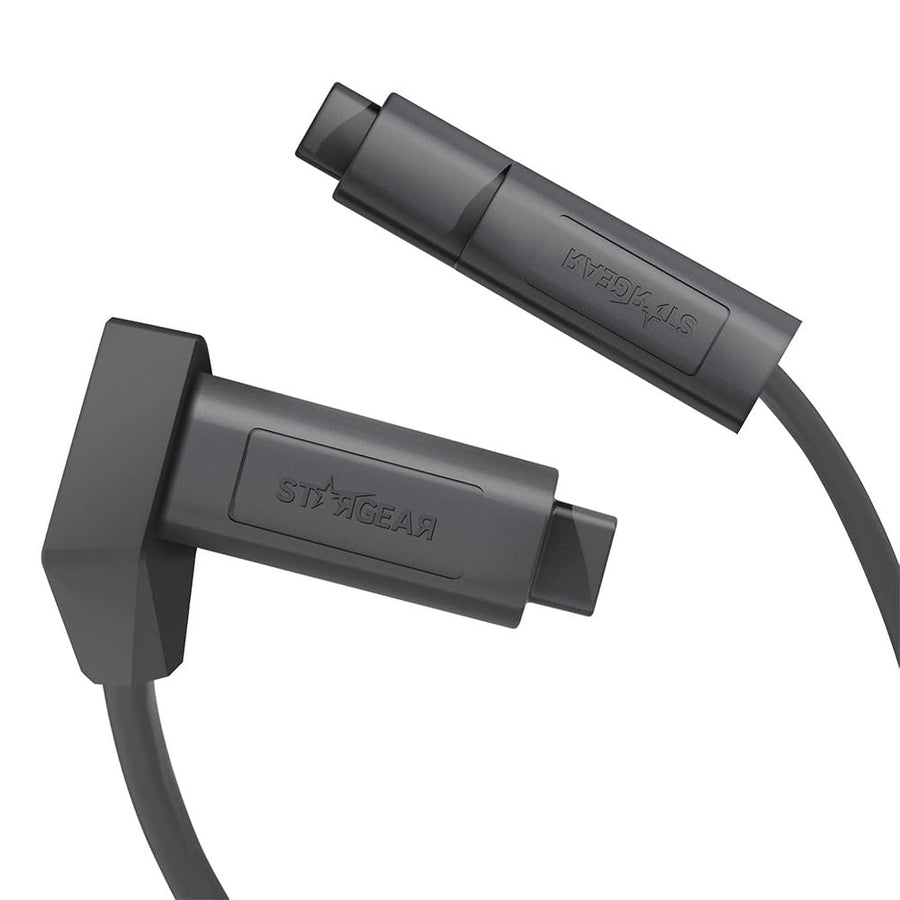

Showing 12 of 16
Accessory format guide
Choose the accessory type that matches what you already have and what your Gen 2 installation still needs.
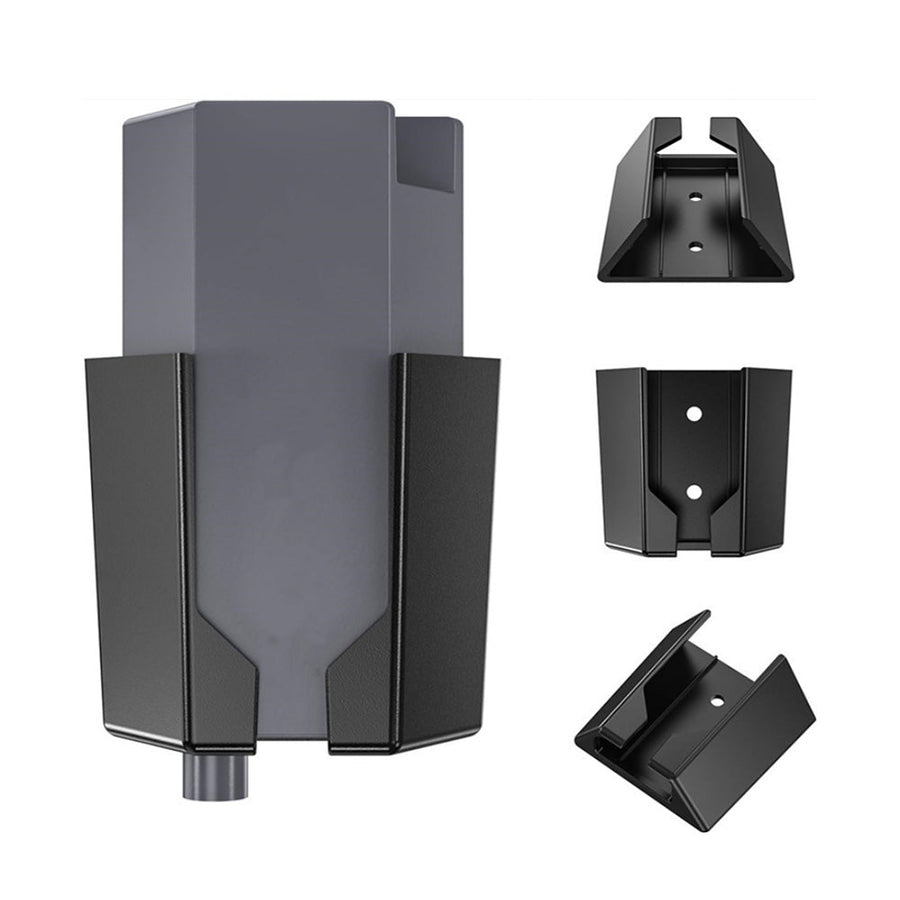
Creates a permanent roof, wall or structure mounting point.
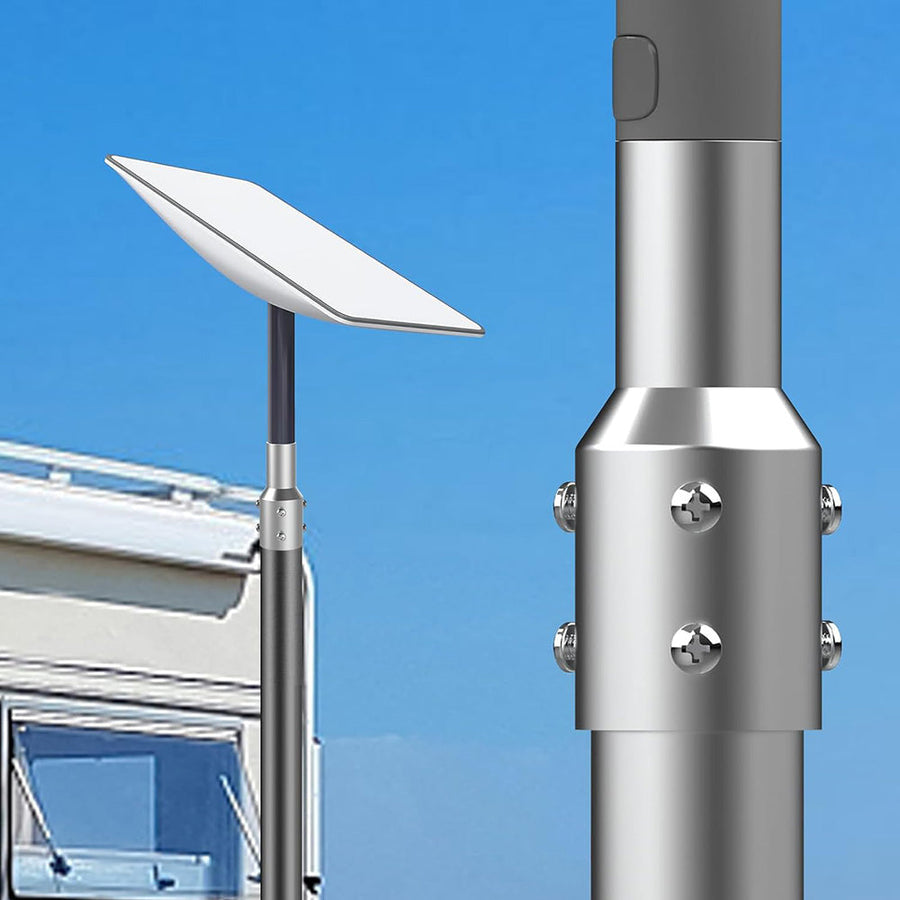
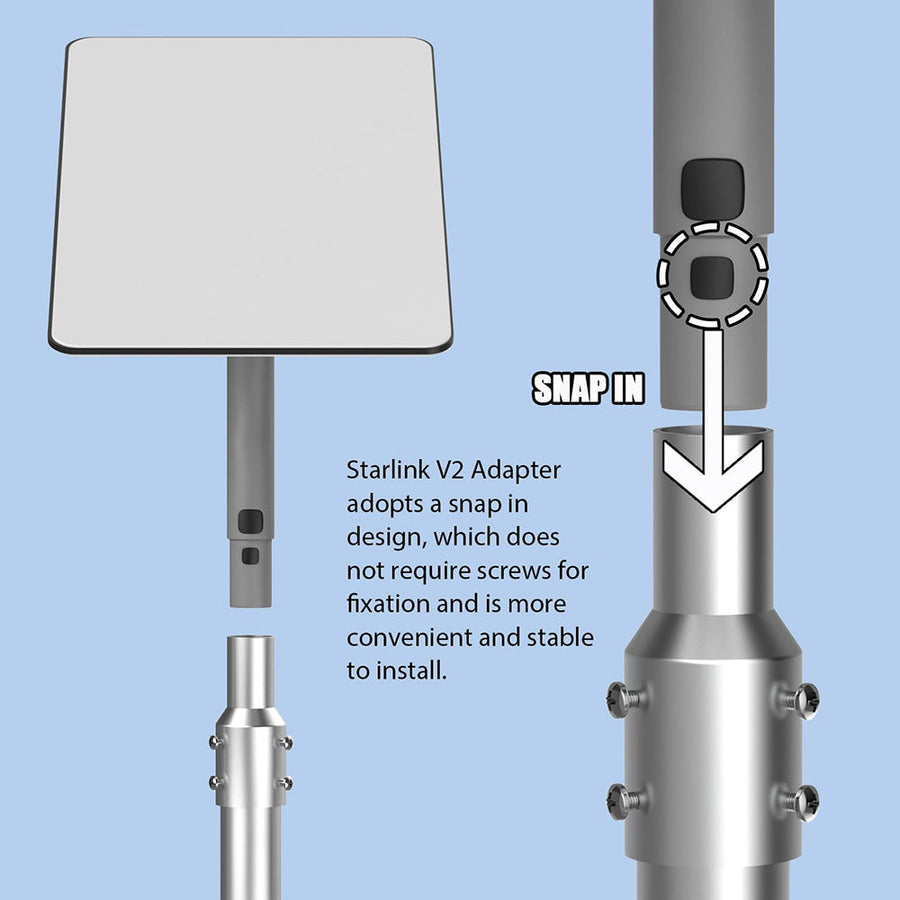
Best for: homes, cabins, fixed sitesConnects the Gen 2 mast to an existing compatible pole or pipe.
Best for: existing support systemsCombines support hardware with the adapter for a complete setup.
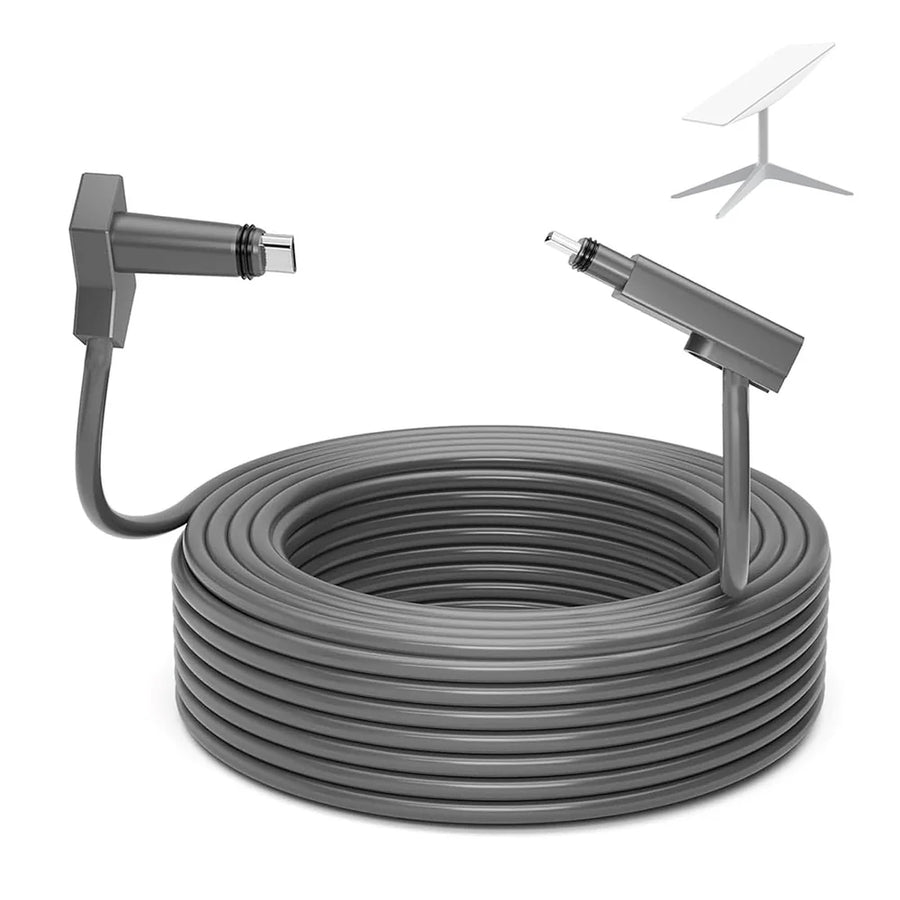
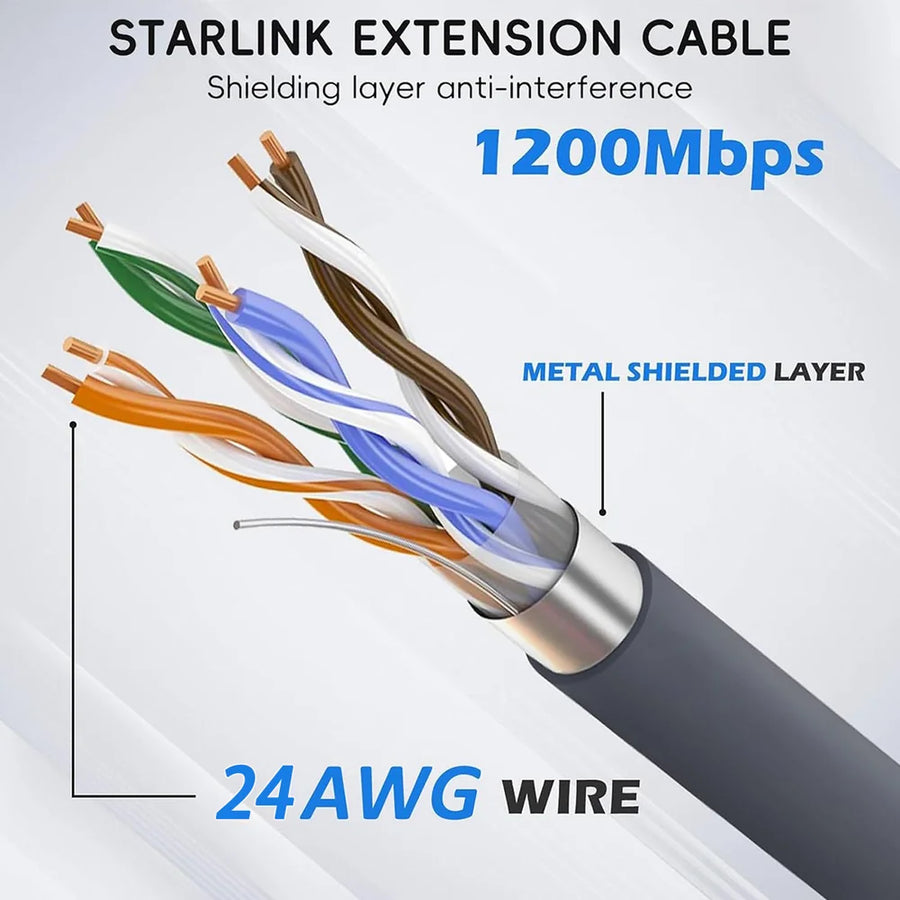
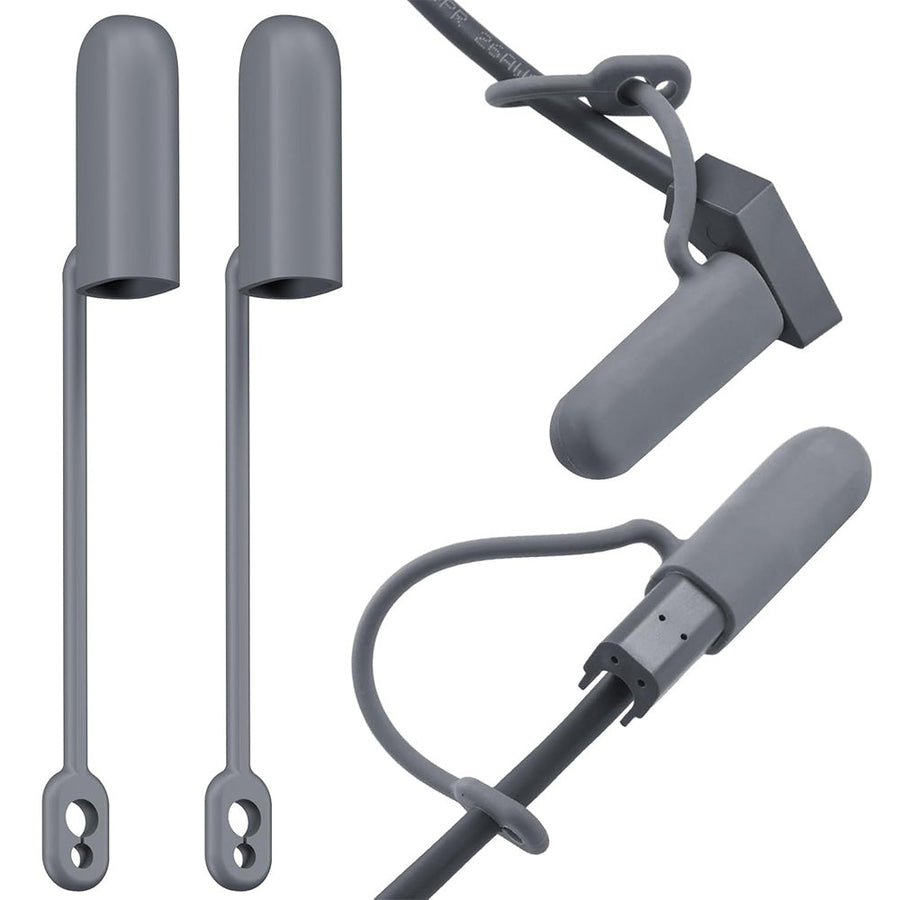
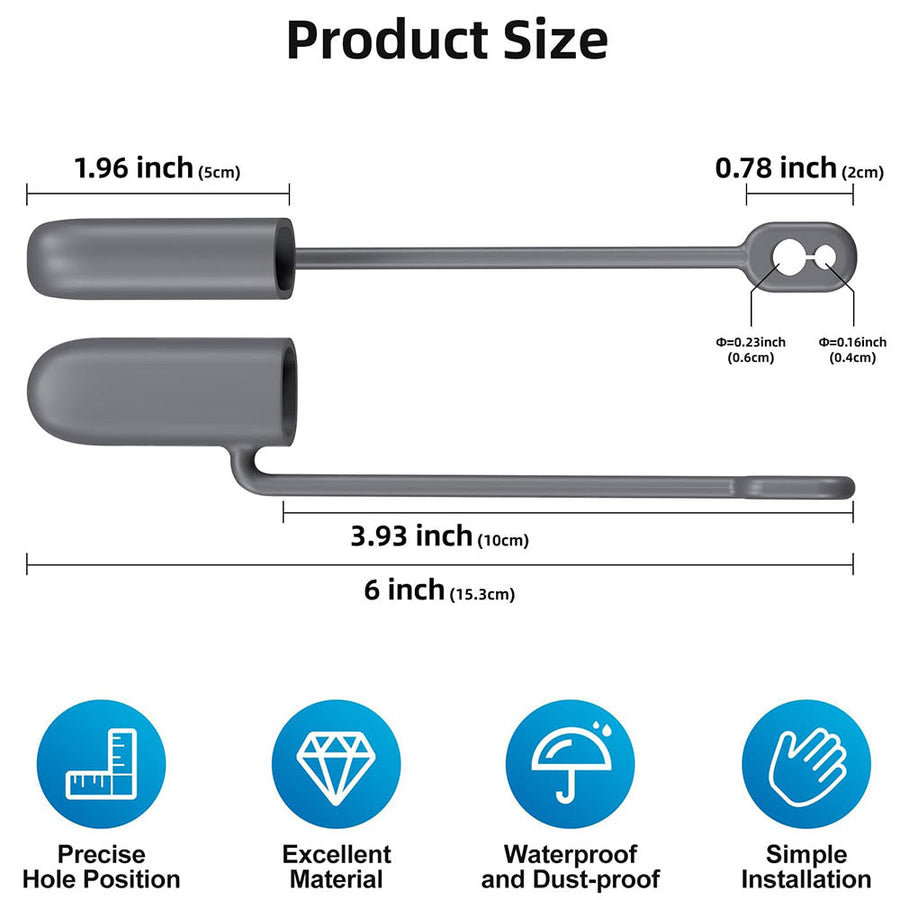
Best for: RV, ground and mobile sitesAdds cable reach, connector care or a wired Ethernet path.
Best for: routing and connectivityⓘ Confirm dimensions, connector generation, selected variant and included hardware on each product page.
Before You Choose
The accessory is only useful when the generation, physical fit and package contents all match your setup.
Match the rectangular actuated dish, router and proprietary connector generation.
Check pole diameter, mounting footprint, cable route and available clearance.
Confirm the selected variant and every cable, fastener, adapter or support part included.
Gen 2 FAQ
Start with the questions that affect generation, mounting, cable routing and wired networking.
Browse Matching Products →Gen 2 uses the rectangular actuated dish and matching proprietary Gen 2 cable and router connections. Compare the dish shape and connector style with your hardware before choosing an accessory.
Not automatically. Follow the compatibility stated on each product page rather than assume cross-generation fit.
Use a fixed roof or wall mount for a structure, a pipe adapter when you already have a compatible pole, and a complete pole kit when you need both support and the Gen 2 interface.
A Gen 2 setup normally needs a compatible adapter to create an RJ45 connection. Choose single-port, dual-port or SPX-to-RJ45 hardware based on the connection path you need.
Measure the full route from dish to router, including bends, entry points and service slack, then choose the exact length variant.
CTmods accessories are third-party products designed for the listed Starlink hardware. Starlink equipment is not included unless a product page explicitly says otherwise.
Starlink Gen 2 accessory guide
Move from installation location to the mount, cable or network accessory that fits your setup.
Use The Setup Finder →Explore third-party Starlink Gen 2 accessories for fixed buildings, RV setups, cable routing and wired networks. Compare roof and wall mounts, pipe adapters, complete pole kits, replacement cables, connector covers and Ethernet adapters in one collection.
Confirm that you have the rectangular actuated Gen 2 dish and matching router connections. Review dimensions, included hardware, connector type, selected variant and stated use conditions on each product page before ordering.
Hast du ein Konto?
Logge dich ein, damit es beim Checkout schneller geht.