

So, you've got your hands on the Starlink Mini, and you're ready to take that sweet internet connection anywhere. Awesome! But then you hit a snag: how do you actually power this thing when you're off the grid? Most people just grab whatever power bank they have lying around, thinking 'big battery = good'. Turns out, it's not that simple. Starlink Mini is a bit picky about its power, and a regular phone charger just won't cut it. We're going to break down what your Starlink Mini really needs and what kind of power bank you should actually be looking for.
Key Takeaways
- Starlink Mini needs a specific amount of power, especially when it first starts up. It's not like your phone; it needs a strong jolt to get going.
- Many standard power banks don't provide enough wattage or stable voltage, meaning they might not even turn on your Starlink Mini.
- Look for a power bank that offers at least 100W via USB-C Power Delivery (PD) or a stable DC output of 60W or more.
- Battery capacity (measured in Wh) is important for how long you can use Starlink Mini, but it's useless if the power bank can't deliver the right kind of power.
- For longer or more reliable use, a power bank with a direct DC output is often better than relying solely on USB-C.
Understanding Starlink Mini Power Demands
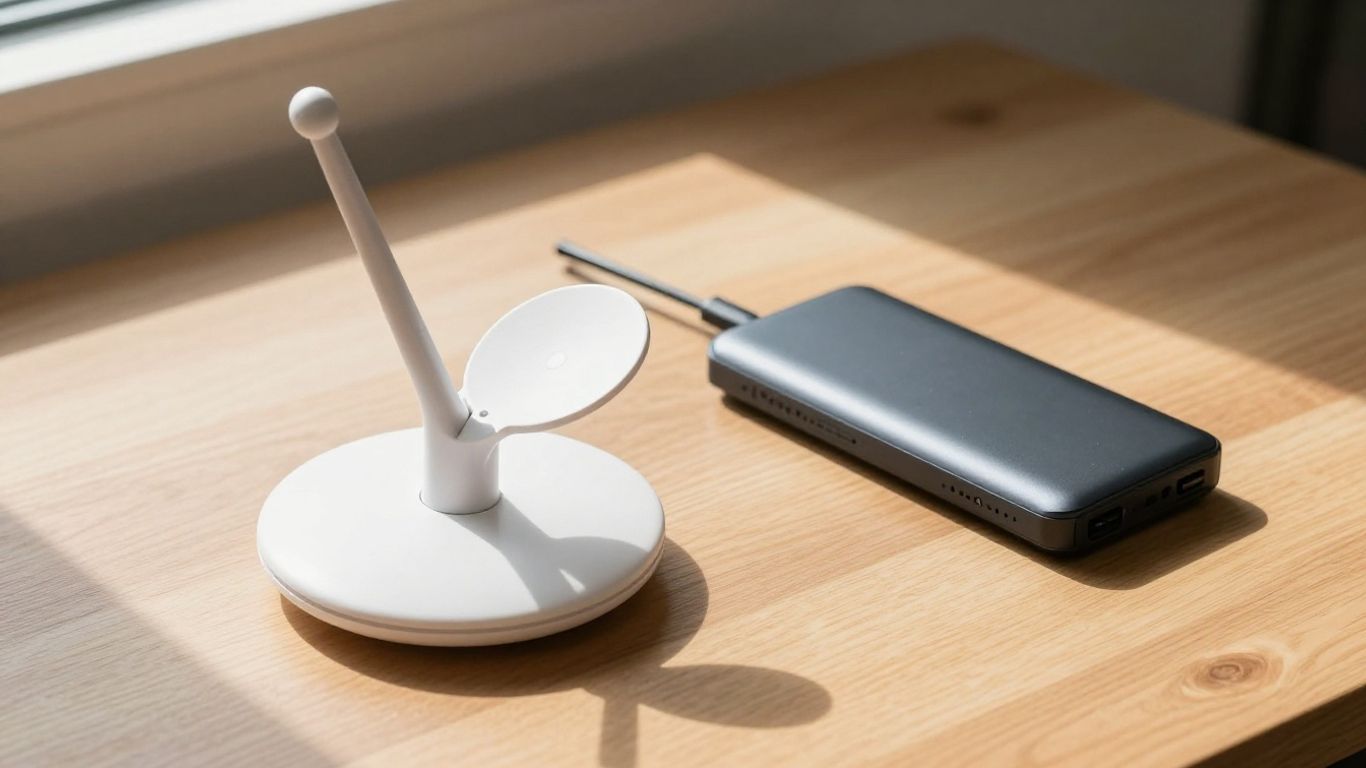
So, you've got the Starlink Mini, ready to bring internet wherever you roam. That's awesome! But before you head out, let's talk about what keeps this little satellite dish humming. It's not quite as simple as plugging your phone into any old charger. The Starlink Mini has some specific needs, and understanding them is key to actually getting online when you're off the grid.
Essential Power Input Requirements
The Starlink Mini isn't picky about where the power comes from, as long as it's the right kind. It can accept a pretty wide range of DC voltage, typically from 12V all the way up to 48V. This flexibility is great because it means various battery setups can potentially power it. However, the voltage needs to stay steady. If it dips too low, especially when the device is trying to boot up, you're going to have problems.
Peak Versus Average Consumption
This is where things get a bit more technical, but it's important. When you first turn on the Starlink Mini, it needs a big burst of power to get itself going. We're talking around 55 to 65 watts during this startup phase. Once it's up and running, the power draw drops significantly, usually settling somewhere between 25 and 40 watts for normal operation. Failing to provide enough power during that initial startup is the most common reason people run into trouble.
Why Standard Power Banks Fall Short
Most of the power banks you have lying around, the ones designed for phones and laptops, just aren't built for this. They often top out at lower wattages, like 45W or 65W, which isn't enough for the Starlink Mini's startup surge. Even if a power bank has a huge capacity (measured in Watt-hours, or Wh), if it can't deliver the required wattage and stable voltage, it's simply not going to work. It's like having a giant fuel tank but an engine that can't handle the fuel flow.
Here's a quick look at what the Starlink Mini generally needs:
| Power Phase | Wattage Range | Notes |
|---|---|---|
| Startup (Peak) | 55W - 65W | Needs a strong, quick power delivery. |
| Operation (Avg) | 25W - 40W | Sustained, lower power draw. |
| Input Voltage | 12V - 48V DC | Must be stable and not sag under load. |
The key takeaway here is that capacity alone isn't the whole story. You need a power source that can meet the device's peak demand and maintain a stable output. Many common power banks simply can't do that, leading to frustration and a lack of internet when you need it most.
Key Specifications for a Starlink Mini Power Bank
So, you've got your Starlink Mini, and now you need a way to power it when you're away from an outlet. It's not as simple as just grabbing any old battery pack. The Starlink Mini has some specific needs, and understanding these will save you a lot of headaches. Let's break down what you should be looking for.
USB-C Power Delivery Capabilities
Many modern devices use USB-C for charging, and the Starlink Mini is no exception. However, not all USB-C ports are created equal. For the Starlink Mini, you'll want a power bank that supports USB-C Power Delivery (PD) and can output at least 100 watts (W). This usually means it needs to be capable of 20 volts (V) at 5 amps (A).
- 100W Output: This is the magic number for reliable startup and operation.
- 20V/5A: This specific voltage and amperage combination is what the Starlink Mini is designed to accept via USB-C PD.
- Avoid Lower Wattage: Power banks offering only 45W or 65W PD might struggle to power up the Starlink Mini consistently, leading to reboots or failure to connect.
Direct DC Output Considerations
While USB-C PD is convenient, some users prefer a direct DC output. This can sometimes be more efficient and stable, especially for devices with higher power demands. The Starlink Mini can accept a range of DC input voltages, typically between 12V and 48V.
- Sufficient Wattage: Look for a DC output that can consistently provide at least 60W. Some power banks offer higher DC outputs, which is perfectly fine.
- Stable Voltage: The power bank must maintain a steady voltage within the Starlink Mini's acceptable range. Voltage drops under load can cause issues.
- Connector Type: Ensure the power bank has the correct connector (often a barrel connector) or that you have an adapter to connect it to the Starlink Mini's power cable.
Battery Capacity and Runtime
Battery capacity is usually measured in milliampere-hours (mAh) or watt-hours (Wh). While mAh is common, Wh is a better indicator of total energy stored, as it accounts for voltage. For the Starlink Mini, which can draw a fair amount of power, especially during startup, you'll need a decent capacity to get any meaningful runtime.
| Specification | Typical Starlink Mini Needs | Recommended Power Bank Capacity |
|---|---|---|
| Startup Power | ~55-65W | N/A (handled by output spec) |
| Average Power | ~25-40W | N/A (handled by output spec) |
| Total Energy | N/A | At least 75Wh recommended |
| Estimated Runtime | Varies | 4-8+ hours (depending on capacity and usage) |
Remember that the advertised runtime is often an estimate. Actual usage time will depend on factors like signal strength, environmental conditions, and whether the Starlink Mini is actively downloading or uploading data. Always aim for a power bank with more capacity than you think you'll need for a buffer.
Choosing a power bank with the right output capabilities and sufficient battery capacity is key to keeping your Starlink Mini running when you're off the grid.
Choosing Between USB-C PD and DC Power Solutions
When you're looking to power your Starlink Mini out in the field, you'll notice two main ways to connect your power bank: through a USB-C Power Delivery (PD) port or a direct DC output. Both have their own quirks and benefits, and picking the right one really depends on how you plan to use your Starlink.
Advantages of USB-C Power Delivery
USB-C PD is pretty common these days, found on lots of modern gadgets. For the Starlink Mini, you absolutely need a USB-C PD port that can push out at least 100 watts. Anything less, like the 45W or 65W ports you see on many standard power banks, just won't cut it. The Starlink Mini needs that higher wattage, especially when it's booting up. It's convenient because you might already have a USB-C PD charger for your laptop or phone, making it one less cable to carry. However, you have to be really careful about the cable quality; a flimsy one can cause problems.
- Convenience: Uses a widely adopted standard, potentially reducing the number of chargers you need.
- Portability: Many compact power banks offer USB-C PD.
- Simplicity: Generally a plug-and-play experience if the wattage is sufficient.
Benefits of Direct DC Power Output
Direct DC output is often the more robust choice for powering devices like the Starlink Mini, especially for longer stretches. These ports usually offer a more stable and efficient power flow compared to USB-C. You'll typically find DC outputs on more specialized outdoor or portable power stations. They often come with multiple voltage options (like 12V, 16V, 19V, or 24V), and you'll want to make sure the one you choose can supply at least 60 watts. This method tends to be more reliable under heavy load and can be better for the longevity of your Starlink Mini.
- Stability: Generally provides a more consistent power output, which is good for sensitive electronics.
- Efficiency: Often converts battery power to device power with less energy loss than USB-C or AC inverters.
- Reliability: Less prone to issues caused by cable quality or handshake problems between the charger and device.
Efficiency and Stability Comparisons
When we talk about powering something like the Starlink Mini for hours on end, efficiency really starts to matter. DC power tends to be more efficient. Think of it like this: the power goes from the battery, through the DC output, and straight to the Starlink. With USB-C, there's a bit more processing involved to get the power to the right voltage and amperage. This extra step means a little bit of energy is lost as heat. For short bursts, you might not notice the difference, but if you're out camping for a few days and relying on your power bank, that lost energy adds up. Stability is also a big deal. The Starlink Mini needs a steady stream of power, especially during its startup phase. A power source that fluctuates or drops voltage can cause the Starlink to fail to connect or even shut down unexpectedly. DC outputs are often built to handle these demands more smoothly.
While USB-C PD is convenient and becoming more common, direct DC output often provides a more stable and efficient power stream, which can be a significant advantage for extended Starlink Mini use in remote locations. Always check the specific wattage and voltage capabilities of your chosen output.
Here's a quick look at how they stack up:
| Feature | USB-C PD (100W) | Direct DC Output (≥60W) |
|---|---|---|
| Startup Power | Good, if 100W is met | Excellent, often more robust |
| Efficiency | Moderate | High |
| Stability | Generally good, but can be cable sensitive | Very good, less prone to fluctuations |
| Commonality | High on modern devices | More common on specialized power stations |
| Best For | Shorter sessions, travel, mixed-use devices | Extended use, remote locations, dedicated setups |
Recommended Power Bank Options for Starlink Mini
So, you've got the Starlink Mini and you're ready to take it off the grid, but how do you keep it powered up? It's not as simple as grabbing any old battery pack. Starlink Mini has some specific needs, especially when it comes to startup power. Luckily, there are power banks out there that can handle the job.
Compact Solutions for Shorter Use
If you're just looking for a few hours of internet on a weekend camping trip or for a short remote work session, a compact power bank with around 100Wh capacity can do the trick. The key here is that it absolutely must support USB-C Power Delivery (PD) at 100W. Many standard USB-C power banks only offer 45W or 65W, which just isn't enough to get the Starlink Mini going reliably. You'll want to look for models that explicitly state 100W PD output, often listed as 20V/5A. These smaller units are great for portability, but don't expect them to run your Starlink Mini all day.
High-Capacity Options for Extended Use
For longer stints off-grid, like extended camping trips or if you're relying on Starlink Mini for a work base, you'll need something with more juice. We're talking power banks with capacities of 200Wh or more. These larger units often come with both USB-C PD 100W output and direct DC output options. The DC output can be more efficient and stable for continuous use, which is a big plus when you're out in the middle of nowhere. Think of these as your go-to for reliable, longer-term connectivity.
Here's a quick look at what to expect:
- 100Wh Power Banks: Good for about 2-3 hours of runtime. Ideal for short bursts of connectivity.
- 200Wh Power Banks: Can offer around 4-6 hours. A solid choice for a full day of moderate use.
- 300Wh+ Power Banks: Aim for 6-8.5 hours or more. Best for extended trips where power is scarce.
Specific Model Examples and Features
While specific models can change, looking for brands that focus on outdoor or high-power portable solutions is a good start. Some units, like the XTAR-Link MP158, are even marketed with Starlink Mini compatibility in mind. This particular model boasts a 158Wh capacity and features a 100W USB-C port along with a DC5521 port capable of delivering the necessary voltage and amperage. It's a bit on the heavier side, but it's built for the task. Another example might be a Merpower GP14 G4 PRO, which offers a substantial 276.48Wh capacity, also with 100W USB-C PD and robust DC outputs, making it a strong contender for extended use. Always check the specs carefully, especially the voltage and amperage for the DC output if you plan to use that connection. Remember, you'll need the right cables, and sometimes a specific DC-to-DC cable is required if your Starlink Mini didn't come with one suitable for your chosen power bank.
When selecting a power bank, don't just look at the total Watt-hours (Wh). The ability to consistently deliver the required wattage, especially during the Starlink Mini's startup phase, is paramount. A power bank that can't meet the initial power surge will simply fail to connect, no matter how large its overall capacity is.
It's also worth noting that while many power banks have USB-A ports, these are generally not suitable for powering the Starlink Mini itself. They're useful for charging other devices, but for your satellite internet, you need to focus on the USB-C PD or DC outputs.
Safety and Reliability Factors
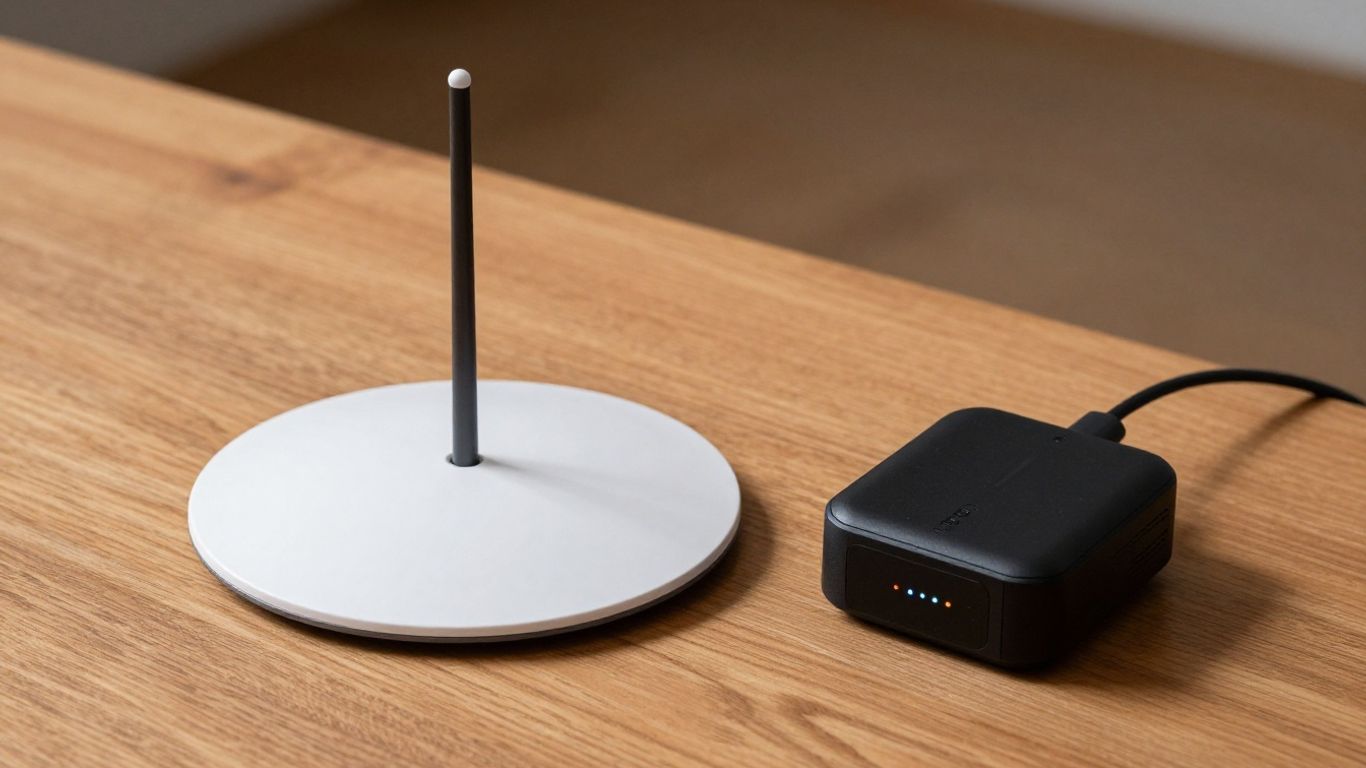
When you're out in the field, relying on your Starlink Mini, the last thing you want is for your power source to give up on you. Making sure your power bank is up to snuff isn't just about getting a signal; it's about keeping that signal steady and safe.
Importance of Battery Management Systems
Think of a Battery Management System (BMS) as the brain of your power bank. It's super important because it keeps an eye on things like temperature, voltage, and current. This stops the battery from getting too hot, overcharged, or completely drained, all of which can damage it or even be a fire hazard. A good BMS means your power bank will last longer and operate more predictably, which is exactly what you need when you're miles from anywhere.
Protection Against Power Surges
Powering sensitive electronics like the Starlink Mini means you need to be mindful of sudden spikes in electricity. A power surge, even a small one, can fry your equipment. That's why a reliable power bank should have built-in surge protection. This feature acts like a buffer, absorbing or diverting any unexpected jolts of power before they can reach your Starlink. It’s a simple but vital safeguard.
Using Quality Cables for Stable Power
Don't overlook the humble cable! The connection between your power bank and the Starlink Mini is just as important as the power bank itself. Using cheap, thin, or damaged cables can lead to voltage drops, inconsistent power delivery, and even overheating. Always opt for thick, well-made cables that are rated for the wattage your Starlink Mini needs. This ensures a clean, stable flow of power, which helps your Starlink perform at its best and prevents potential issues.
Here's a quick rundown of what to look for:
- Cable Gauge: Thicker cables (lower gauge number) handle more current with less resistance.
- Connector Quality: Ensure the USB-C or DC connectors are snug and well-constructed.
- Cable Length: While longer cables are convenient, they can sometimes introduce more resistance. Keep them as short as practical.
- Certification: Look for cables that meet industry standards for safety and performance.
Sometimes, the simplest components are the most overlooked. A faulty cable can mimic the symptoms of a bad power bank, leading to a lot of frustration. Always check your connections first.
Common Pitfalls When Powering Starlink Mini
So, you've got your shiny new Starlink Mini, ready to beam internet wherever you roam. Awesome! But before you head out, let's talk about a few things that can trip you up when it comes to powering it. It's not as simple as just plugging it into any old battery pack. Trust me, I've seen people get caught out.
Underestimating Startup Power Needs
This is a big one. When the Starlink Mini first powers on, it needs a serious surge of energy to get itself going. Think of it like a car engine needing a bit more juice to turn over on a cold morning. If your power bank can't deliver that initial kick, the Mini might just refuse to start, or worse, it could get stuck in a loop, trying and failing to boot up. It's not just about the average power it uses while running; that startup zap is critical.
- Startup Wattage: Can be around 55-65W.
- Average Wattage: Drops to a more manageable 25-40W.
- The Problem: Many power banks advertised as 'high wattage' might not handle that brief, intense startup demand.
The Drawbacks of Low-Wattage Chargers
Sometimes, people think any USB-C charger will do. You might have a 45W or even a 65W charger that works fine for your laptop. But for the Starlink Mini, especially during startup, that's often not enough. The Mini specifically needs a 100W USB-C Power Delivery (PD) connection to reliably start up. Using a charger that's too weak is like trying to fill a swimming pool with a garden hose – it's just not going to cut it, and you'll end up frustrated.
Risks of Uncertified Power Sources
Look, I get it. Sometimes you just need something to work. But using power banks or adapters that aren't certified or don't meet the specific requirements can be a gamble. You might save a few bucks upfront, but you risk damaging your Starlink Mini, which is a much more expensive problem. Plus, the power delivery might be unstable, leading to dropped connections or performance issues. It's always better to stick with reputable brands and products that clearly state they meet the necessary power delivery standards.
Always double-check the output specifications of your power source. Look for clear labeling of wattage and voltage, especially for USB-C PD and any DC outputs. Don't assume; verify.
So, Can Any Power Bank Run Starlink Mini?
Alright, so after all that, can just any old power bank get your Starlink Mini up and running? The short answer is a pretty firm no. You can't just grab any battery pack off the shelf and expect it to work. Starlink Mini is a bit picky, needing a solid 100W USB-C Power Delivery or a strong DC output to even start up. Most common power banks just don't cut it, often falling short on that initial power surge or not providing the right kind of connection. If you're serious about taking Starlink Mini off the grid, you'll need to look for specific power banks or portable power stations that meet those higher wattage and voltage requirements. It’s all about finding that sweet spot of power delivery and capacity to keep you connected, wherever your adventures take you.
Frequently Asked Questions
Can I use any power bank with my Starlink Mini?
Not just any power bank will work. The Starlink Mini needs a lot of power, especially when it first starts up. Most regular power banks can't give it enough juice. You need one that can provide at least 100 watts through a USB-C connection or a steady 60 watts from a DC power output.
How much power does the Starlink Mini actually use?
When it's booting up, the Starlink Mini can pull around 55 to 65 watts. Once it's running normally, it uses less, usually between 25 and 40 watts. The big power surge at the start is why many smaller power banks fail.
What's the difference between USB-C PD and DC power for Starlink Mini?
USB-C Power Delivery (PD) is a common way to charge, and you'll need a charger that specifically says 100W PD. Direct DC power is often more efficient and stable, like plugging it into a battery system that can provide a steady voltage and at least 60 watts.
How long can a power bank run my Starlink Mini?
That depends on the power bank's battery size, measured in Watt-hours (Wh). A smaller one around 100Wh might give you a couple of hours, while a larger one of 200Wh or more could power it for 4 to 8 hours or even longer.
What are the most important things to look for in a power bank for Starlink Mini?
Make sure it has a USB-C output that can deliver 100W, or a DC output that provides at least 60W. Also, check the battery capacity (Wh) to know how long it will last. It's also good if it has built-in safety features like protection against power surges.
Are there any specific power banks recommended for Starlink Mini?
Yes, there are power banks designed for this. Look for ones that specifically mention 100W USB-C PD output or have a robust DC output. Some brands offer units with large capacities (like 158Wh or more) that are great for longer trips, while others are more compact for shorter uses.


