
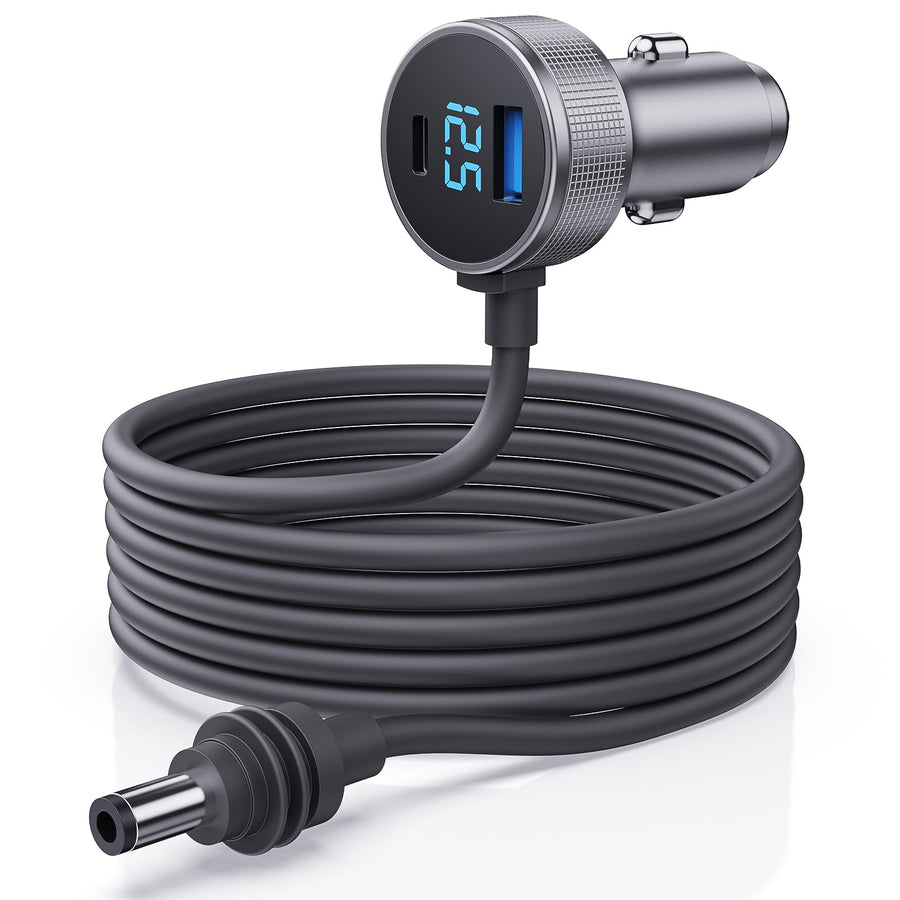
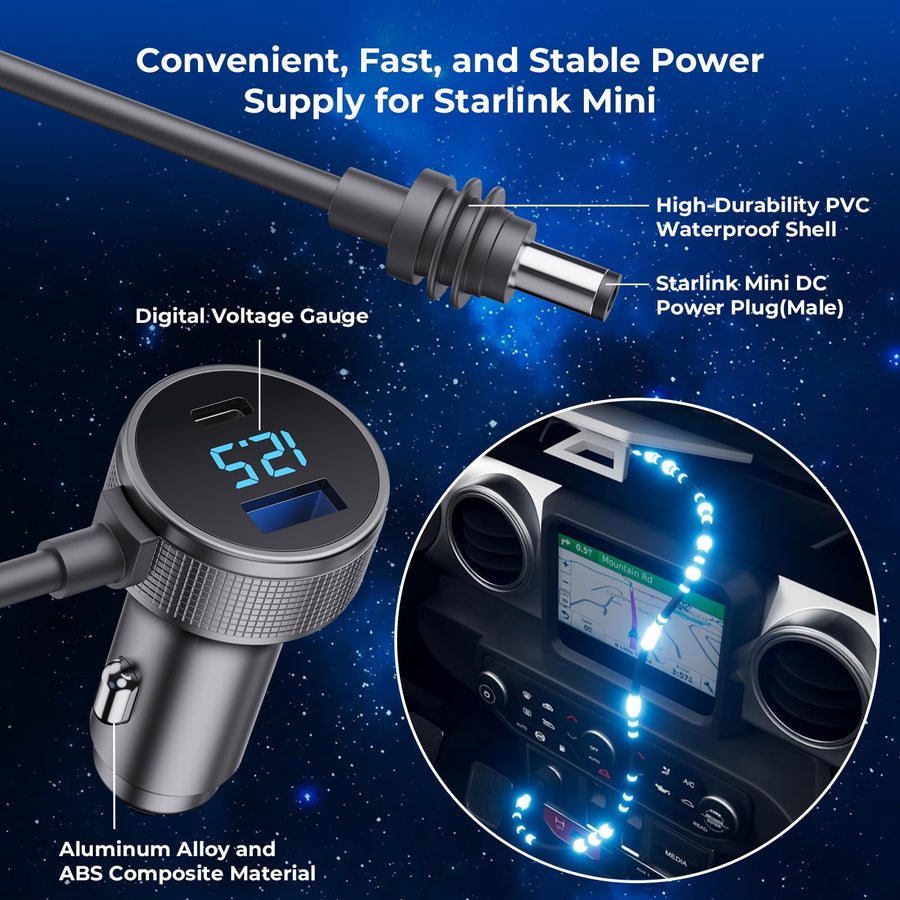
Starlink Mini power connections
Start with the power source you already have. Then match the input, regulated output, connector and cable length before you connect.

Quick connection finder
Choose your power source and the feature you need. We'll narrow the collection to a useful starting point.
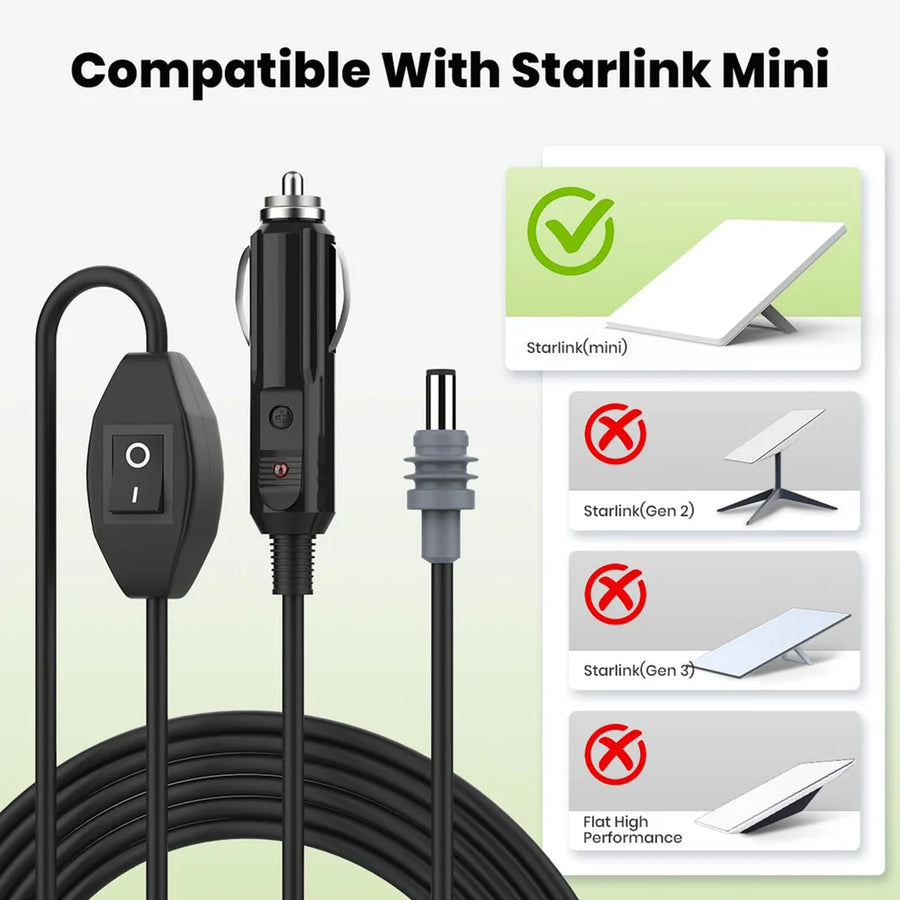
ⓘ A matching plug shape does not confirm voltage, current or PD compatibility.
Choose by power source
Chargers, adapters & cables
Showing 12 of 38 matching products · 38 products in the collection.
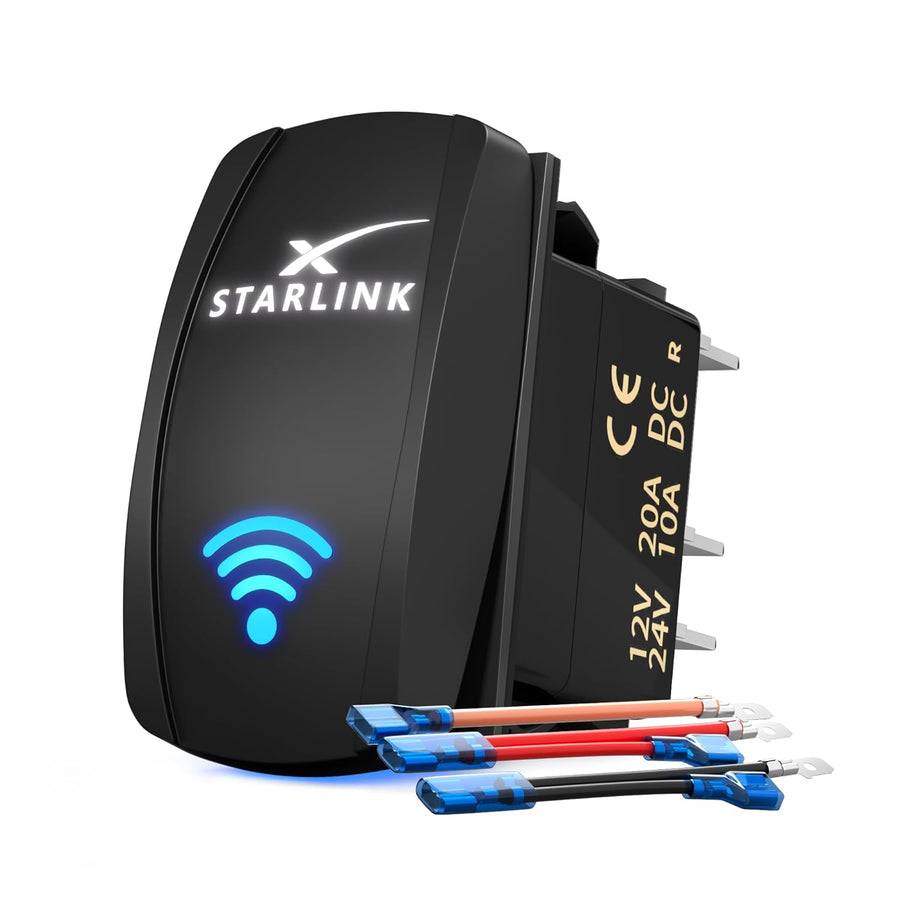
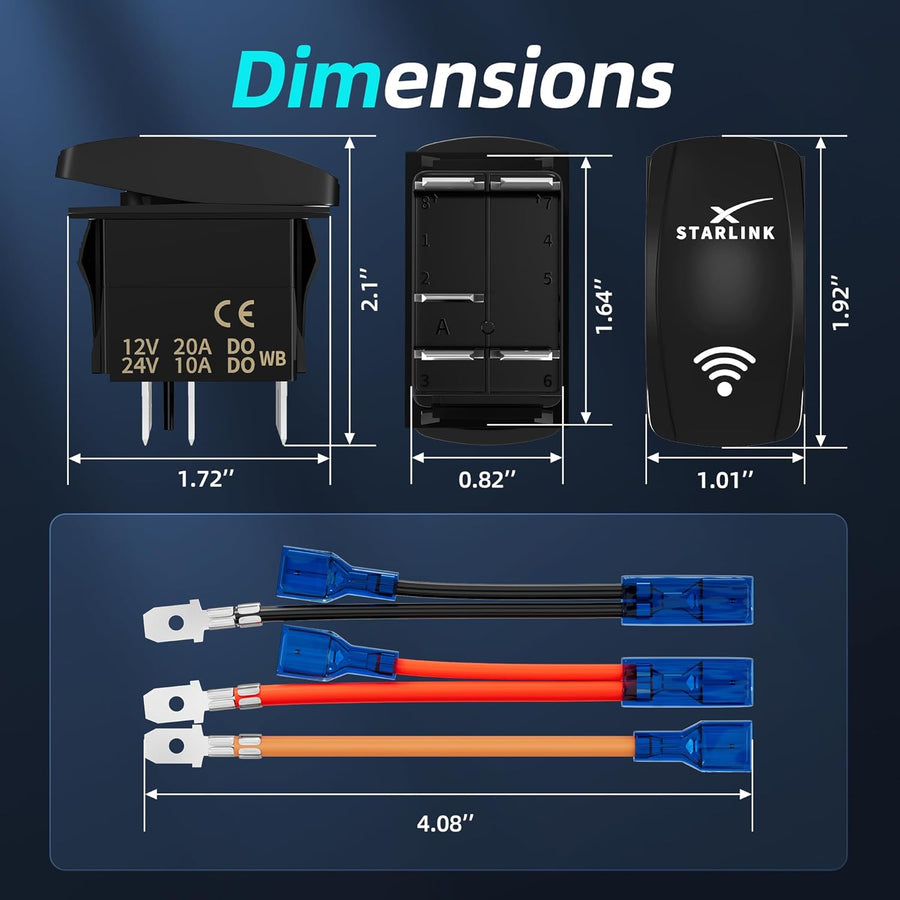
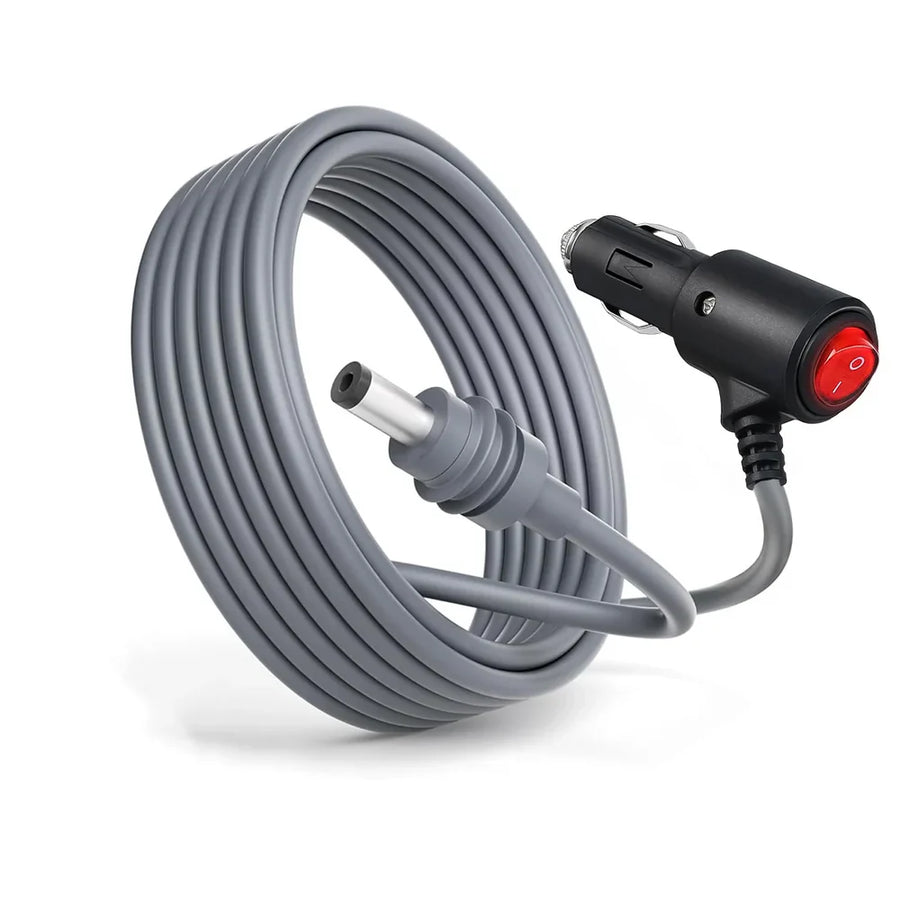
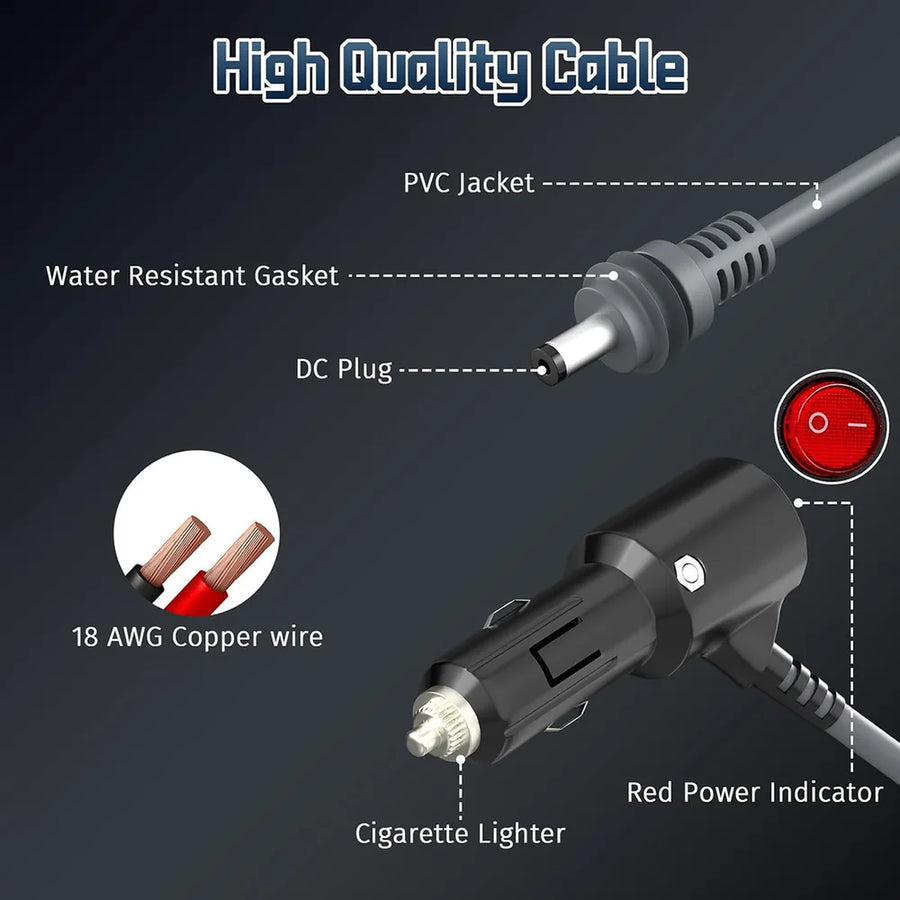
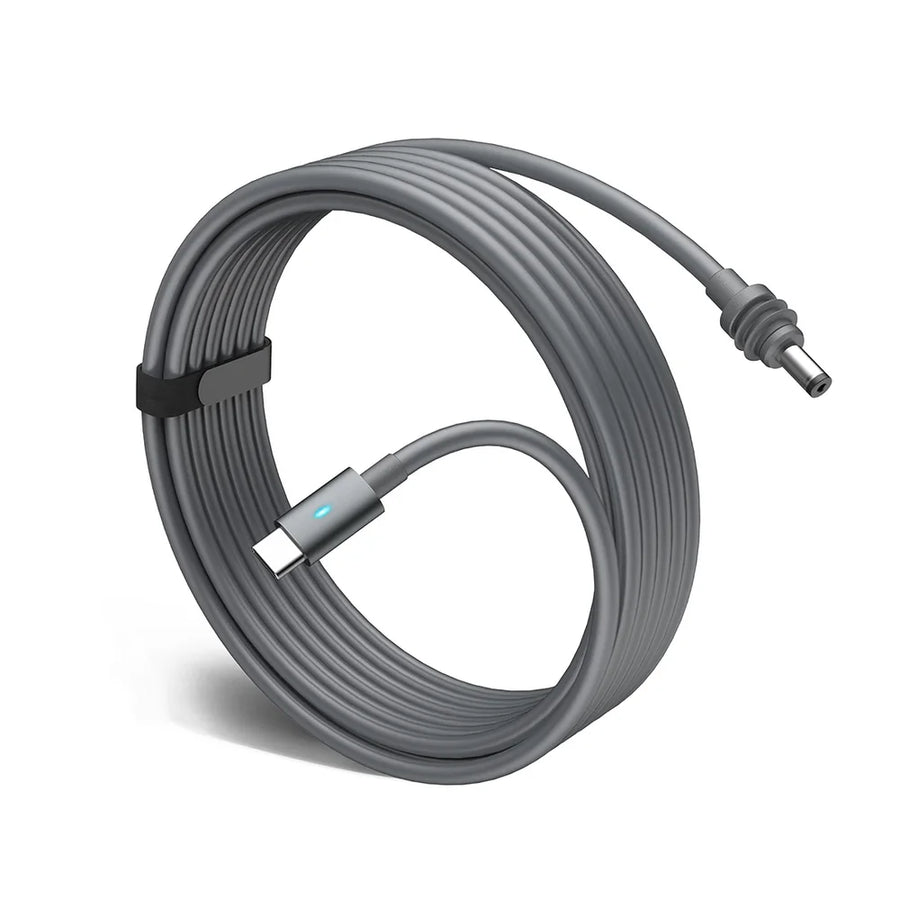
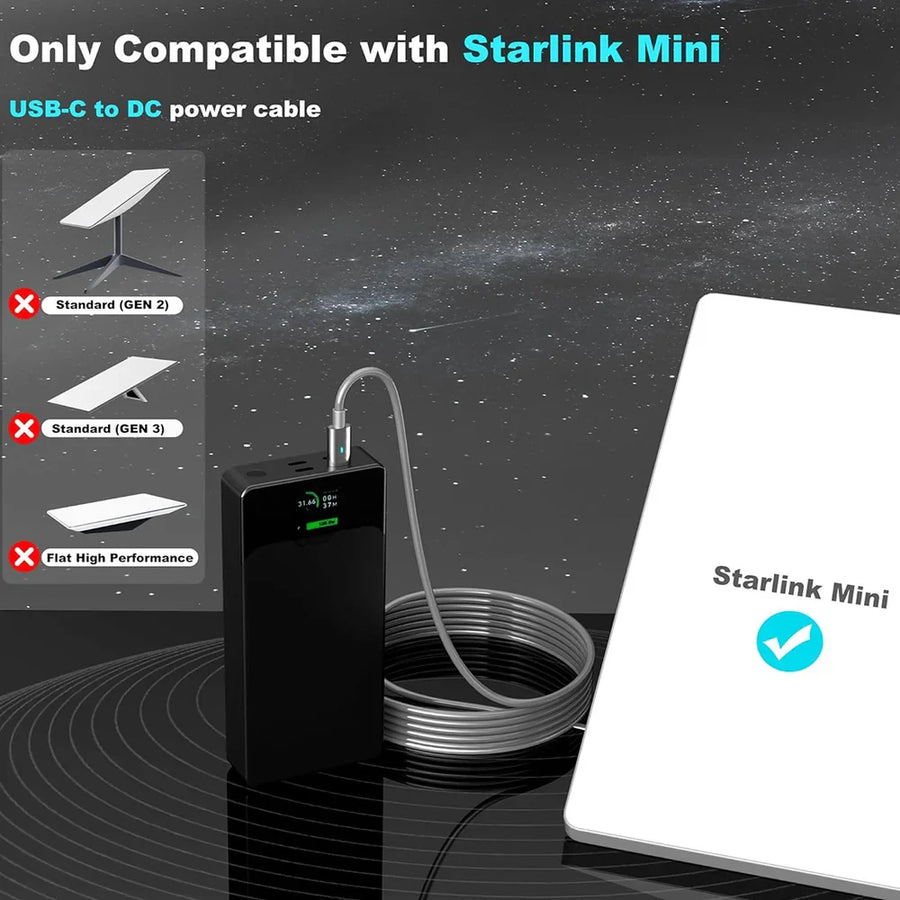
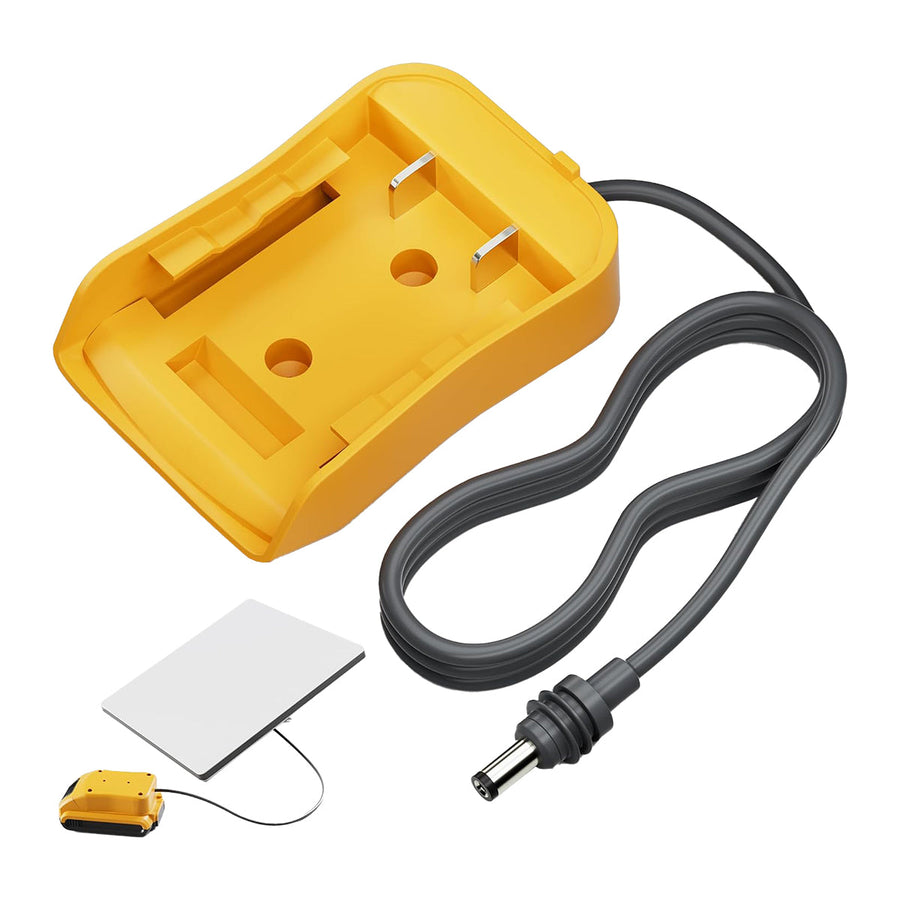
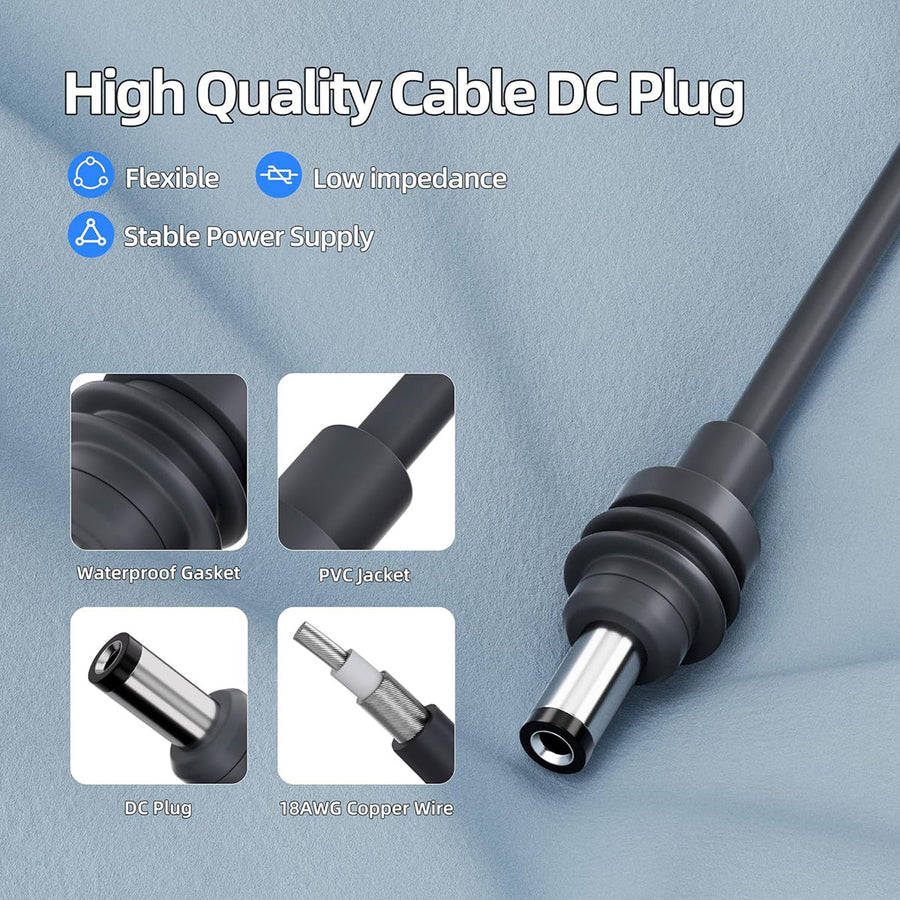
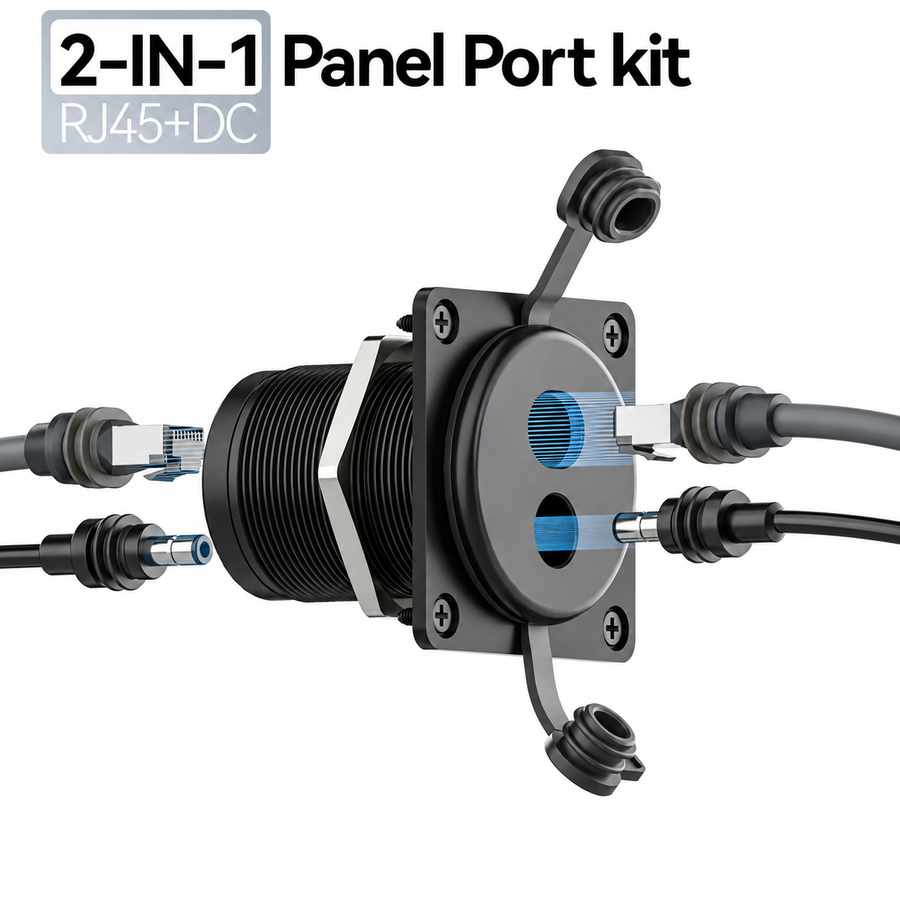
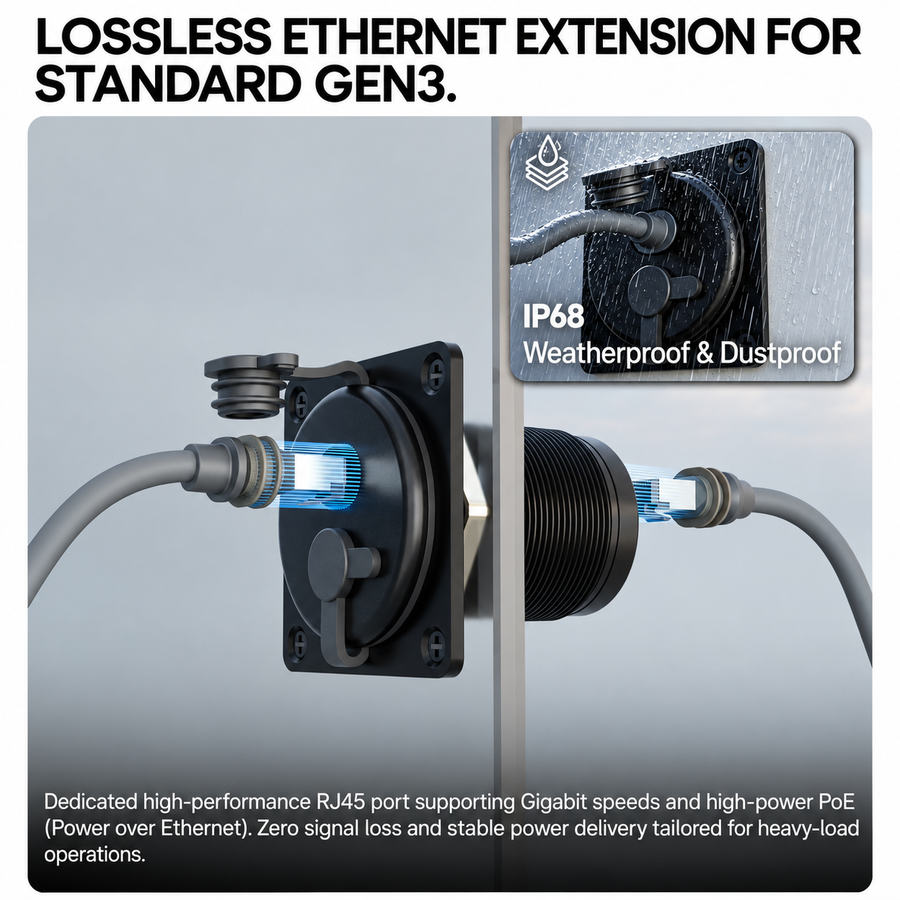
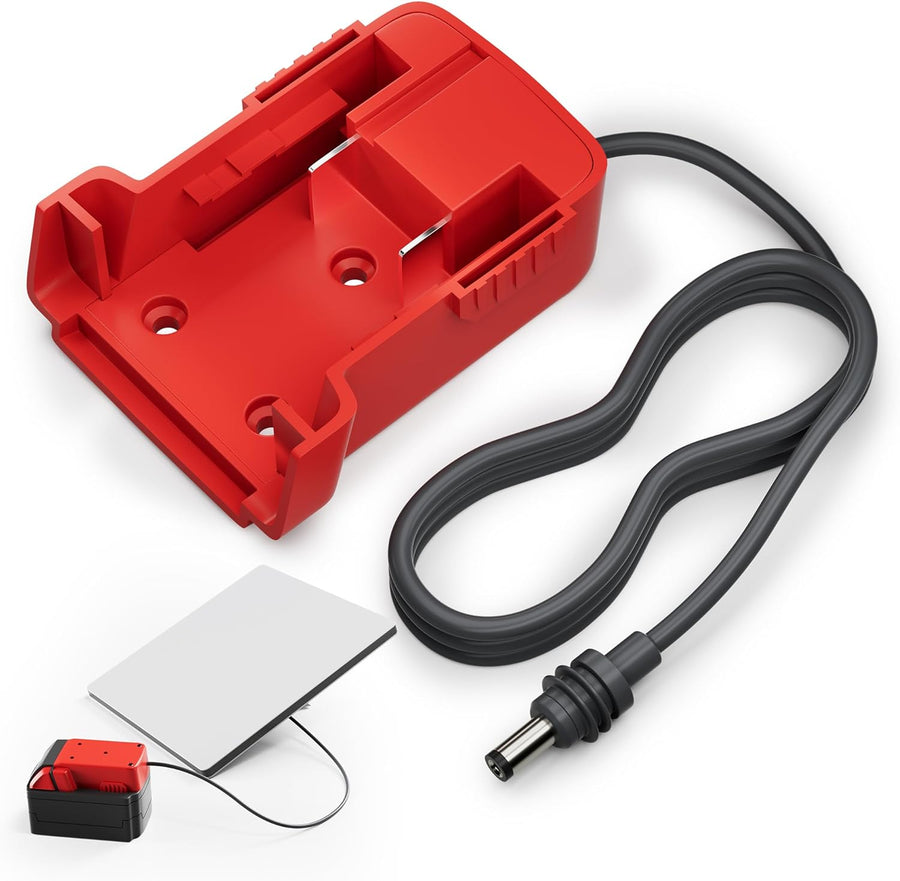
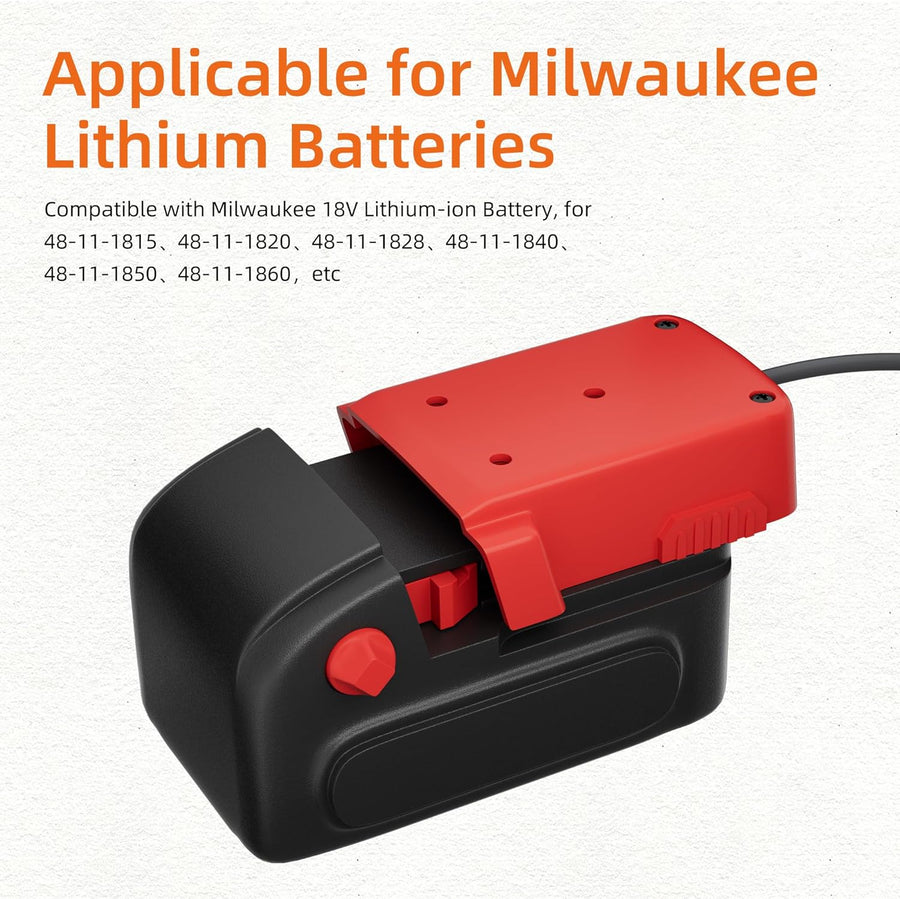
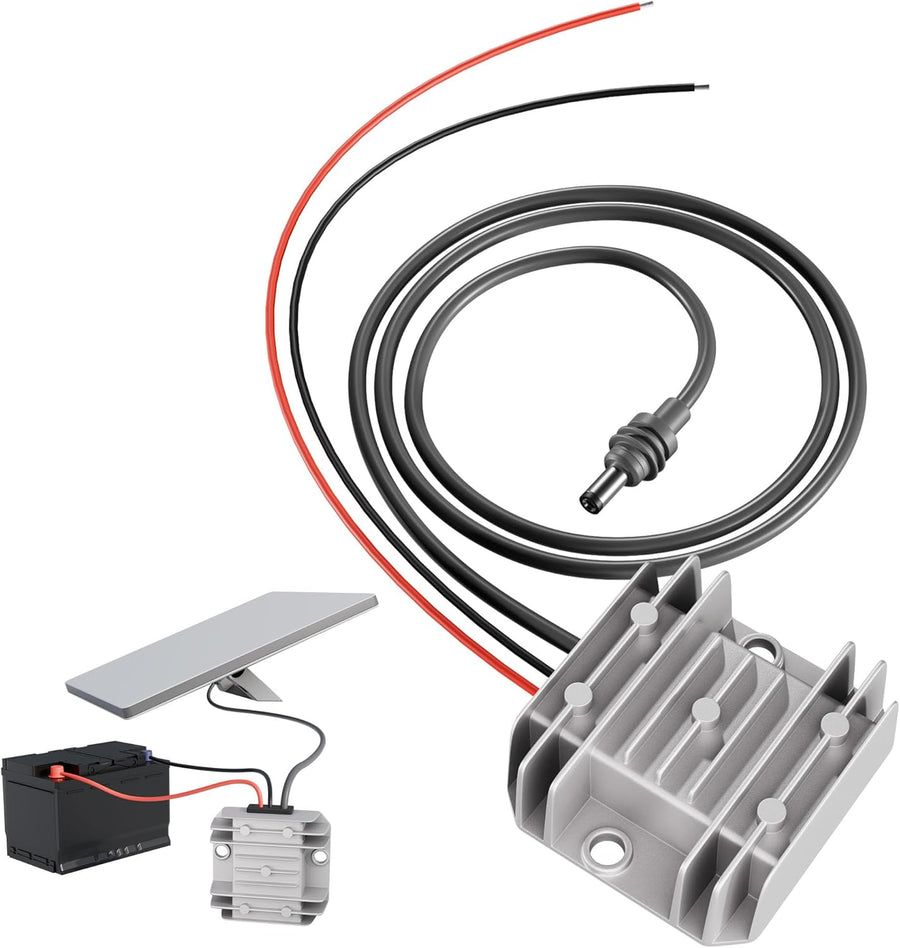
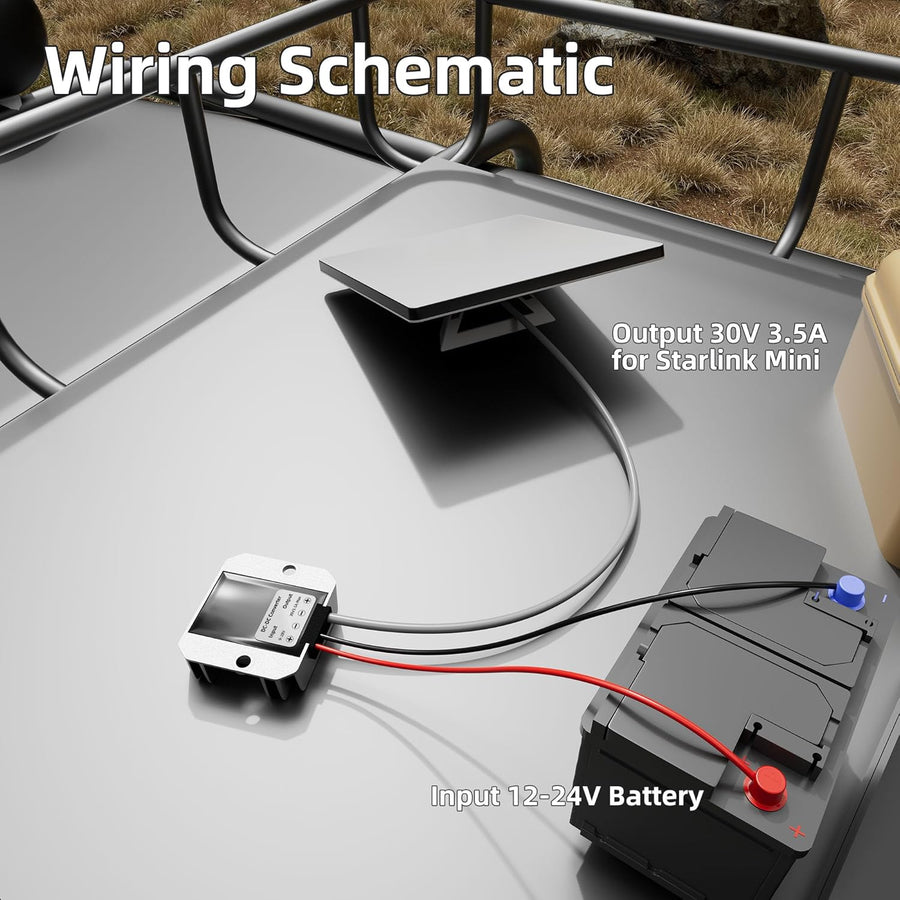
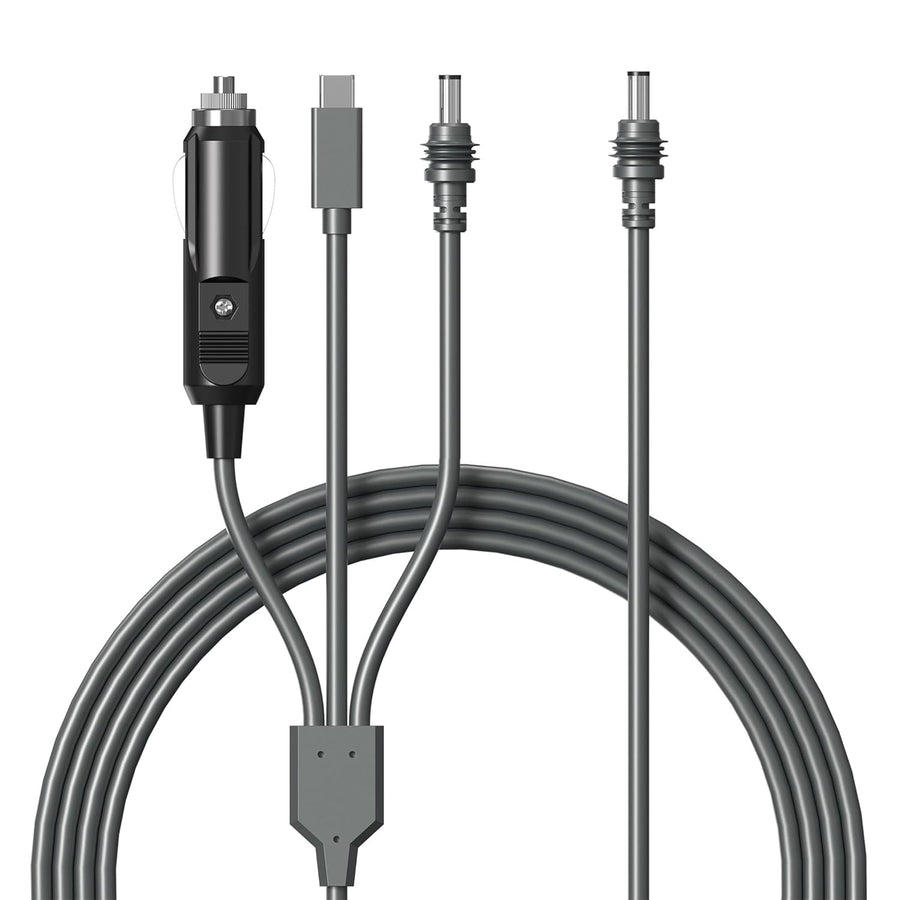
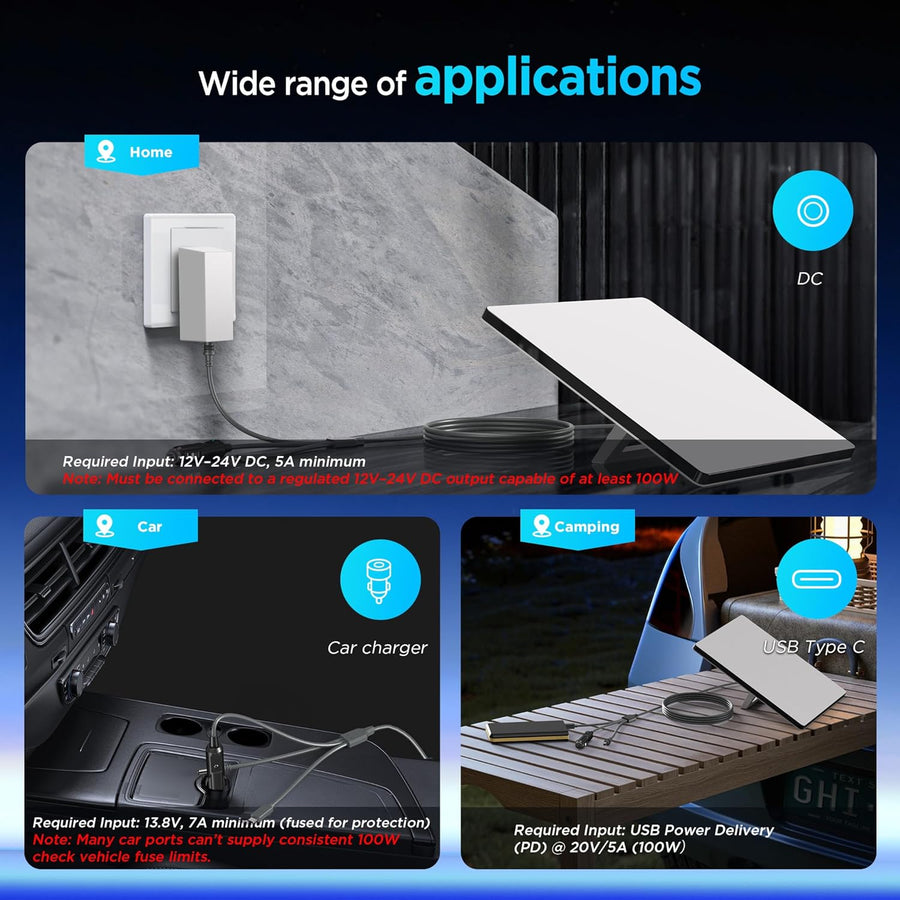
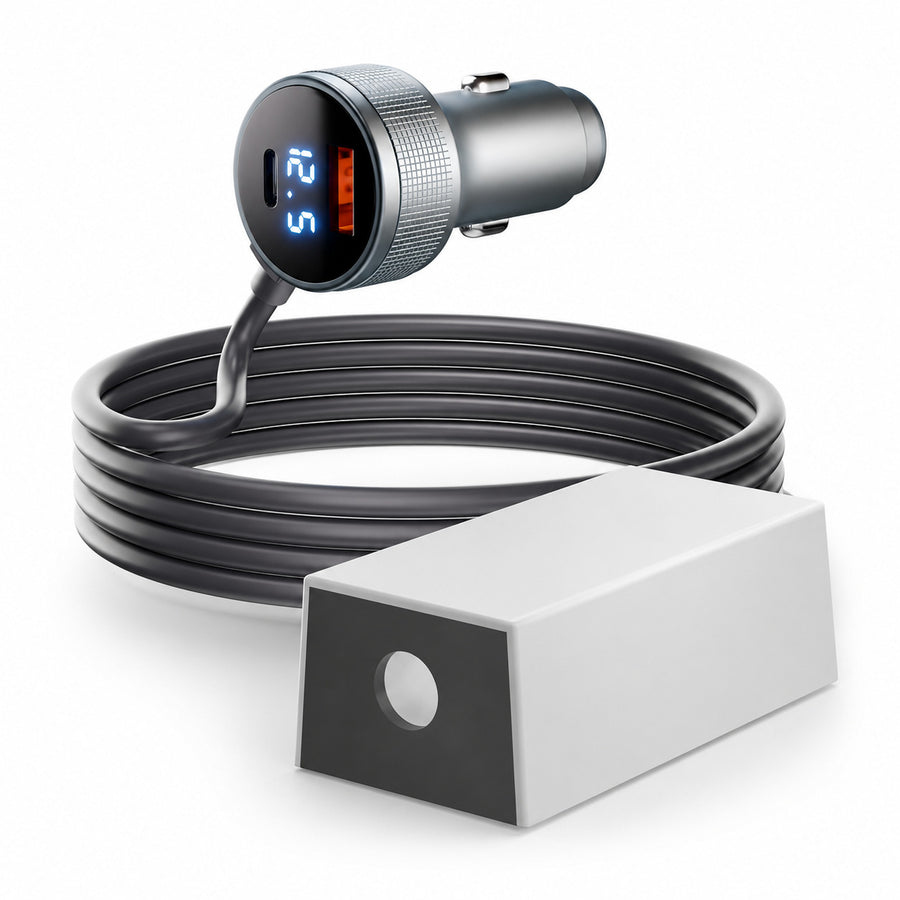
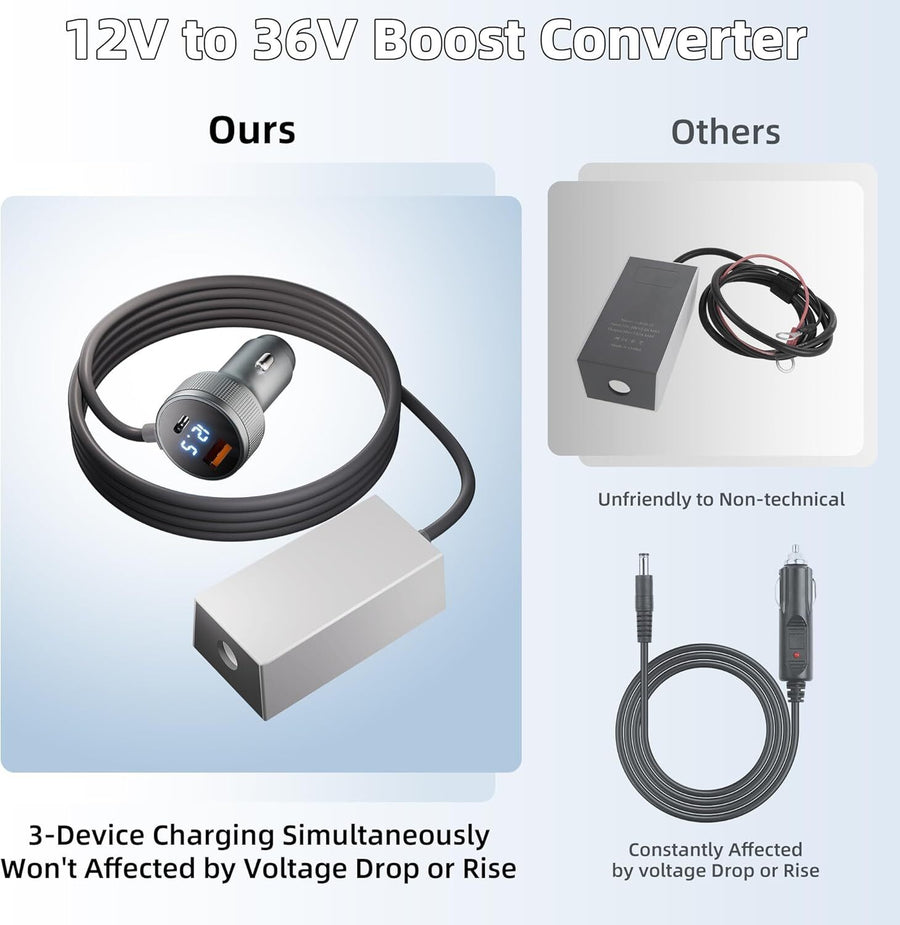
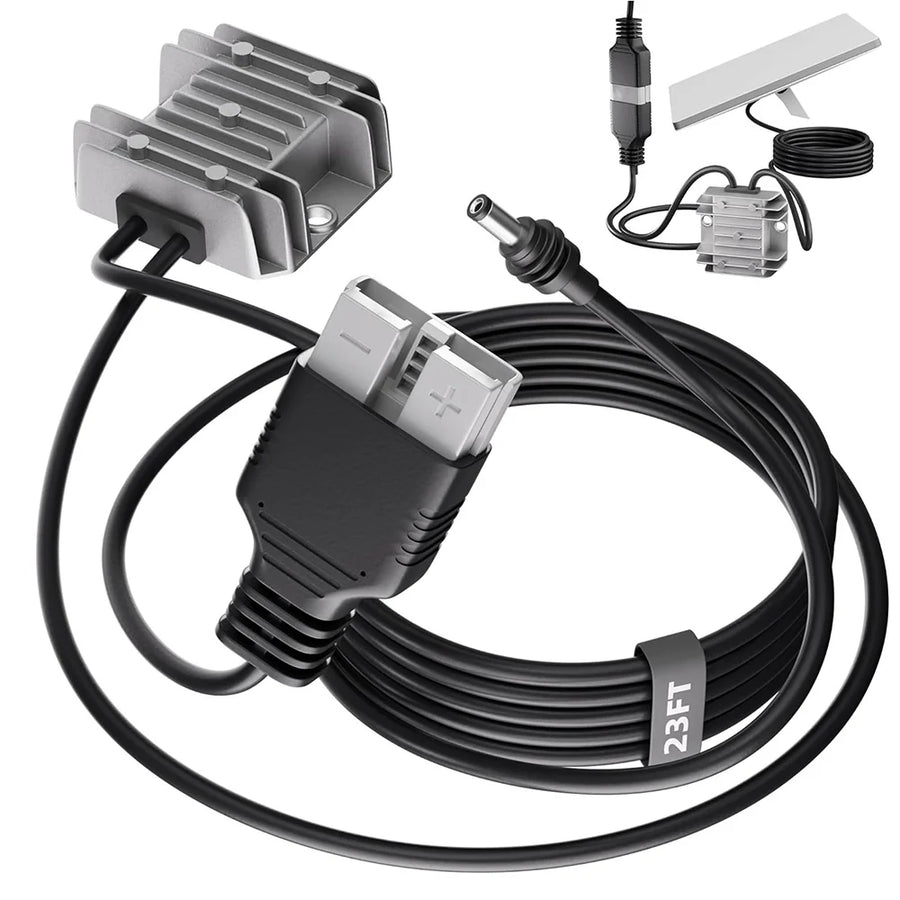
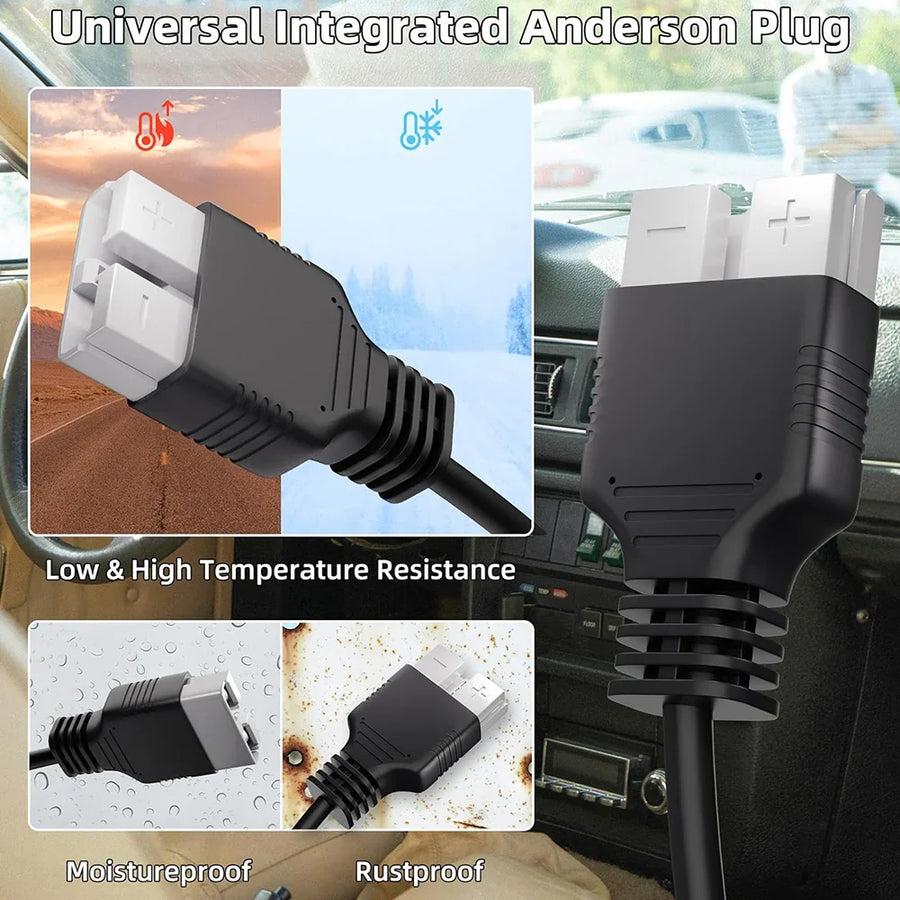
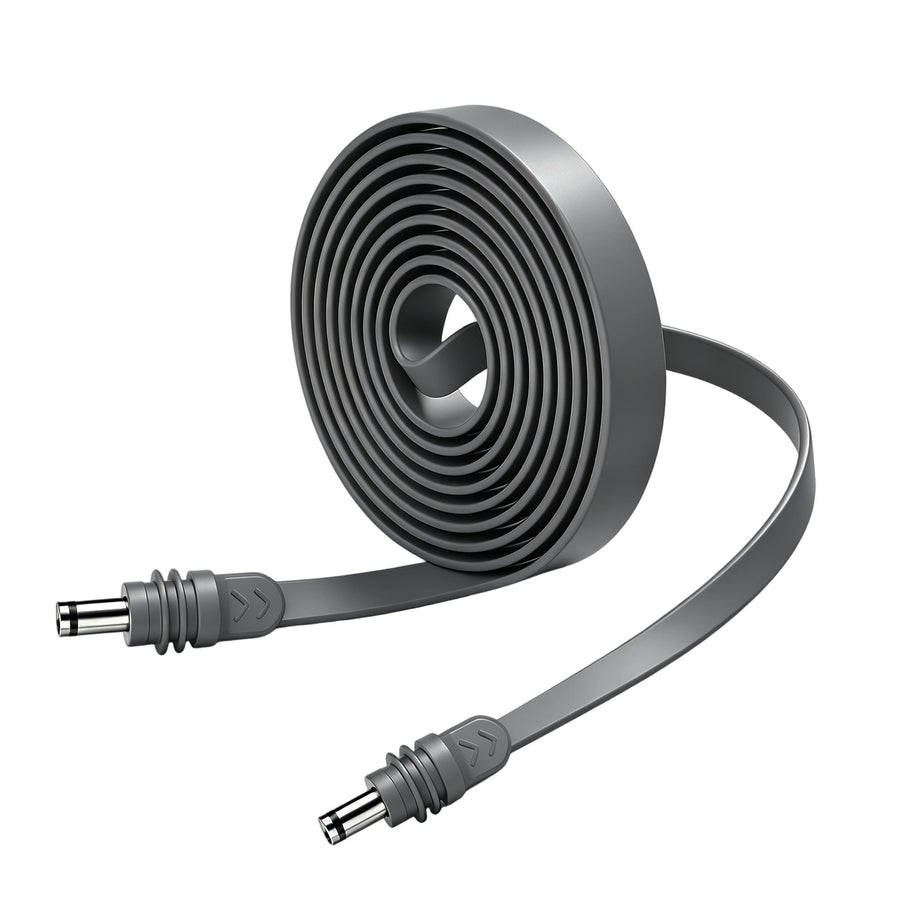
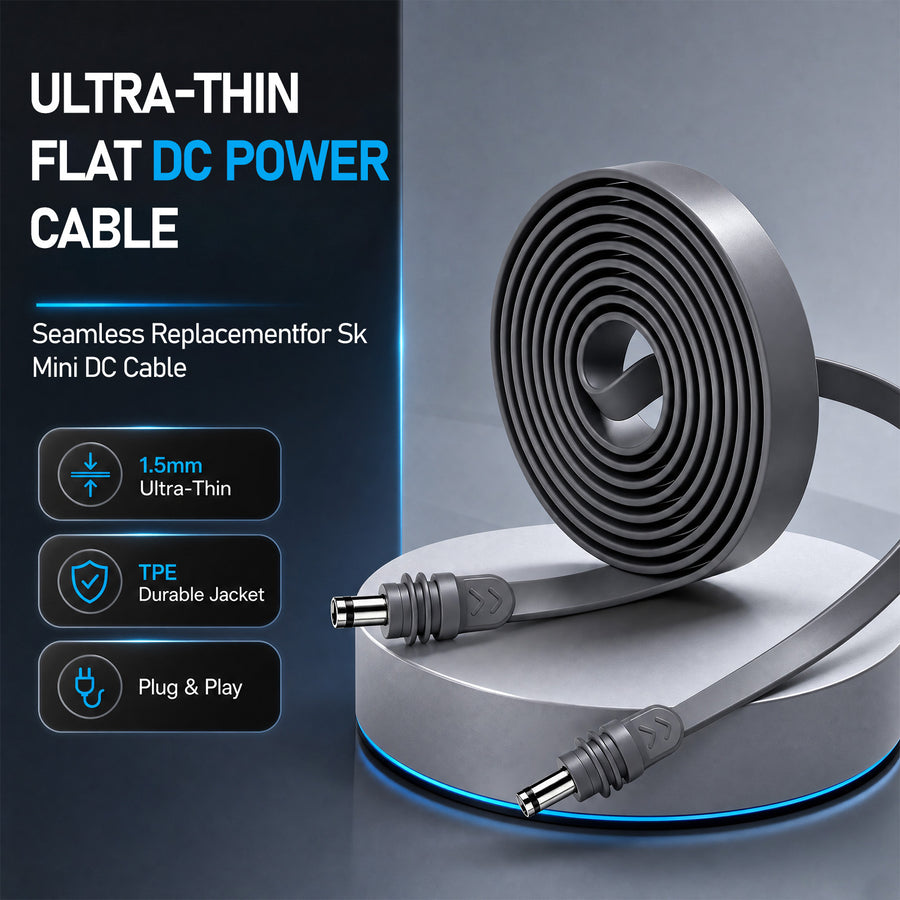
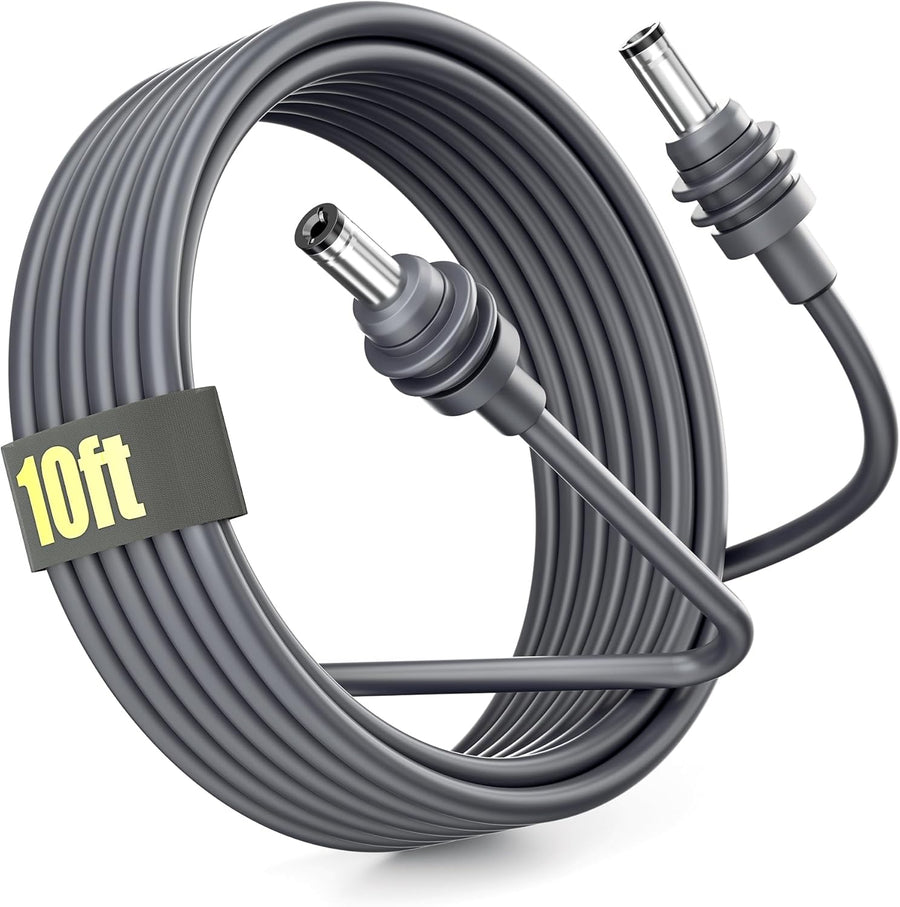
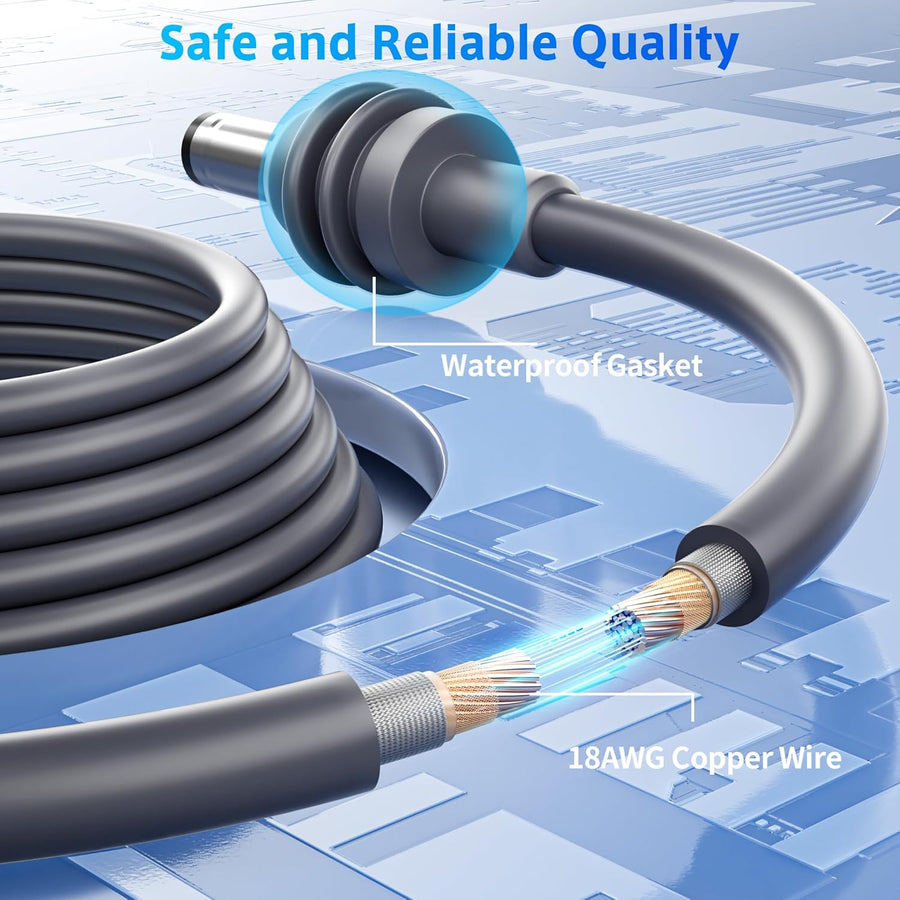
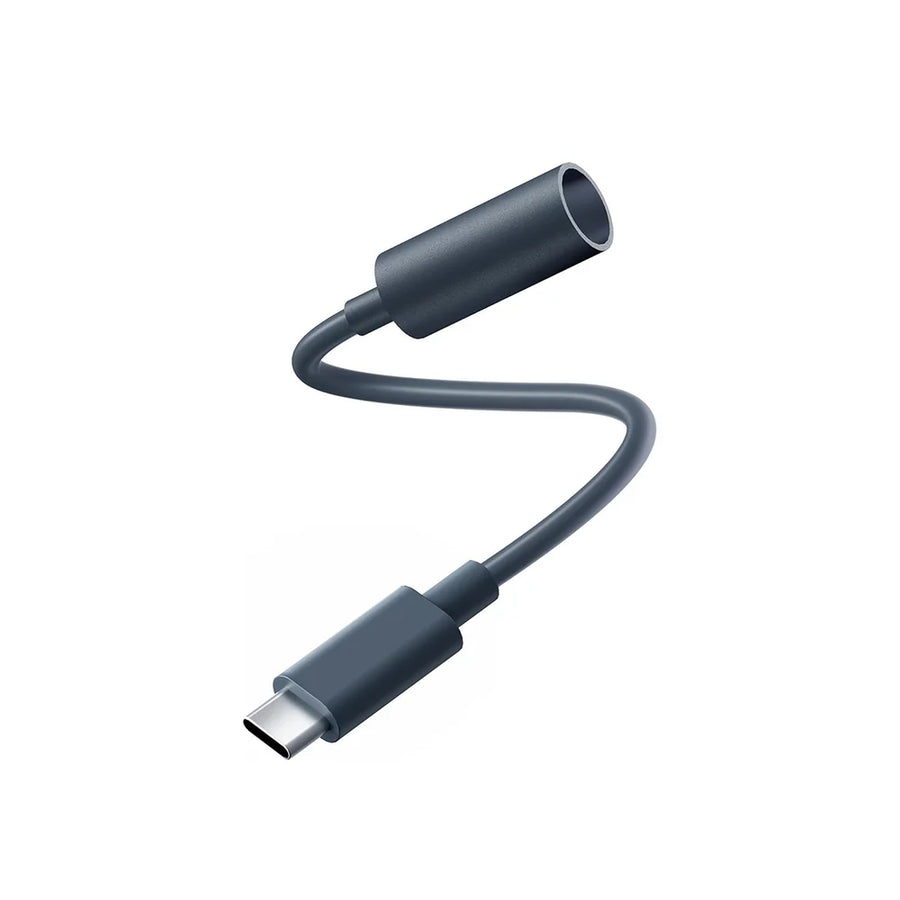
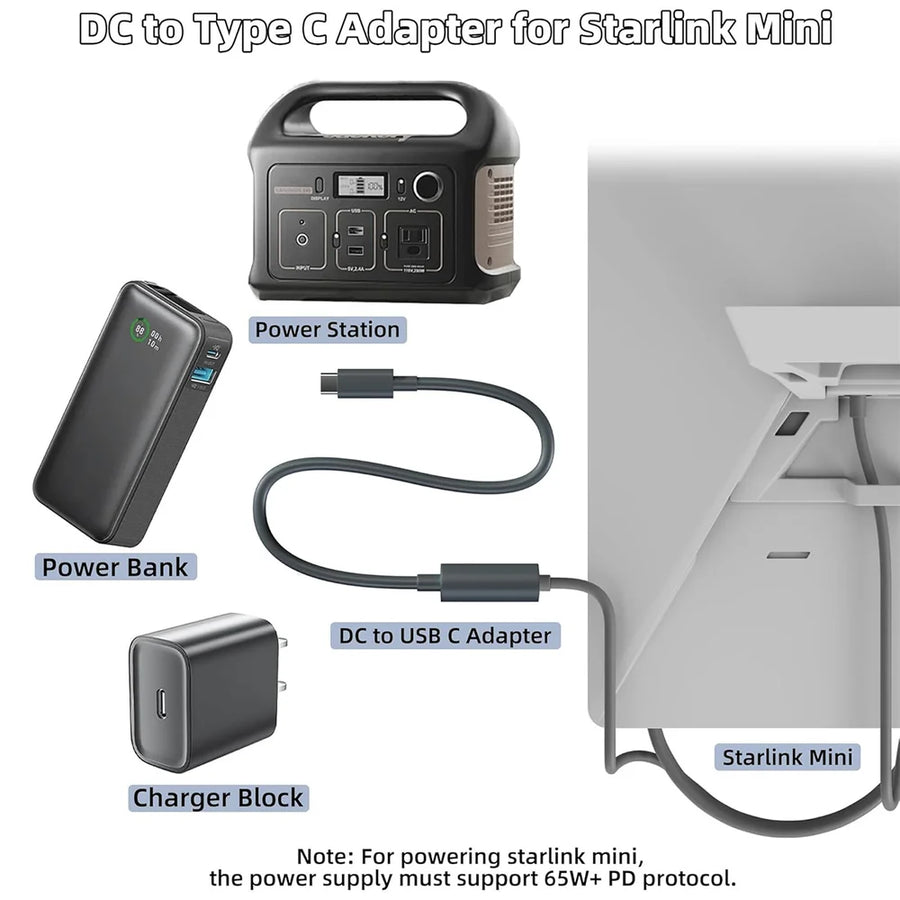
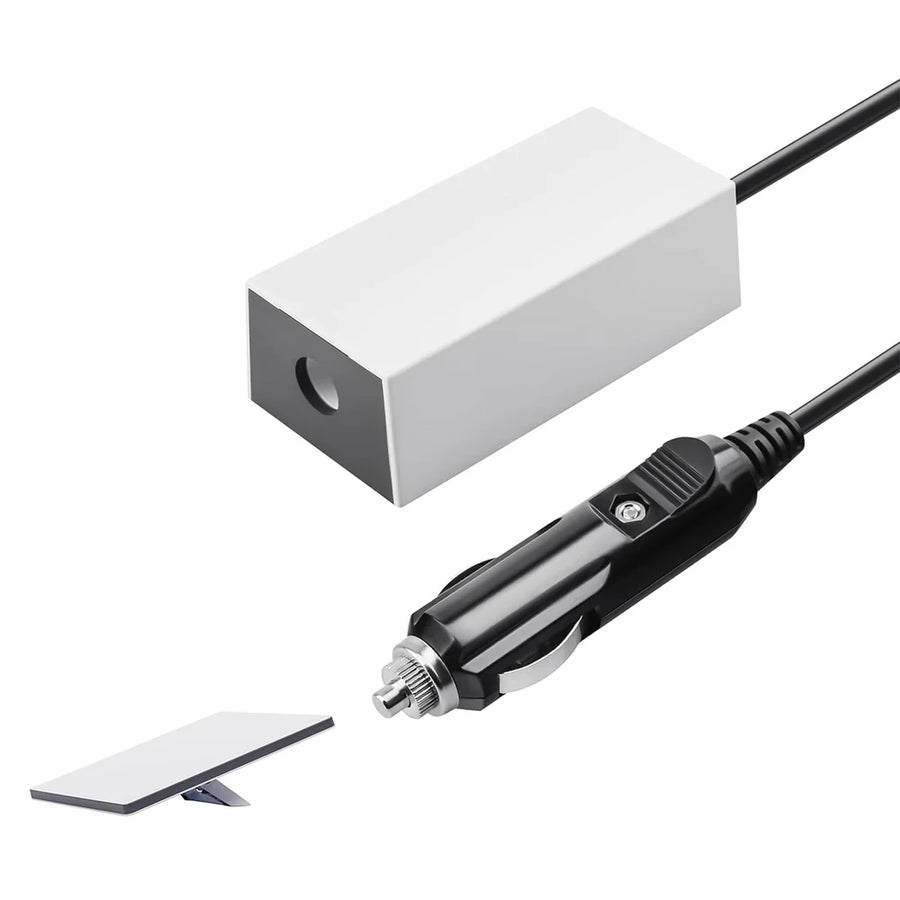
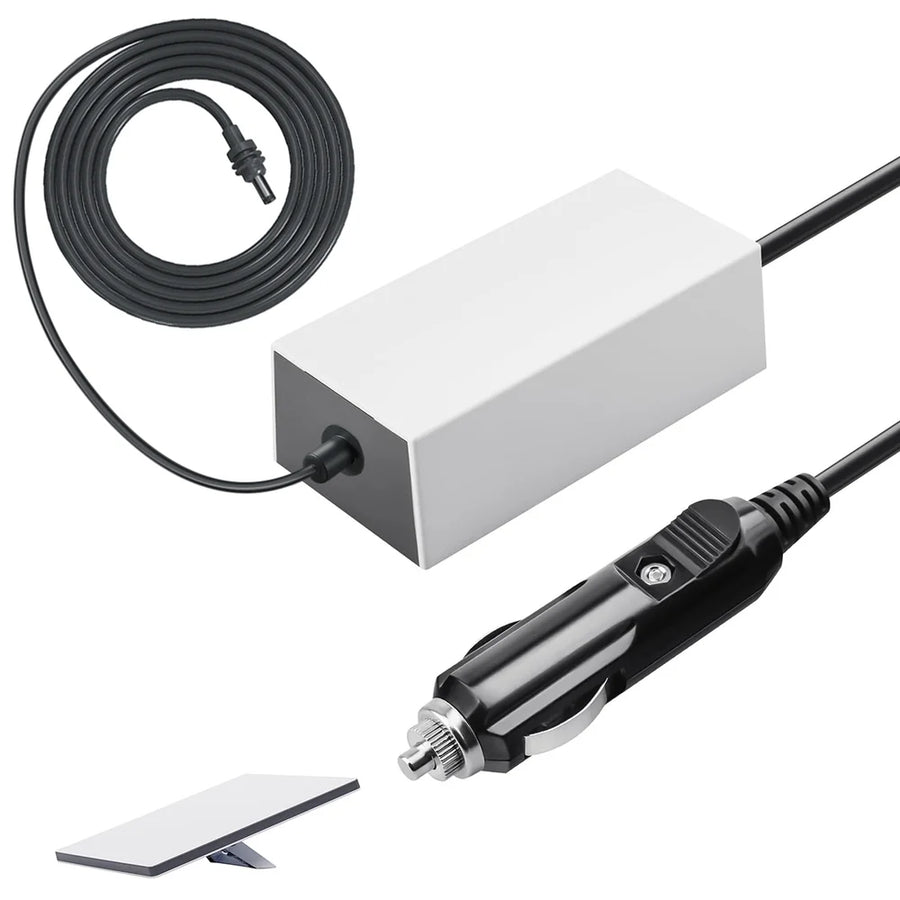
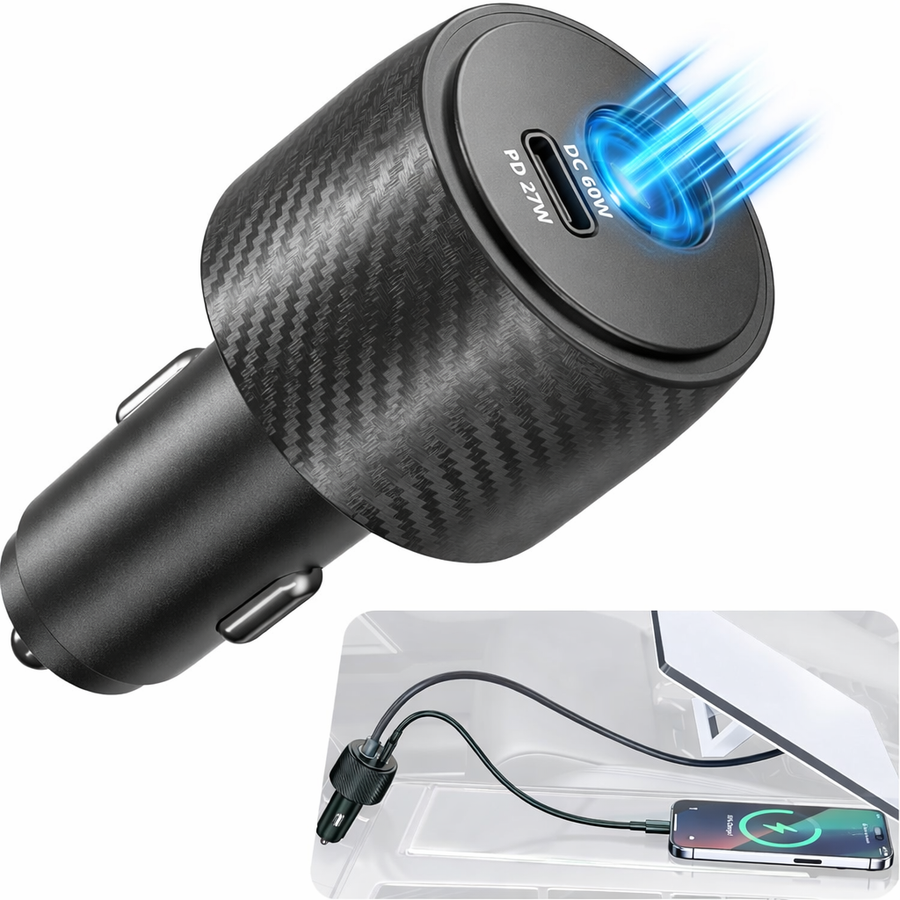
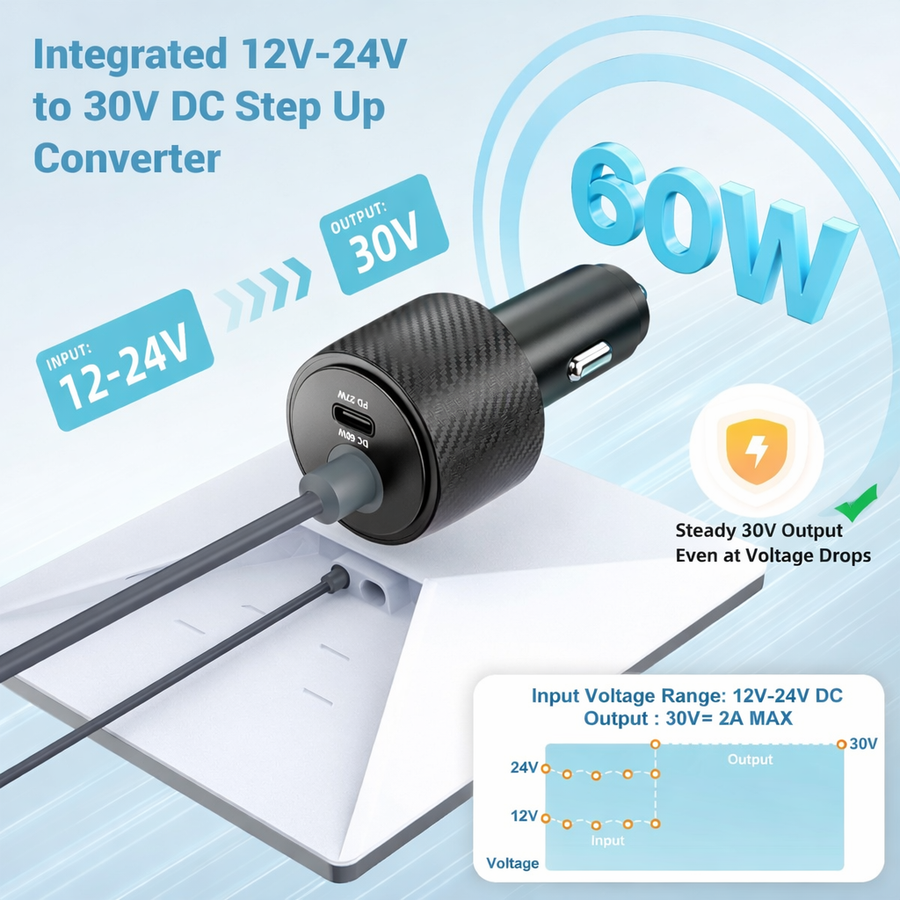

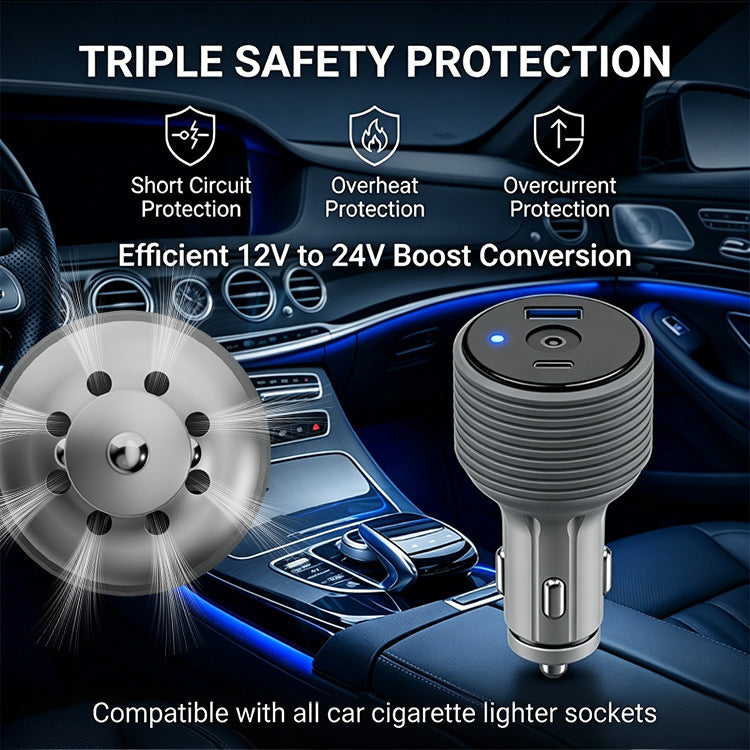
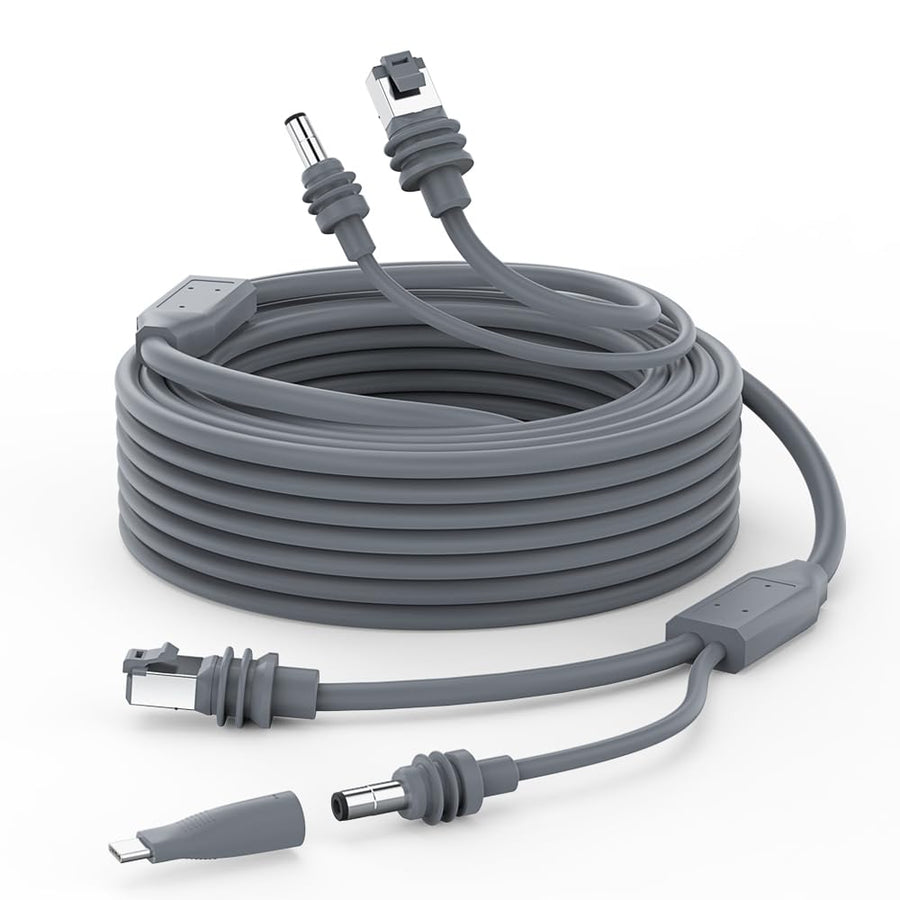
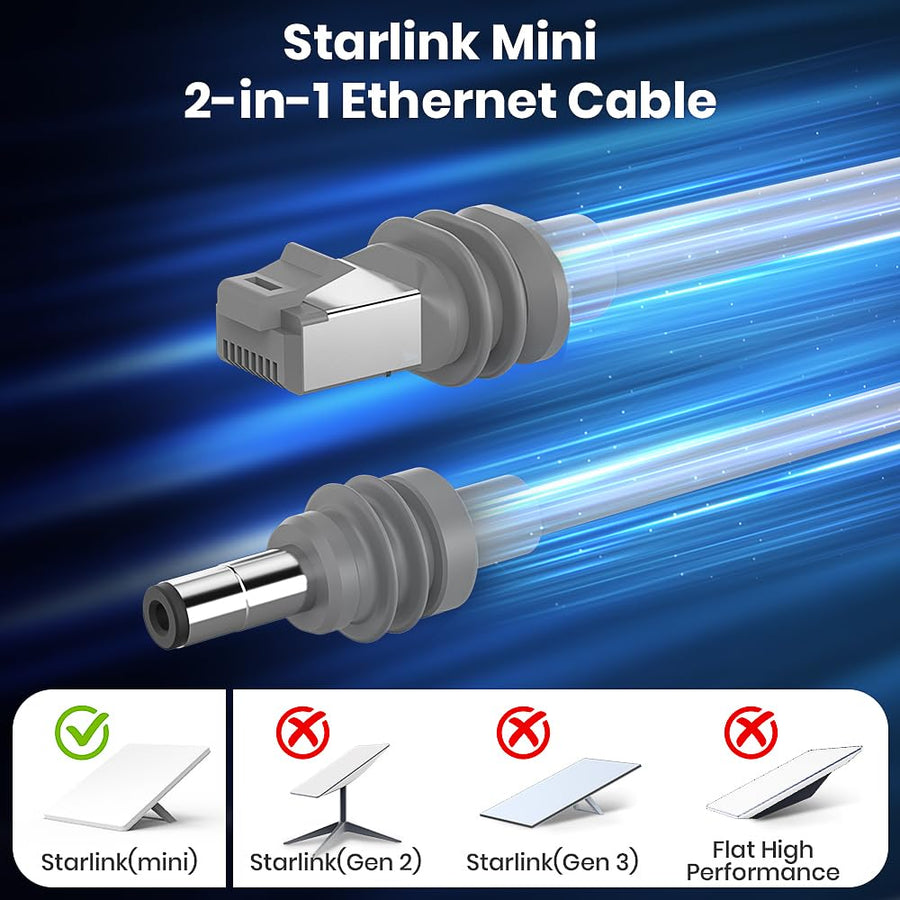
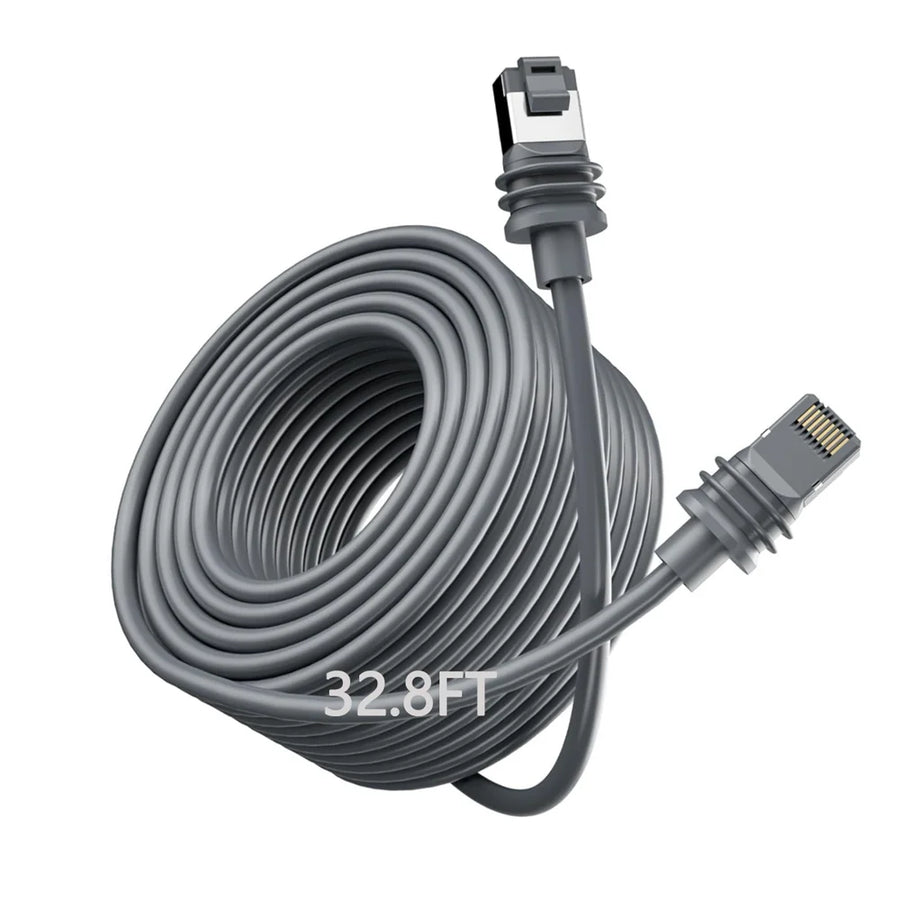
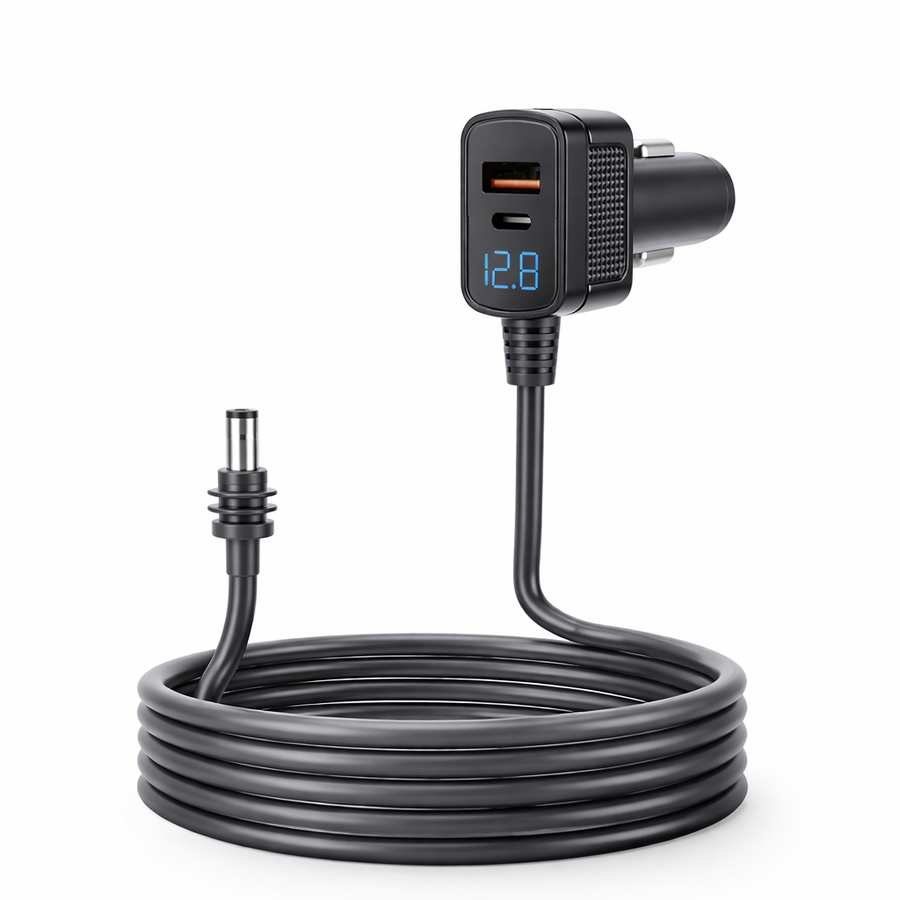
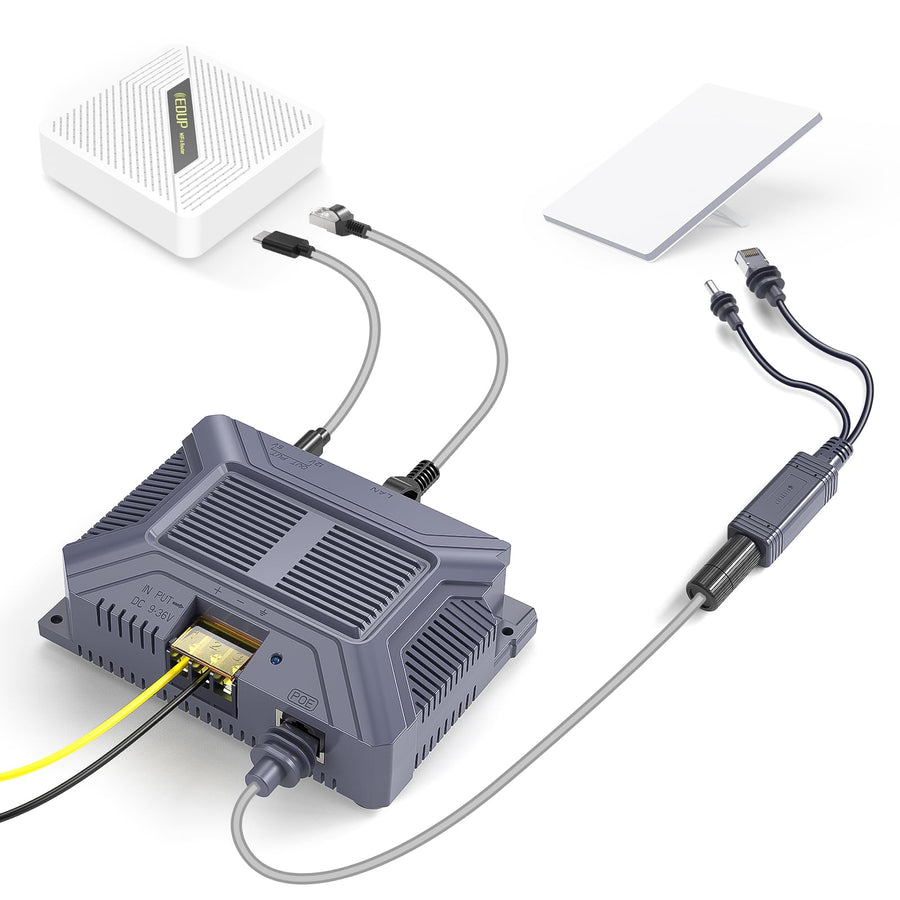
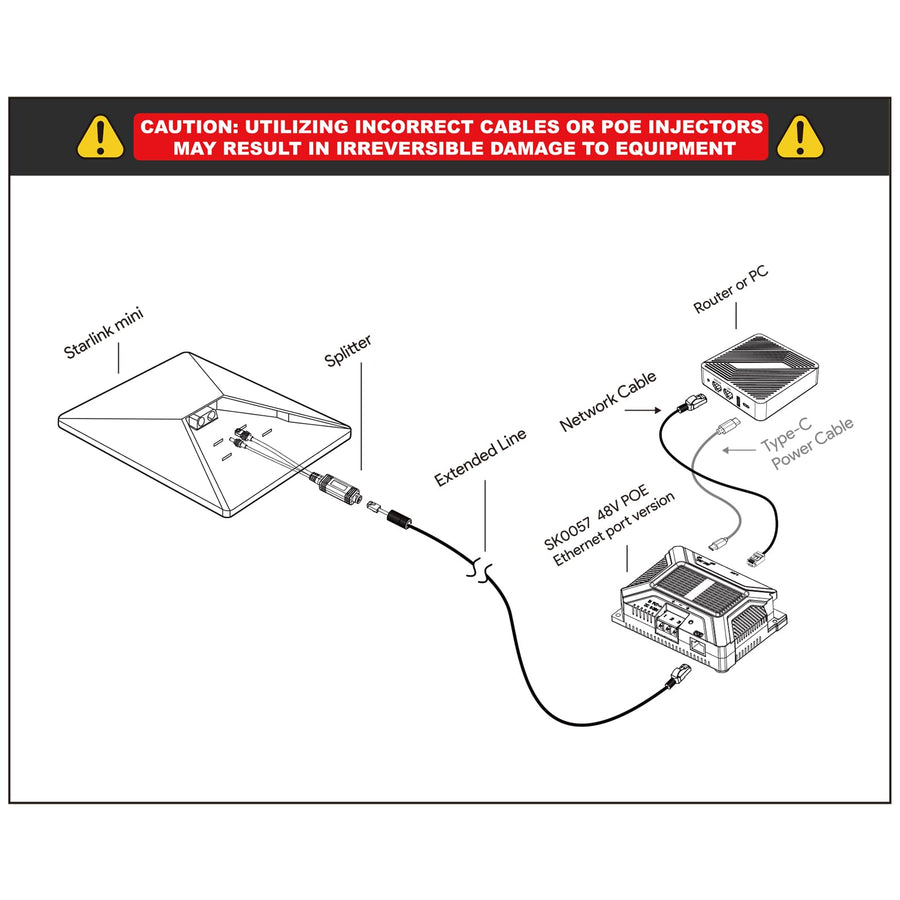
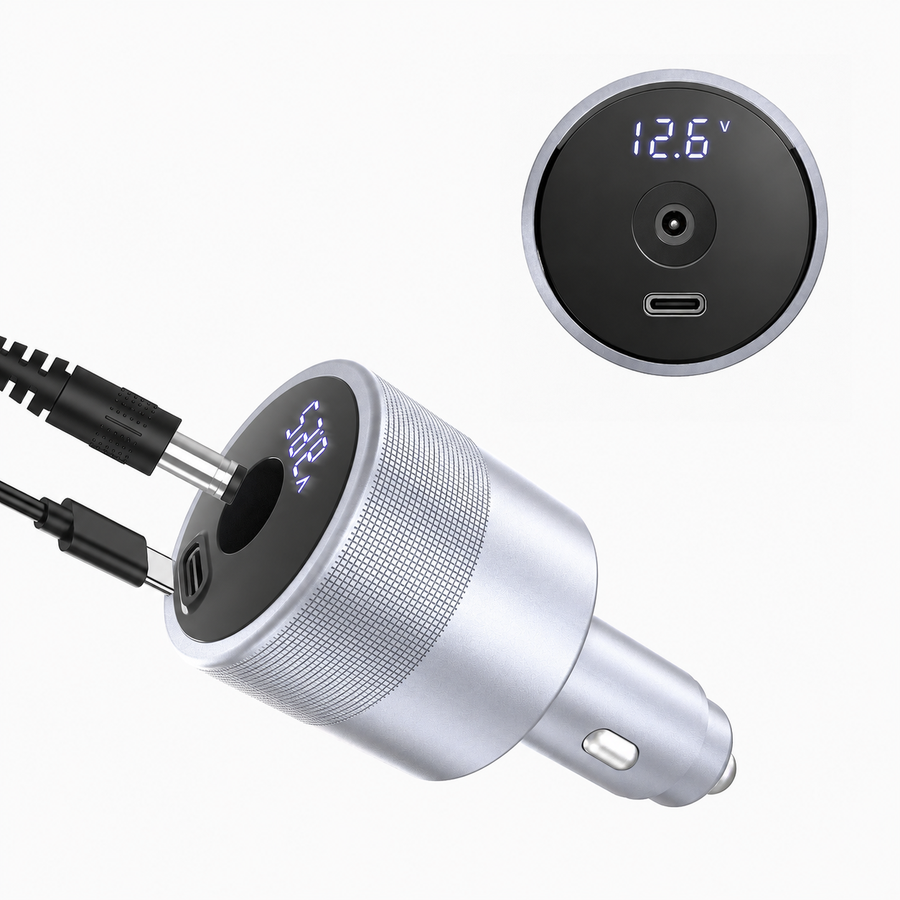
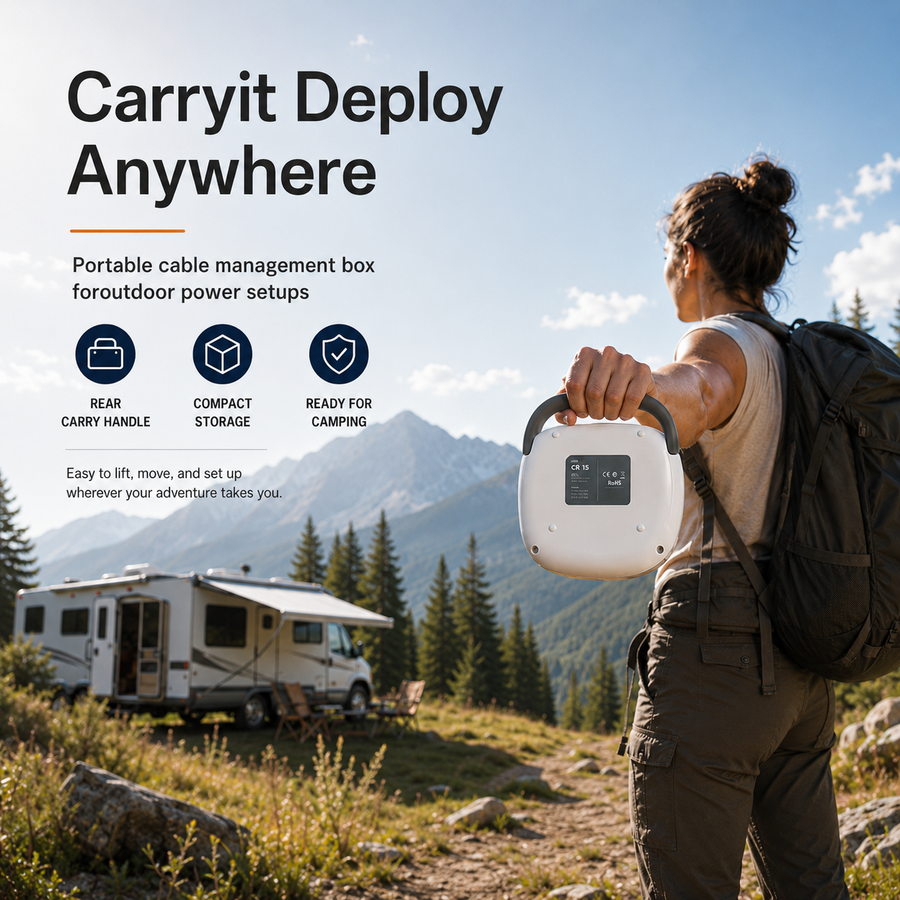
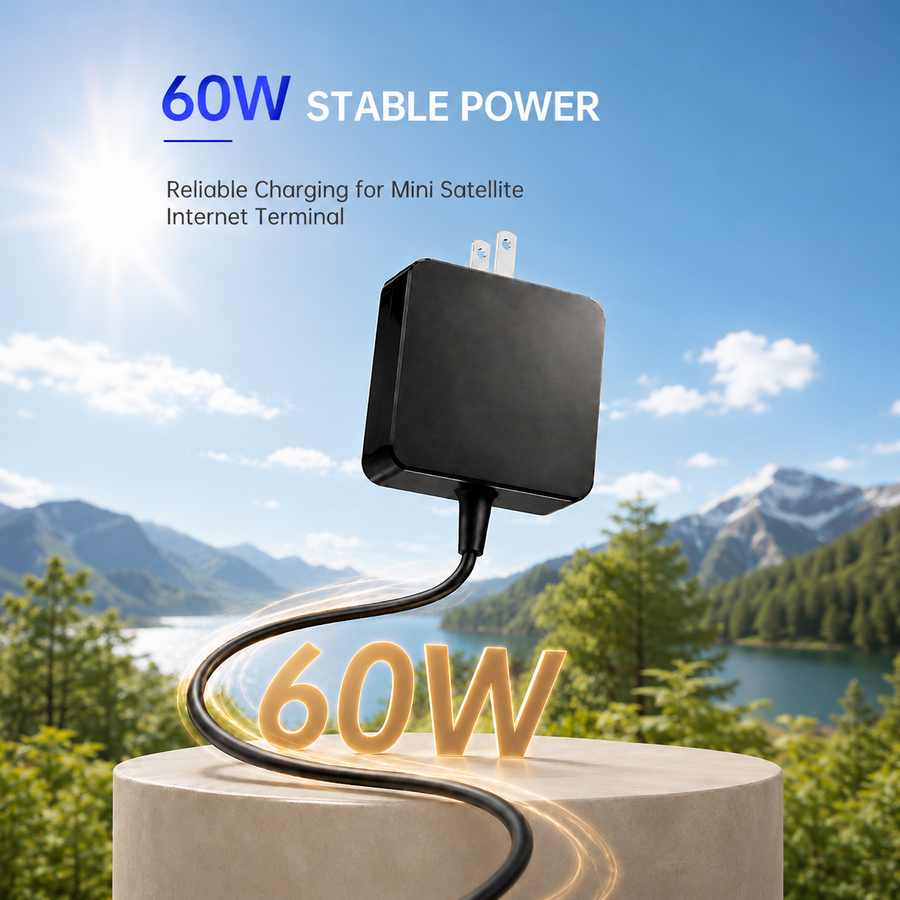
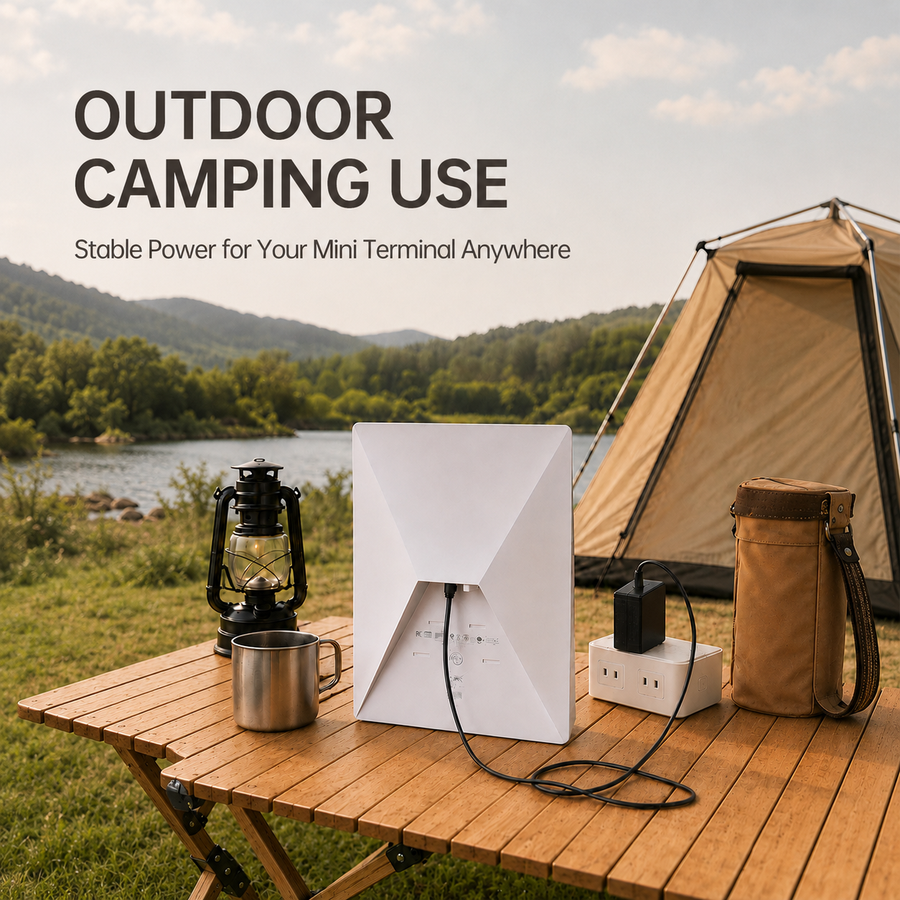
Showing 12 of 38
Power format guide
Identify what the accessory changes in your power path before comparing cable length, controls or connector style.
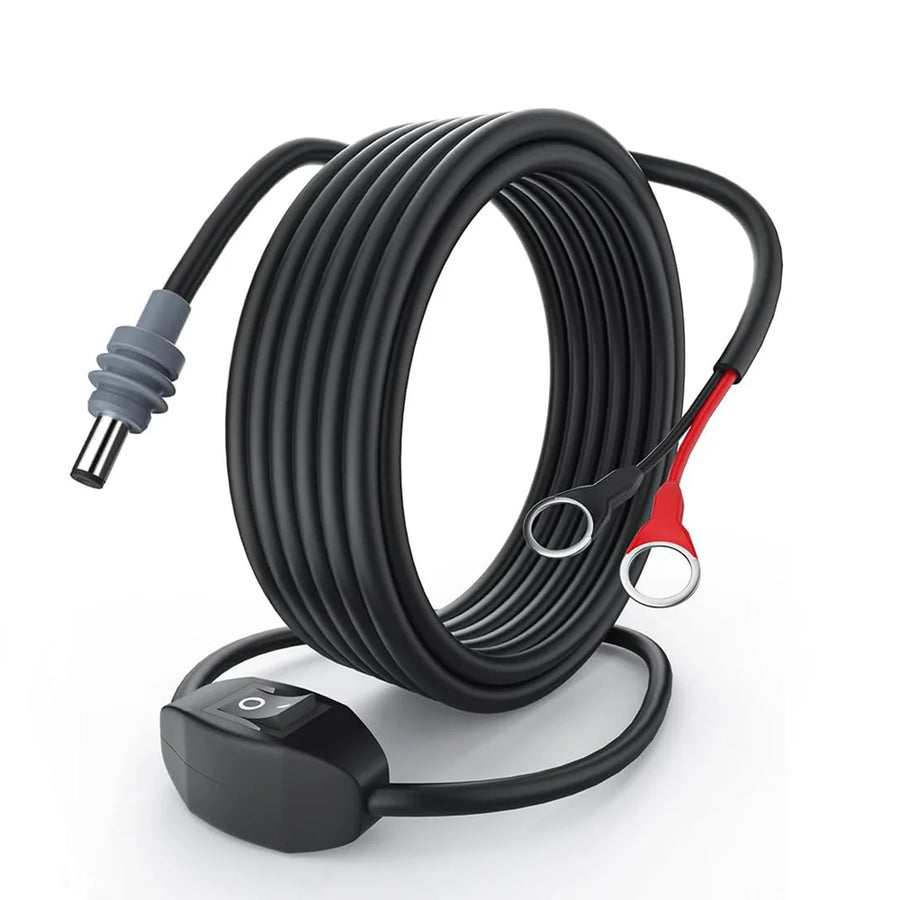
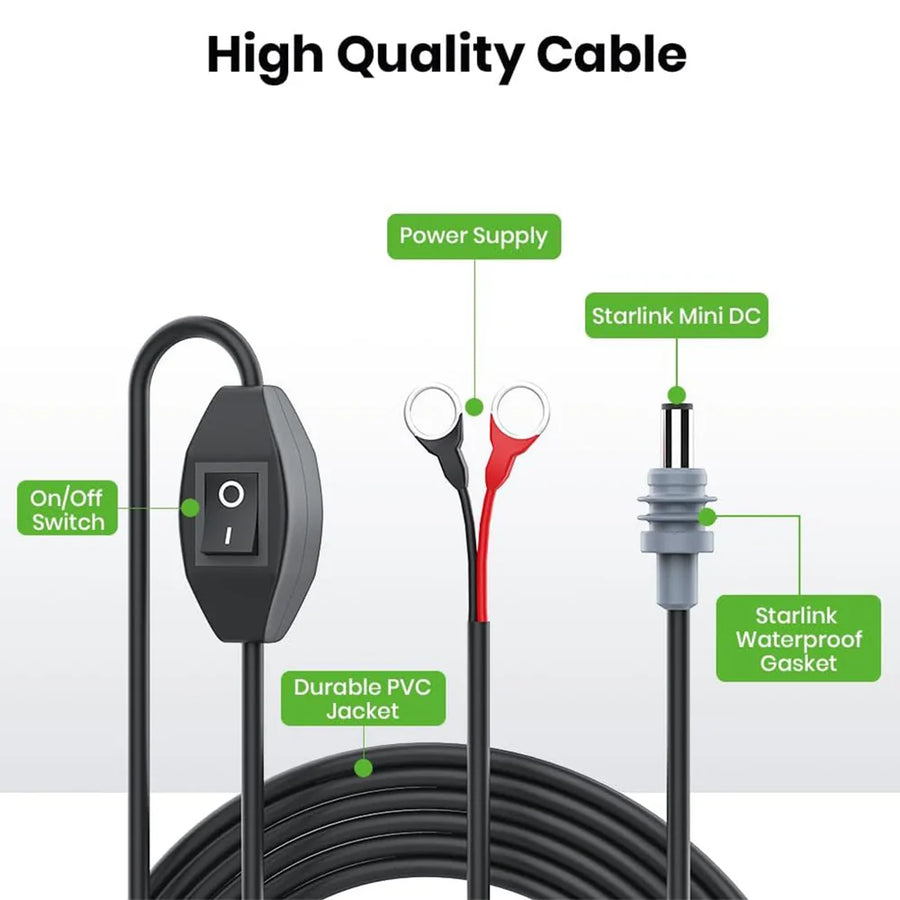
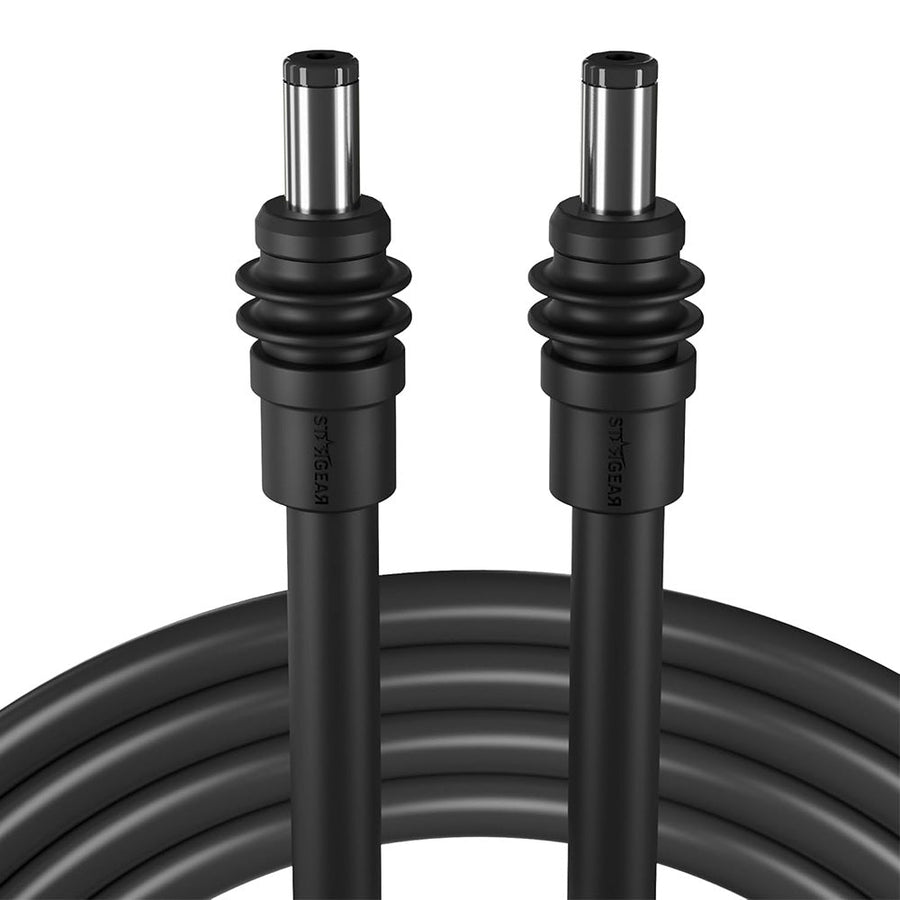
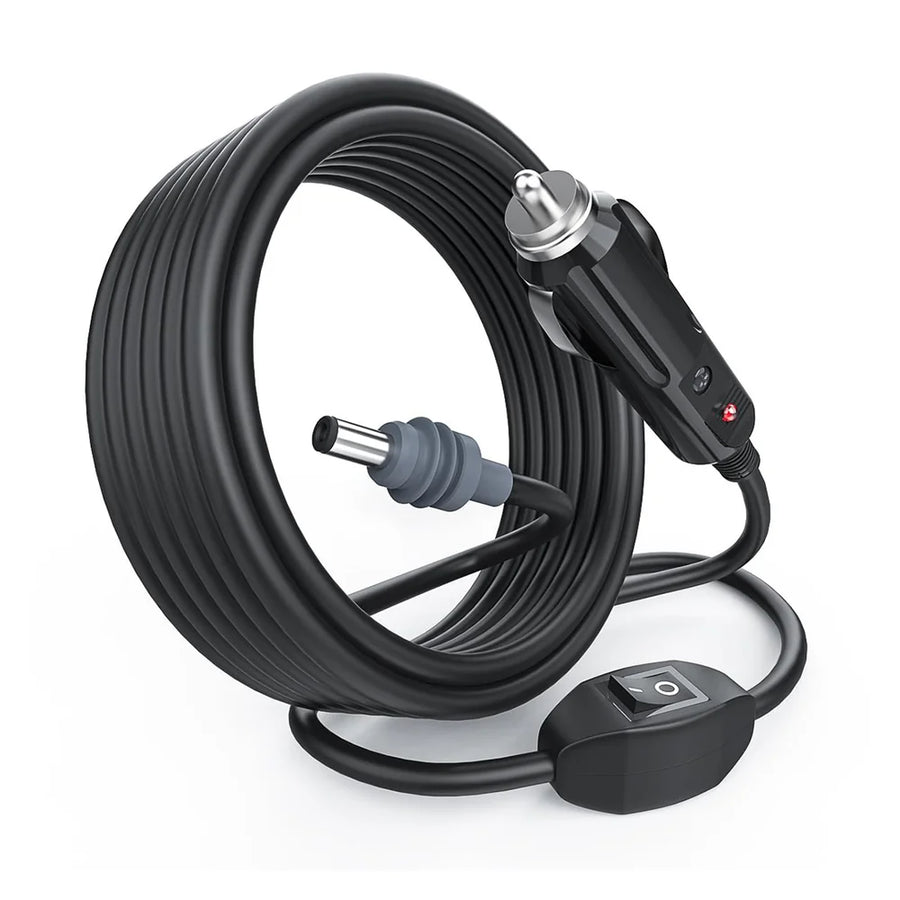
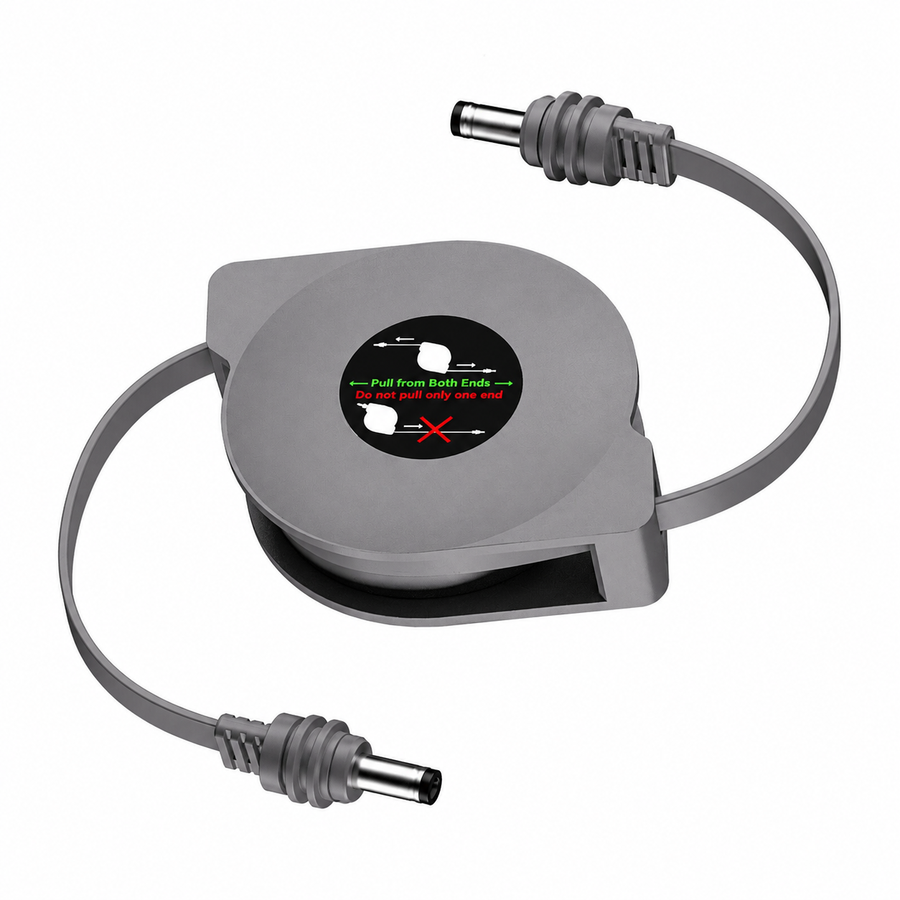
Carries compatible power directly from the source to Starlink Mini.
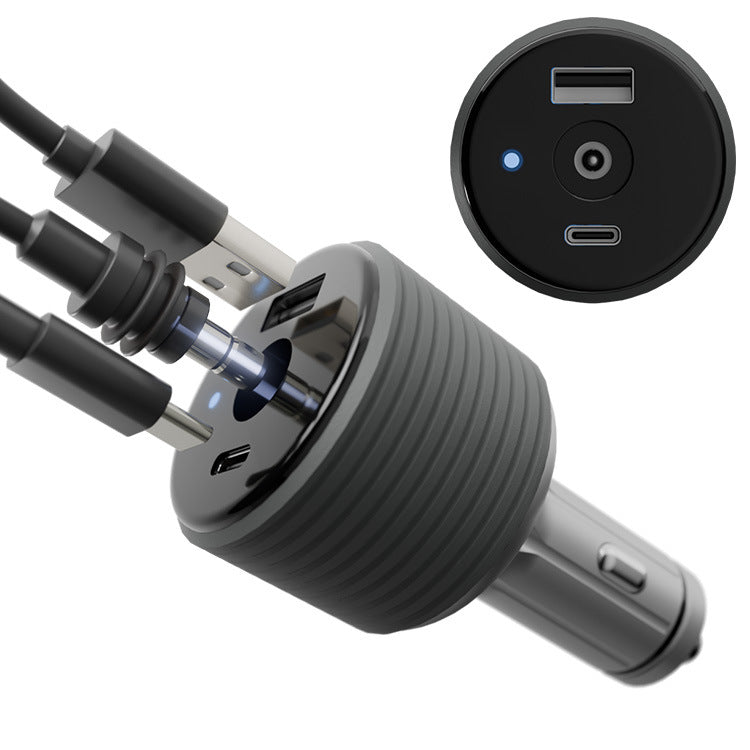
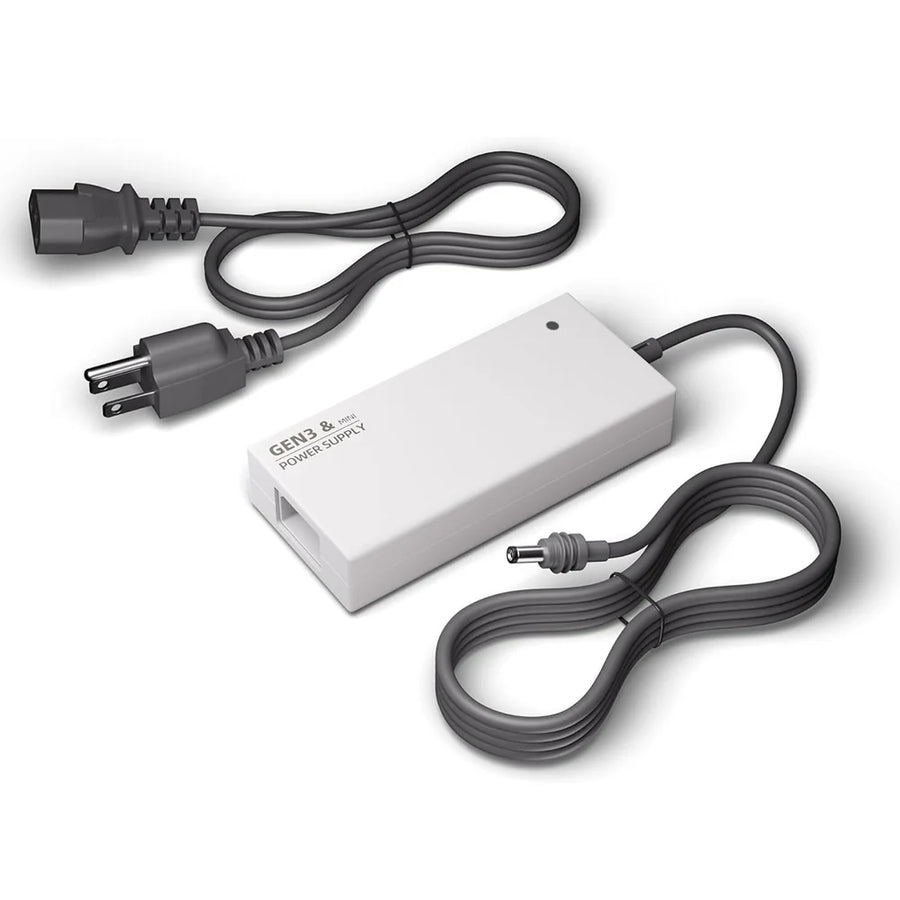
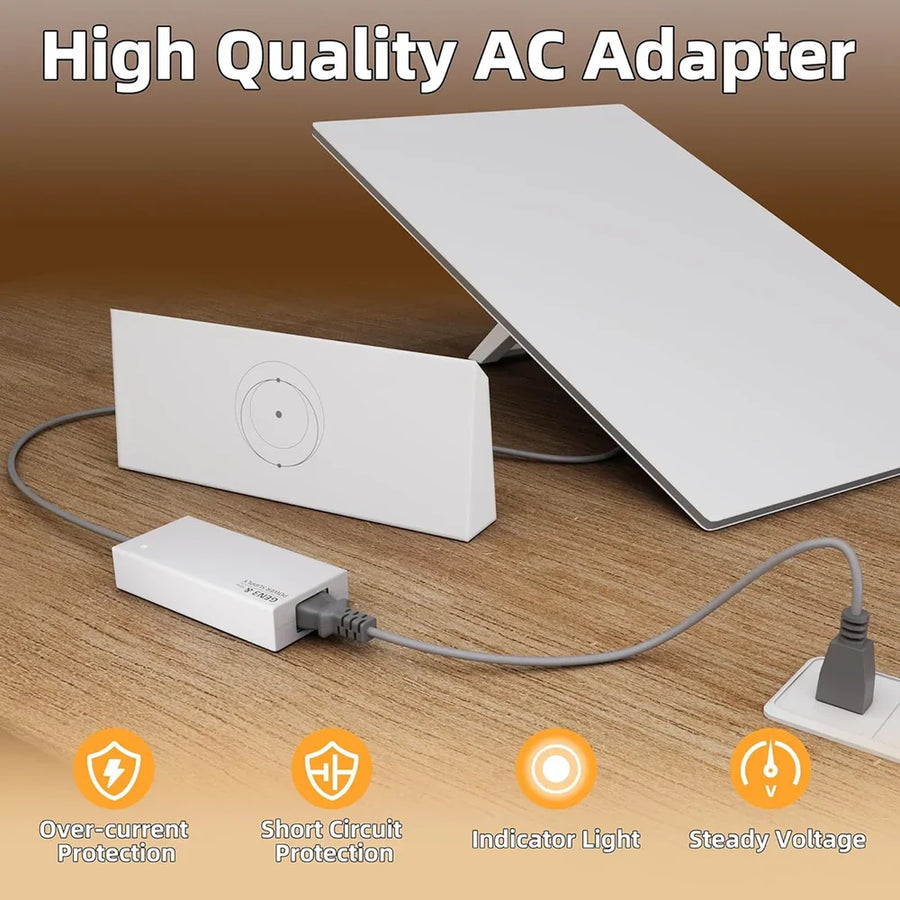
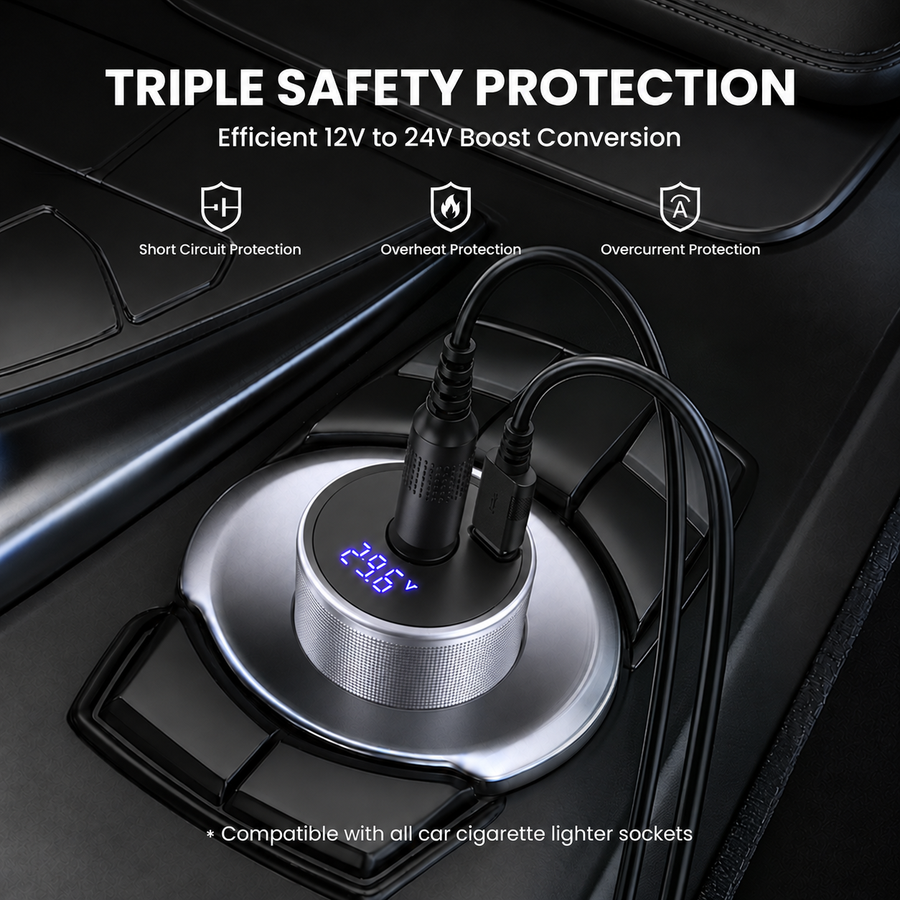
Best for: simple, compact setupsProvides a controlled output from a wall outlet or vehicle source.
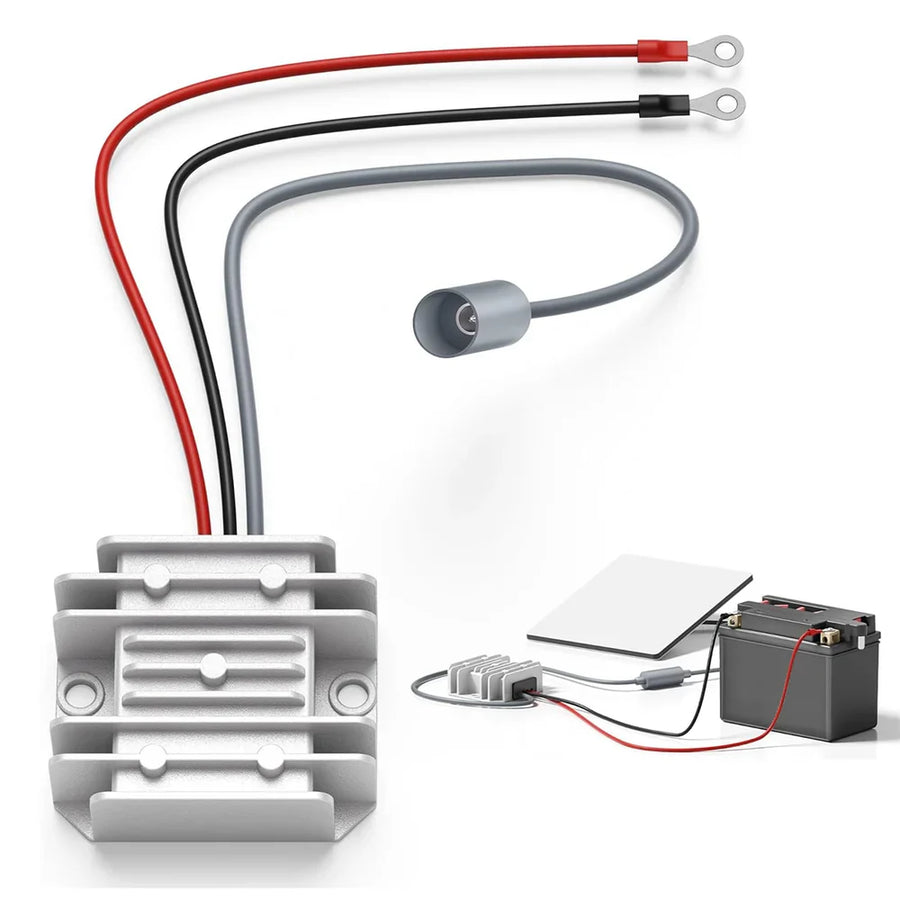
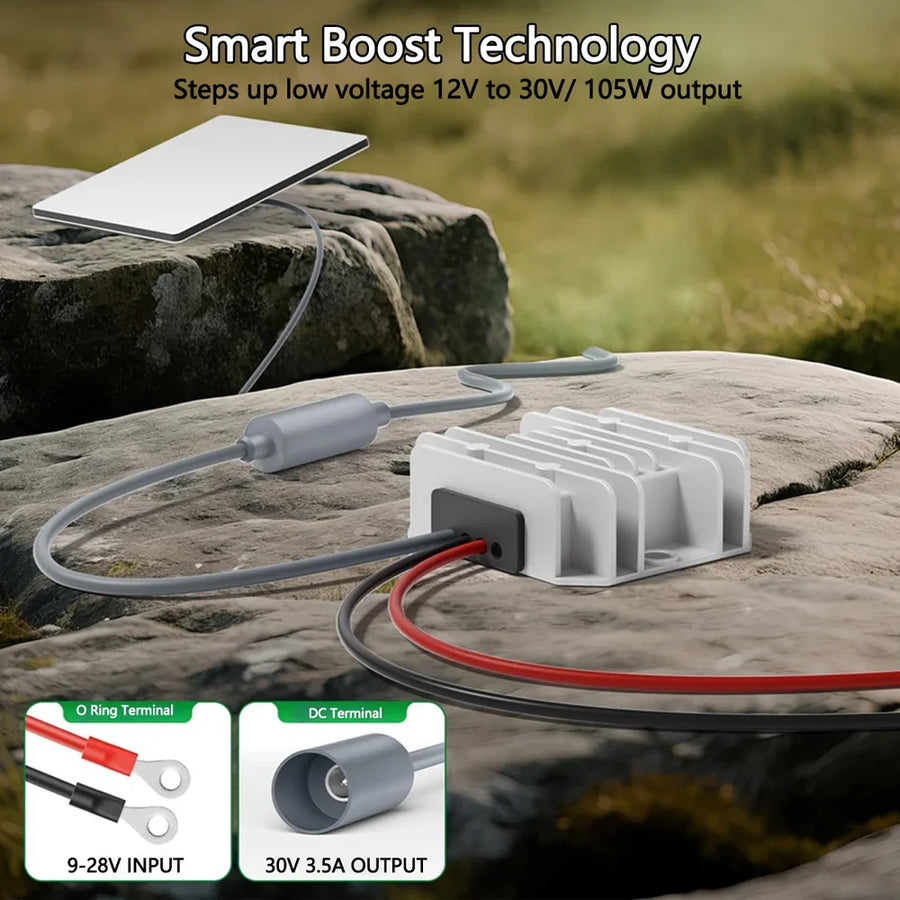
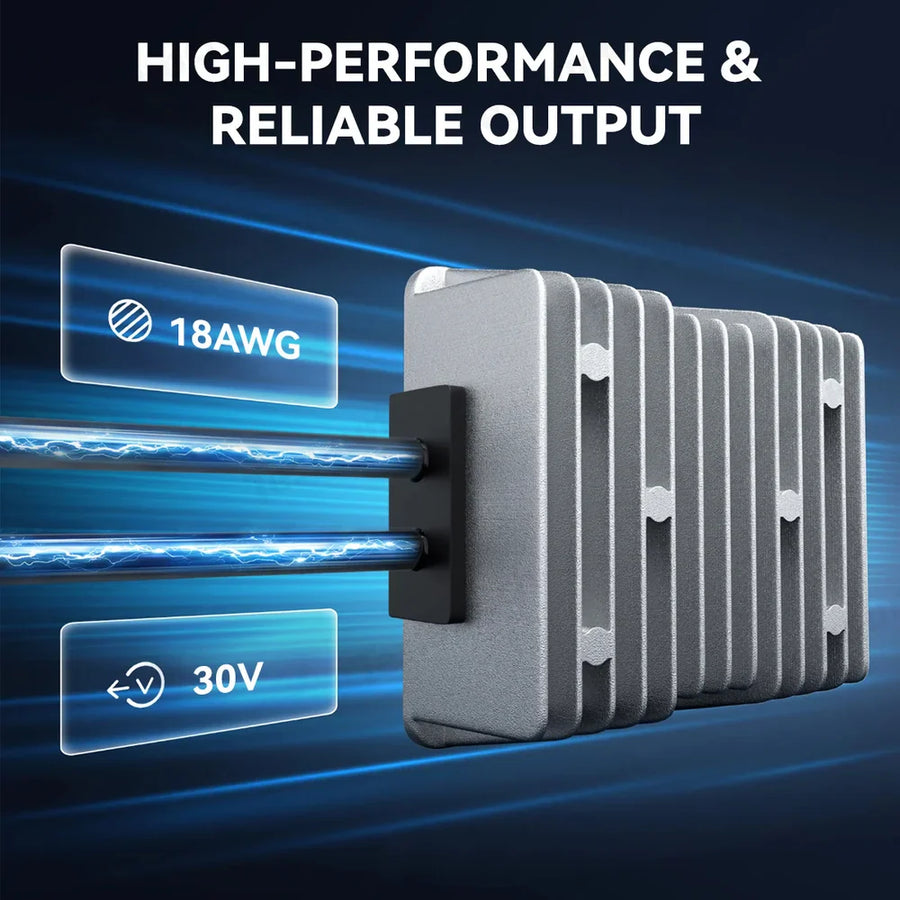
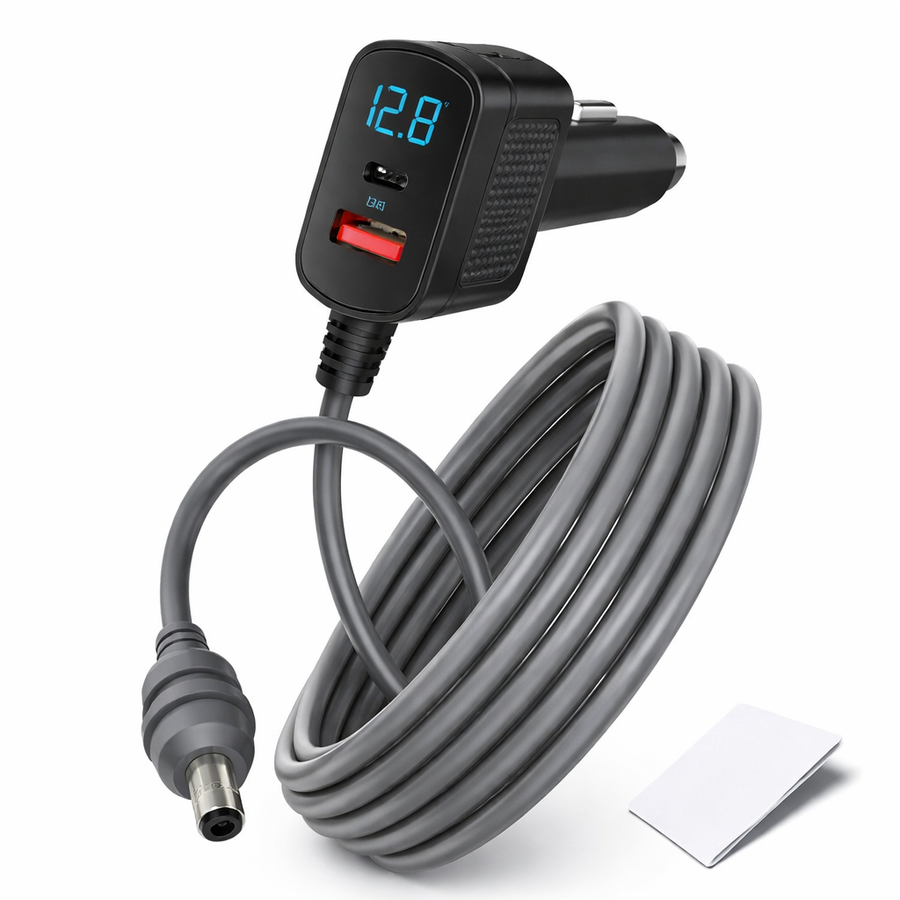
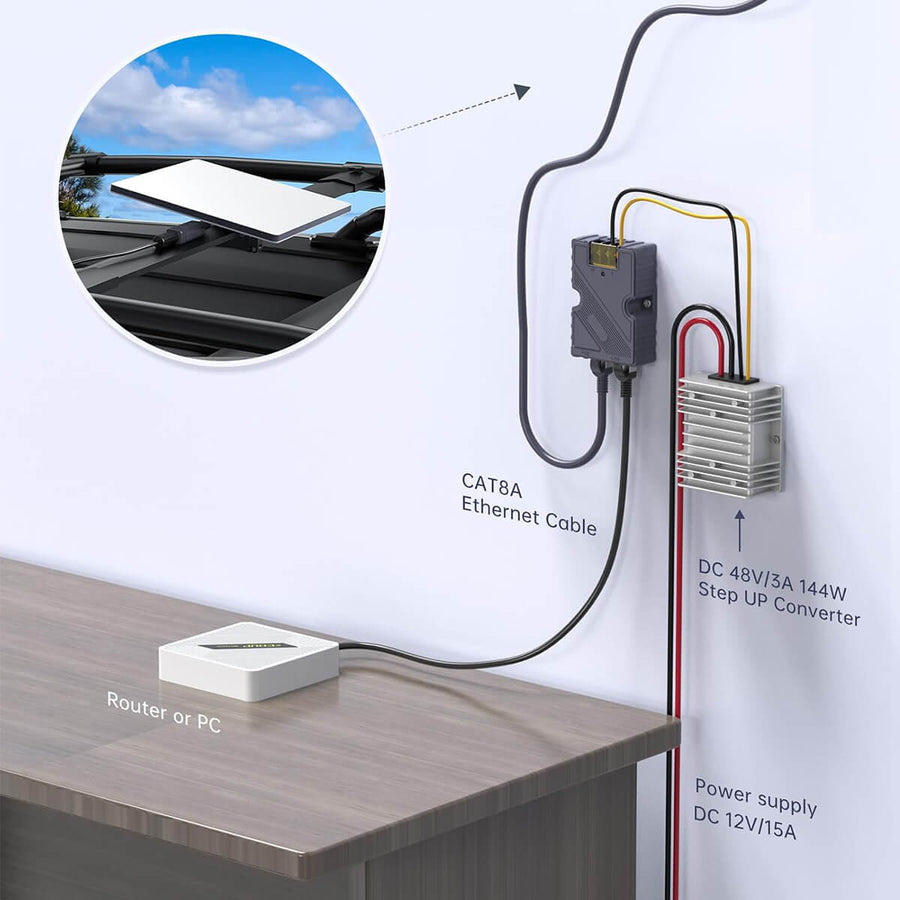
Best for: replacement powerSteps a DC input up or down to the required regulated output.
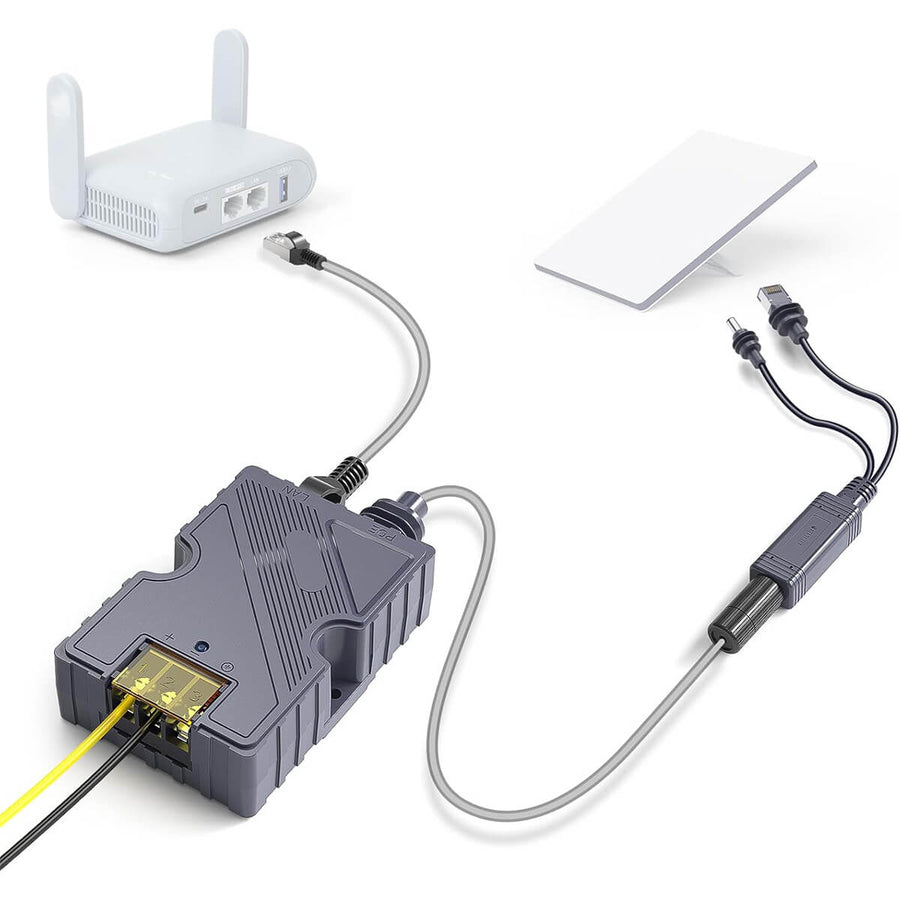
Best for: battery and RV systemsCombines a wired data path with a purpose-built power arrangement.
Best for: routers and fixed installsⓘ Confirm input, output, polarity and included parts before connecting power.
Before You Choose
The connector is only one part of compatibility. Verify the whole power path from source to Starlink Mini.
Confirm whether your source is AC, USB-C PD, vehicle socket or a raw battery system.
Check regulated voltage, current, wattage and whether conversion is built into the accessory.
Verify plug size, polarity, cable length, weather protection and included parts.
Power connection FAQ
Start with the questions that affect input, output, conversion and cable routing.
Browse Matching Products →Confirm input range, regulated output voltage and current, connector size and polarity before connecting a replacement supply or converter.
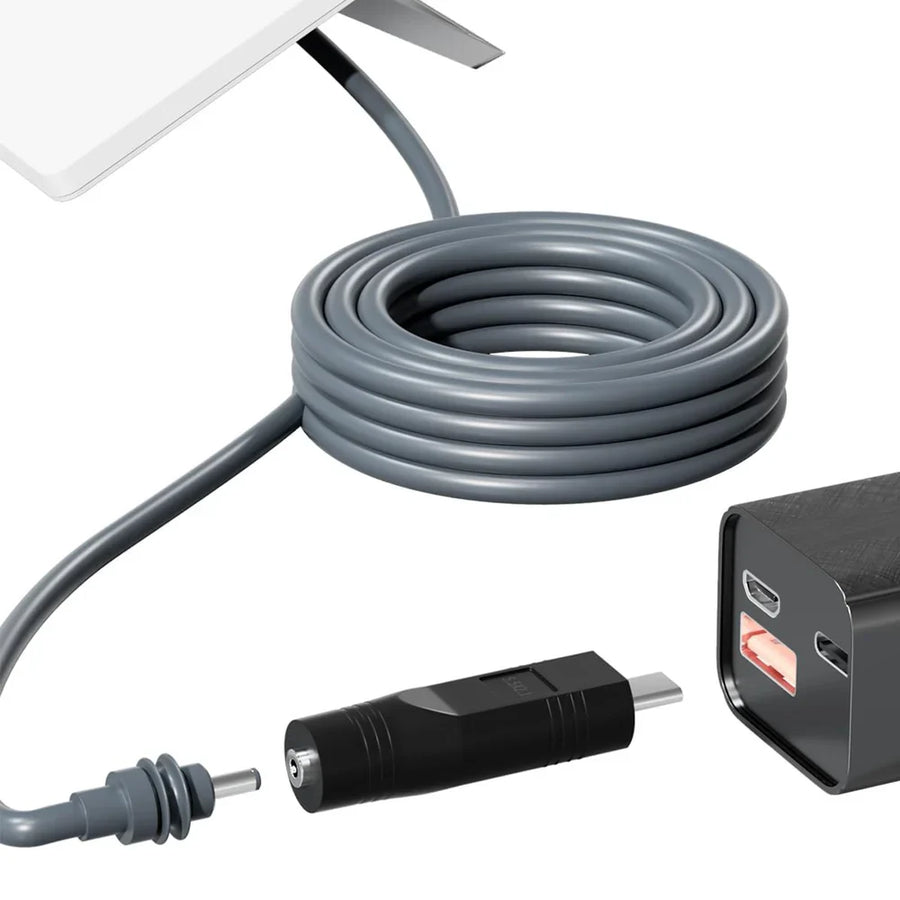
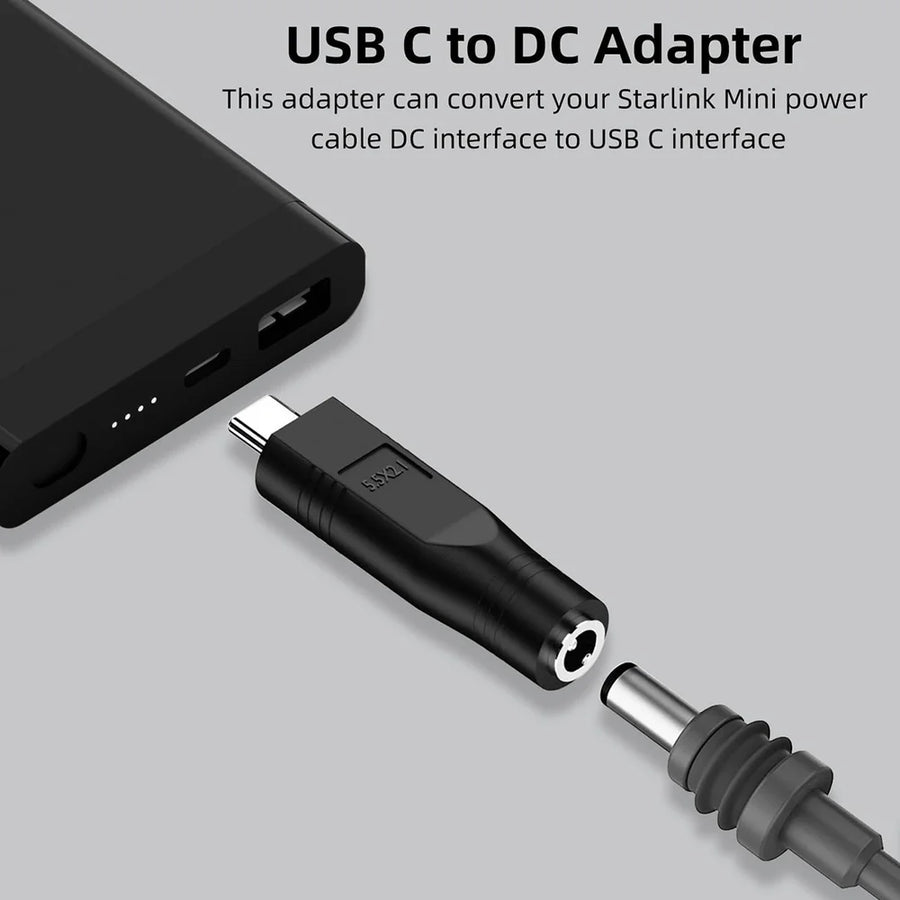
Yes, when the USB-C PD source and purpose-built cable or adapter support the required power profile and wattage.
Many raw vehicle or battery systems require regulated conversion. Some cables include it, so check the product specifications before adding another converter.
A cable carries power or data, an adapter changes the connection format, and a converter changes voltage. Some accessories combine these jobs.
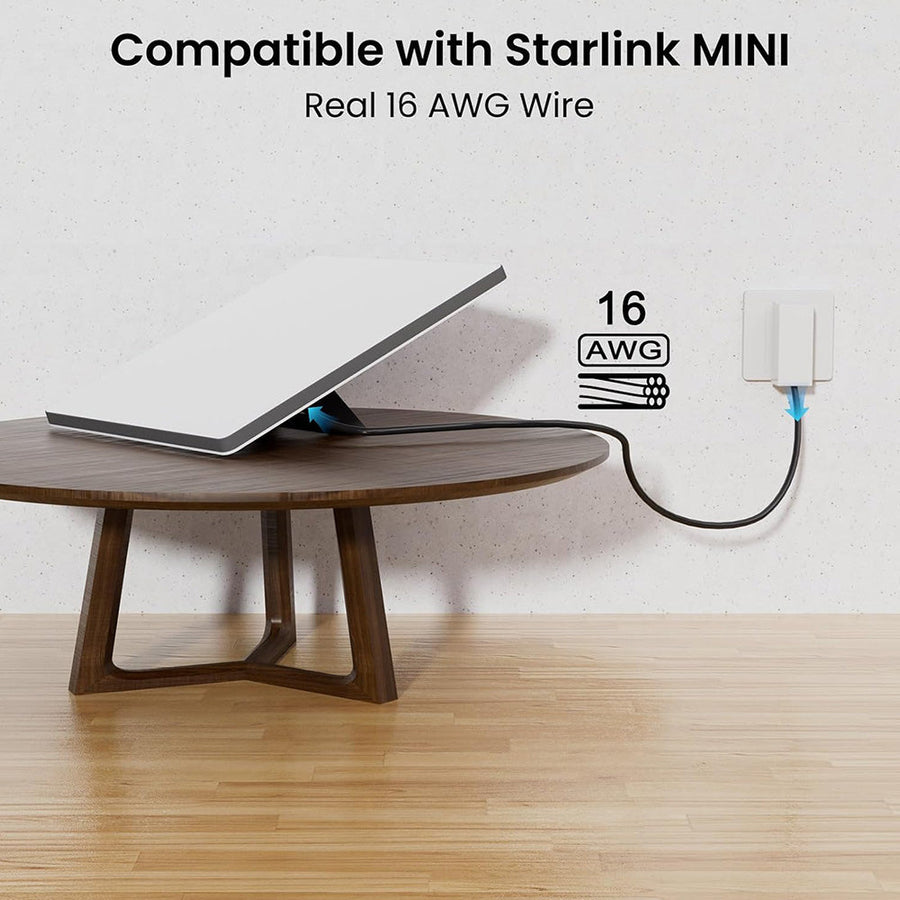
Use the shortest route that reaches comfortably, then check gauge and supported length because longer DC runs can increase voltage drop.
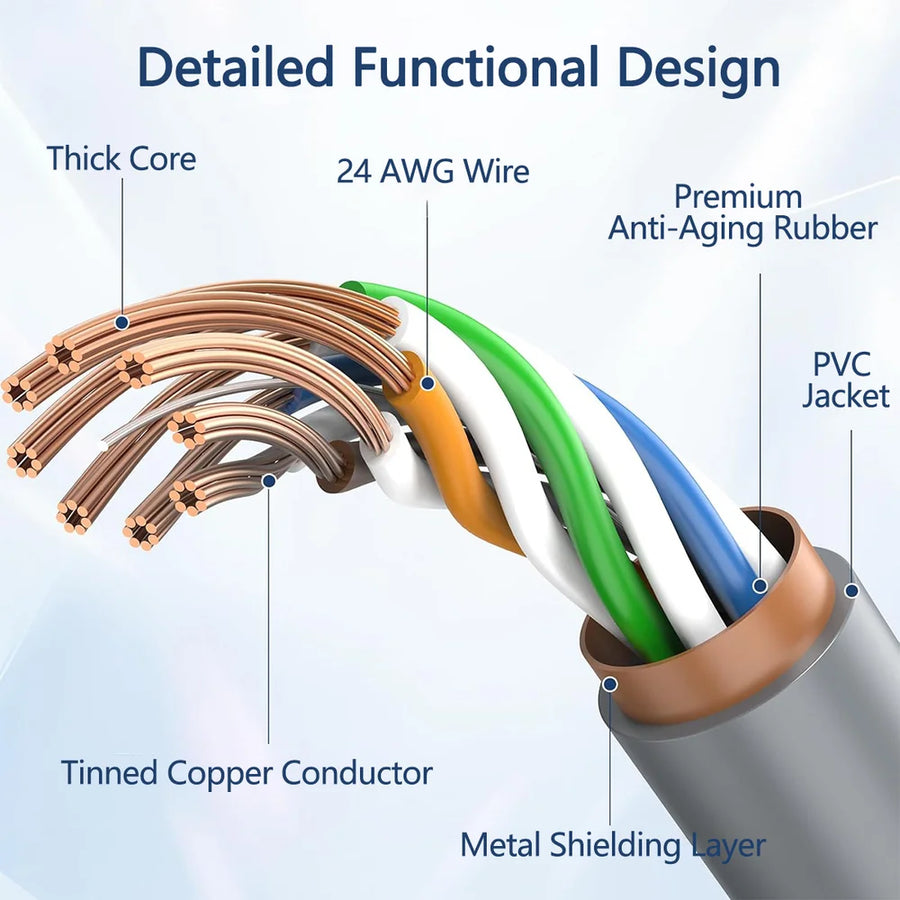
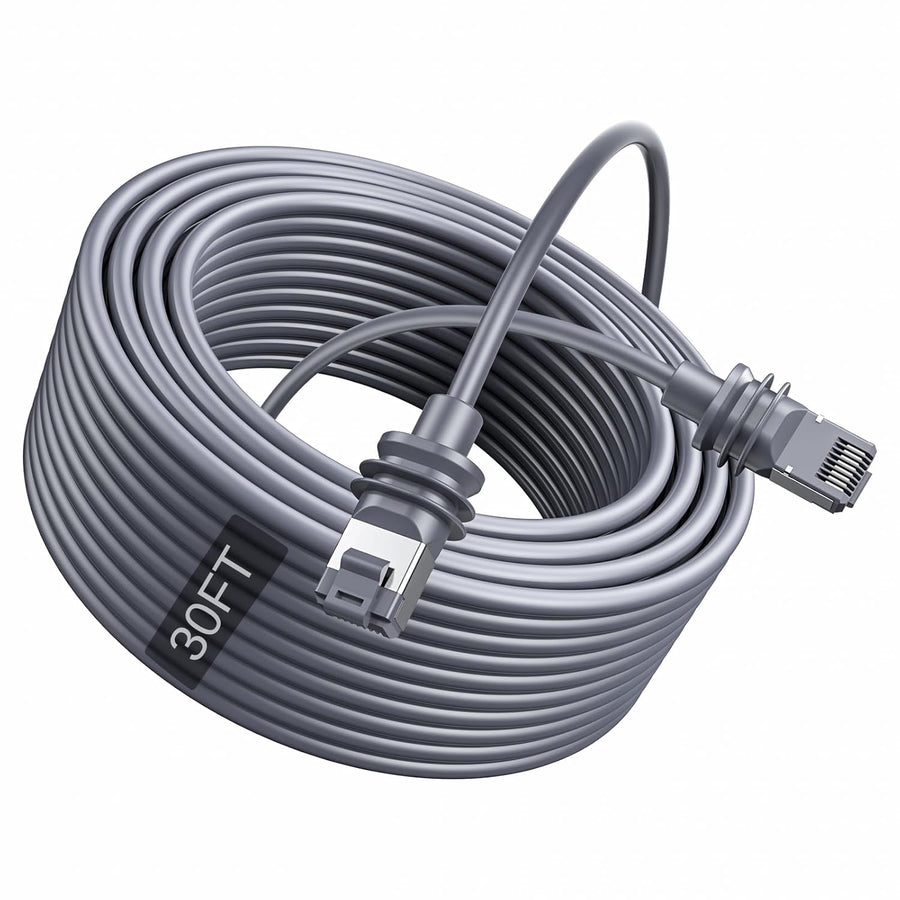
Choose Ethernet or PoE for a wired router, workstation or fixed installation, and confirm whether the accessory carries data, power or both.
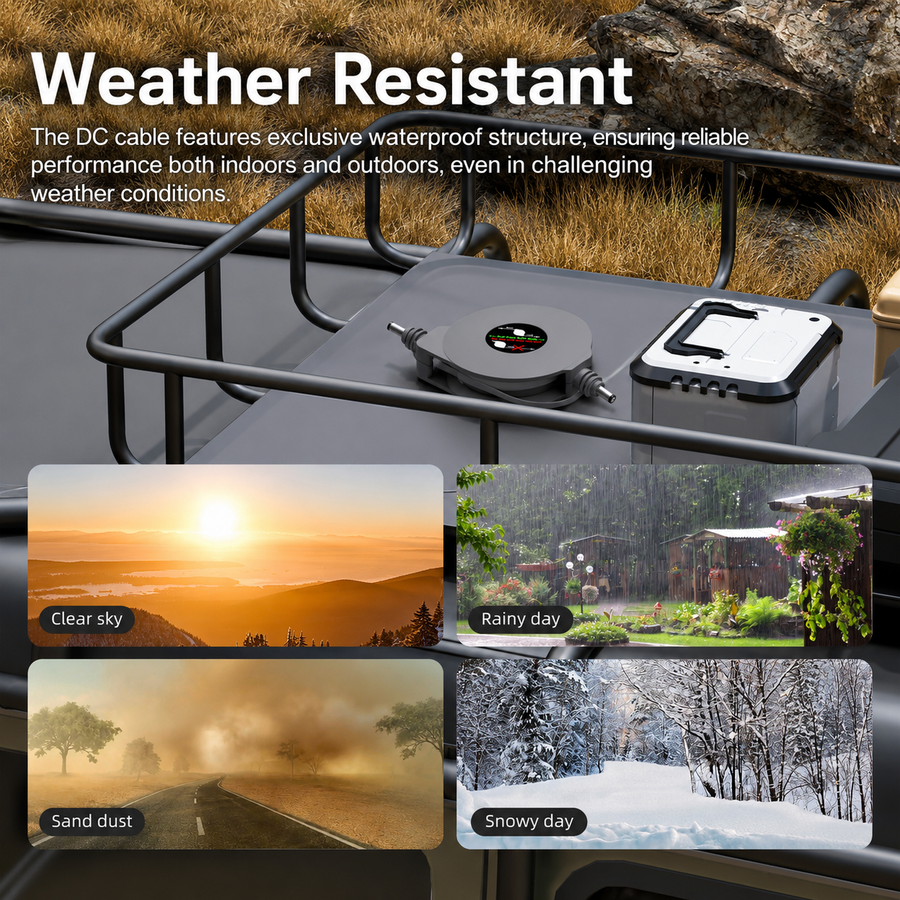
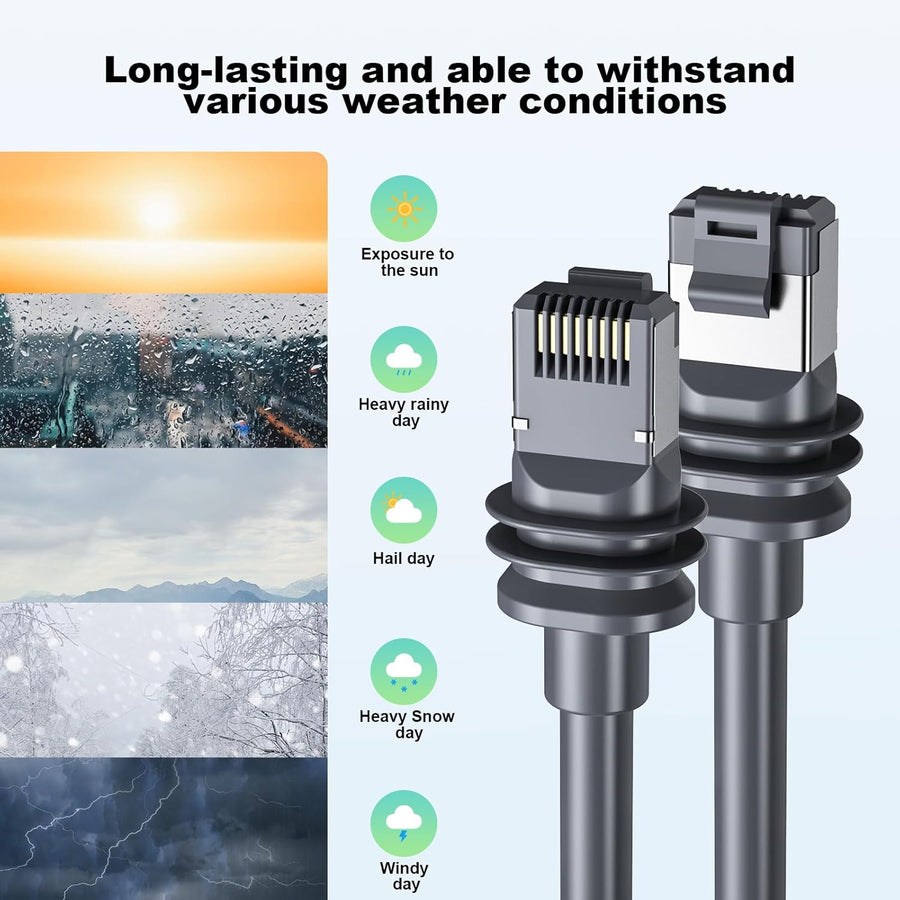
Water resistance applies only under the stated conditions and usually depends on caps, connected ports and correct installation.
Confirm Starlink model, input voltage, regulated output, connector, cable length, selected variant, included parts and installation method.
Starlink Mini power guide
Move from your available source to the cable, adapter or converter that fits your setup.
Use The Connection Finder →Explore Starlink Mini chargers, power adapters, USB-C PD cables, vehicle power cables, 12V and 24V converters, extension cables, routing parts and Ethernet or PoE accessories for travel, RVs, vans, boats, remote work and fixed installations.
Start with the source you already have, then compare input range, regulated output voltage and current, wattage, connector, polarity, cable gauge, cable length, weather protection and included parts.