Gen 2 Setup Guide
Match Each Gen 2 Accessory to the Job
Start with the installation or connection task, then verify the exact Gen 2 terminal, connector, mounting interface, selected variant, dimensions and included hardware. Products that solve different parts of a setup are not automatically interchangeable.
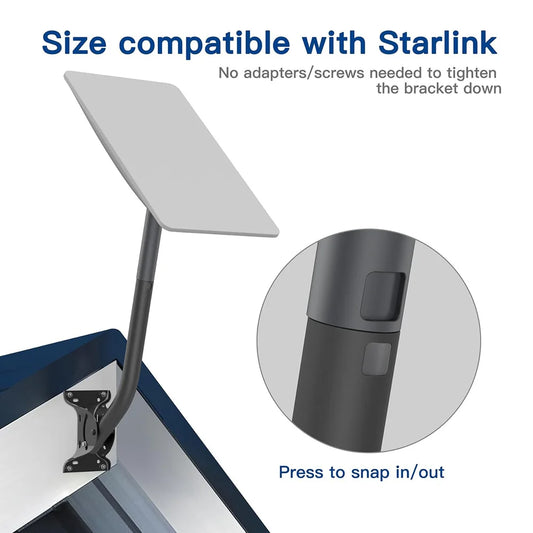
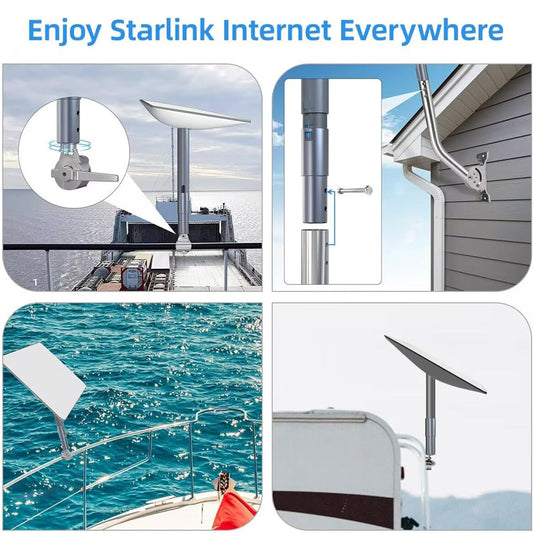
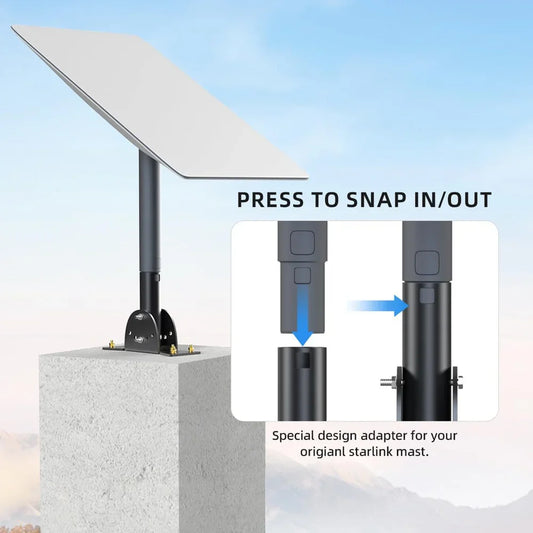
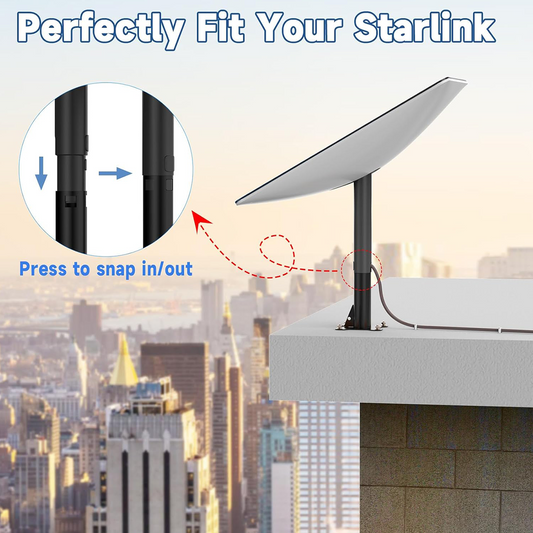
Adjustable Roof Wall Mount Kit
Use this direction when: attaching a compatible Gen 2 dish to a suitable roof or wall after checking the structure, fasteners, adjustment range, clearance, sealing method and local installation requirements.
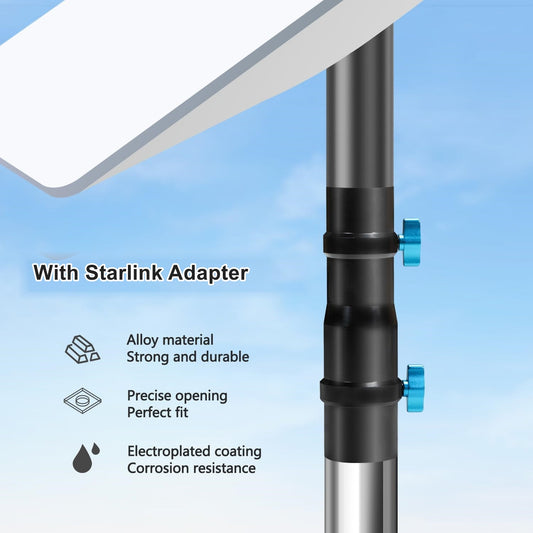
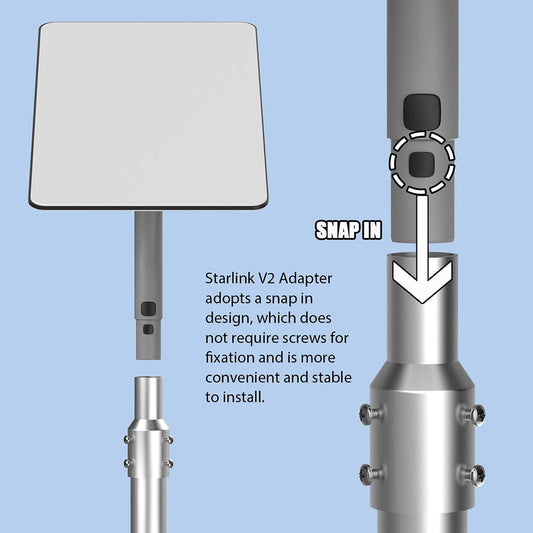
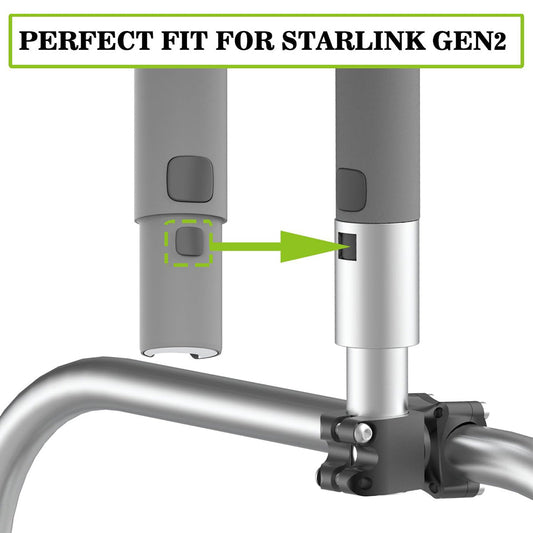
View this roof and wall mount Existing PipeAluminum Pipe Mount Adapter
Use this direction when: adapting the Gen 2 dish to a compatible existing pipe after measuring both interfaces and confirming pipe material, diameter, wall thickness, load capacity and attachment instructions.
View this pipe adapter Ground + RV Setup7FT Ground Pole RV Mount Kit
Use this direction when: planning a compatible pole-based deployment beside an RV or at another suitable site after checking ground support, pole sections, adapter fit, stability, clearance and intended use state.
View this ground pole kit Longer Cable RunReplacement Extension Cable
Use this direction when: a Gen 2 installation needs a different cable length after confirming the selected length, connector shape, cable route, bend protection, entry point and compatibility with the complete system.
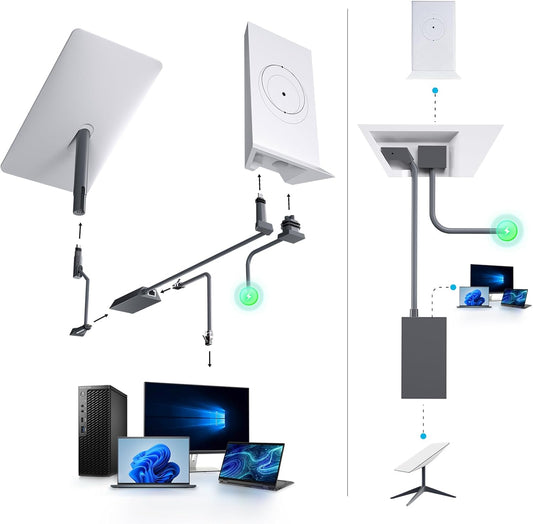
View this Gen 2 cable Wired NetworkingGen 2 Ethernet Adapter
Use this direction when: adding a wired RJ45 path to a compatible Gen 2 setup after checking the router generation, adapter interface, network design, cable category, port requirements and installation instructions.
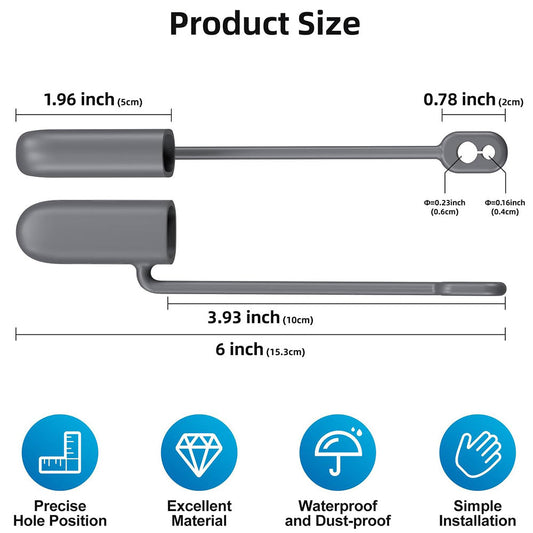
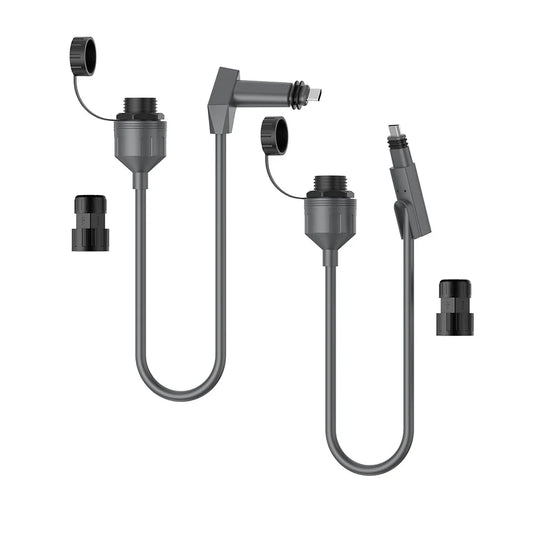
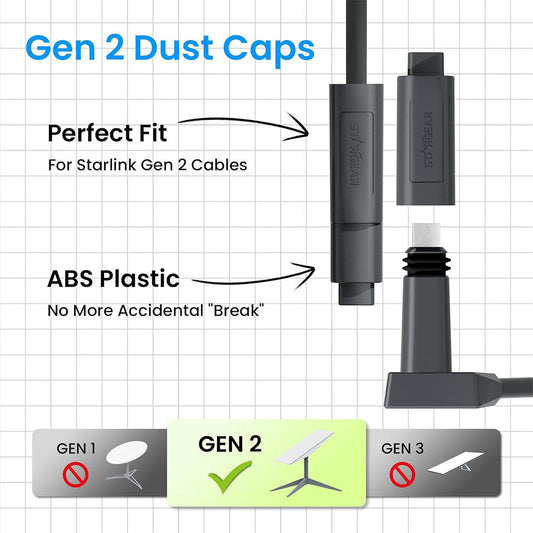
View this Ethernet adapter Connector ProtectionDust-Proof Cable End Protectors
Use this direction when: protecting compatible disconnected Gen 2 cable ends during handling or storage after checking the exact connector fit and product instructions; a protective cap does not make the full installation waterproof.
View these cable protectorsFAQ
Starlink Gen 2 Accessory Questions
Confirm the Starlink generation first, then choose by installation task, interface, selected variant and exact product specifications.
How can I tell whether I have Starlink Gen 2?
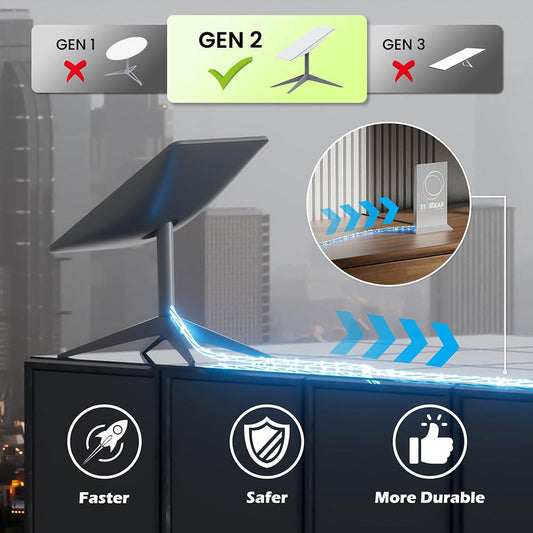
Gen 2 commonly refers to the rectangular actuated Starlink system, but names used by stores and owners can vary. Do not identify the system by a collection label alone. Compare the terminal, router, cable connector and mounting interface with the individual product listing, and contact CTmods with photos or model details when uncertain.
Do all products in this collection fit every Gen 2 setup?
No. The products solve different mounting, cable, networking and protection tasks, and some listings may offer multiple variants. Verify the exact Gen 2 terminal, router, connector, dimensions, mounting interface and selected option before ordering. Collection placement is not a universal-fit guarantee.
What should I check before choosing a Gen 2 roof or wall mount?
Confirm the dish interface, mounting location, structural material, fastener type, adjustment range, cable clearance and weather-sealing method. Check the product instructions and local installation requirements. A mount listed for Gen 2 still needs a suitable structure and correct installation.
When should I use a pipe adapter instead of a complete pole kit?
A pipe adapter can connect a compatible Gen 2 interface to an existing suitable pipe, while a complete pole kit supplies more of the support system. Measure both interfaces and check pipe diameter, material, wall thickness, load capacity, stability and included hardware before deciding.
How should I choose a replacement or extension cable for Starlink Gen 2?
Match the connector shape and system generation first, then choose the required length and review routing, bend protection, entry points and environmental exposure. Use the exact product instructions and selected variant. Similar-looking Gen 2, Gen 3 and Mini cables should not be treated as interchangeable.
Do I need an Ethernet adapter for a Gen 2 setup?
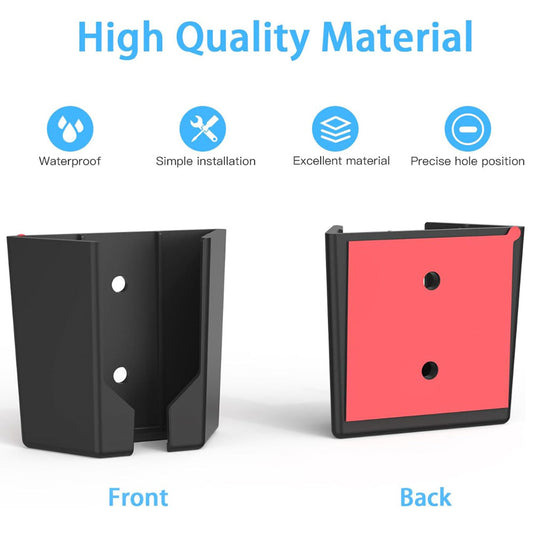
An Ethernet adapter may be useful when a compatible Gen 2 router setup needs a wired RJ45 connection. Confirm the router generation, adapter interface, number of required ports, cable category and network design before ordering. A bracket and an Ethernet adapter are different products and may be sold separately.
Do cable end protectors make the installation waterproof?
No. Compatible caps or protectors can help cover disconnected cable ends during handling or storage, but they do not make every connector, cable joint or installation waterproof. Follow the individual product rating and installation instructions, and do not infer full-system protection from a product name alone.
Are these official Starlink Gen 2 accessories?
Do not assume a product is manufactured, authorized or endorsed by SpaceX unless the individual listing explicitly states that with supporting information. CTmods products are generally third-party accessories designed for specified setups. Starlink is a trademark of SpaceX.