

Collection: Starlink Gen 3 Accessories
Upgrade your Starlink Gen 3 setup with compatible accessories for home, RV, camping, travel and off-grid use. Shop roof mounts, tripod stands, 12V/24V power adapters, extension cables, protective covers, cable caps and travel bags designed to mount, power and protect your Gen 3 dish.
-
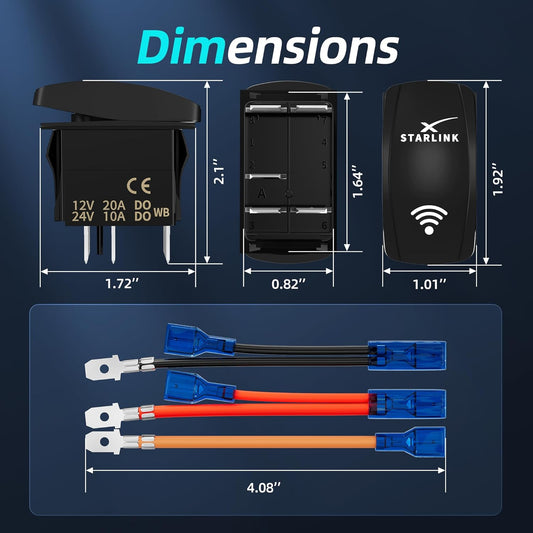
Starlink Mini & Gen 1-3 Waterproof Rocker Switch - 20A
Regular price $29.90Sale price $29.90 Regular priceUnit price per$30.00Sale -
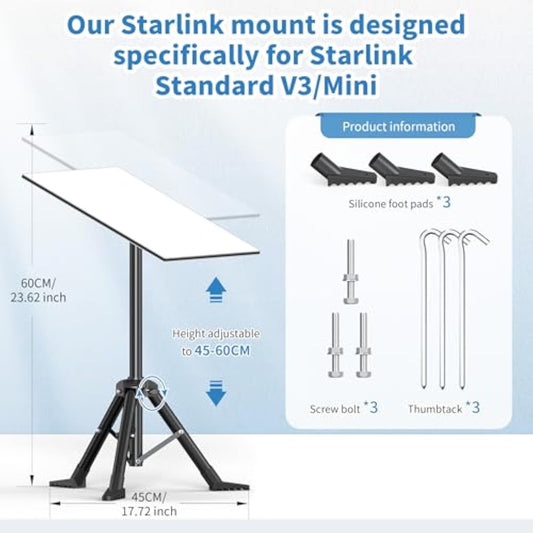
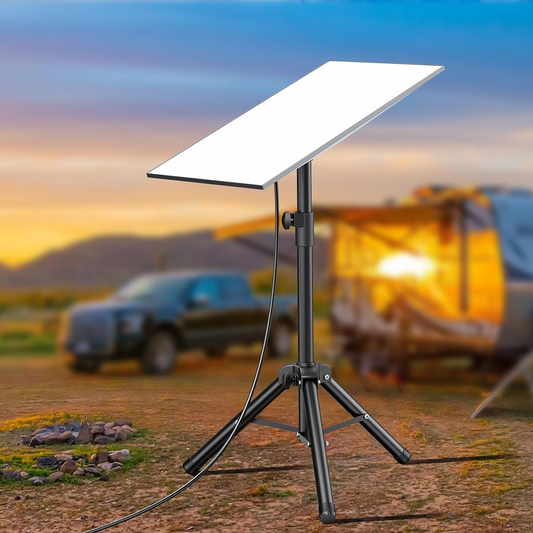
Starlink Mini & Gen 3 Portable Tripod Stand Kit
Regular price $70.00Sale price $70.00 Regular priceUnit price per$99.00Sale -
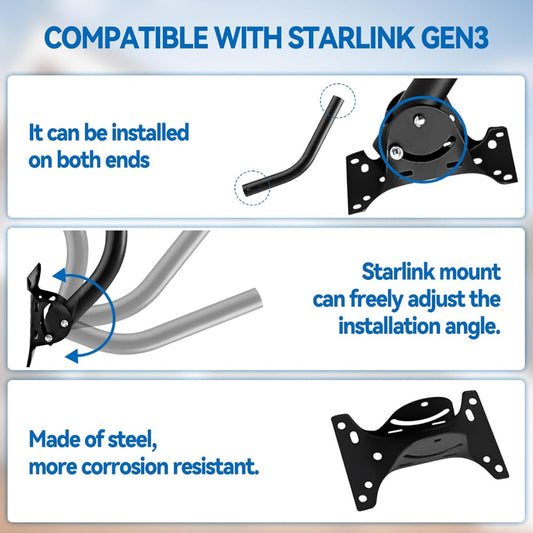
Starlink Gen 3 360° Wall, Roof & Pole Mount Kit
Regular price $73.00Sale price $73.00 Regular priceUnit price per$100.00Sale -
Starlink Gen 3 All-in-One Mount for Standard V3 Router & Power Supply
Regular price $36.00Sale price $36.00 Regular priceUnit price per$49.00Sale -
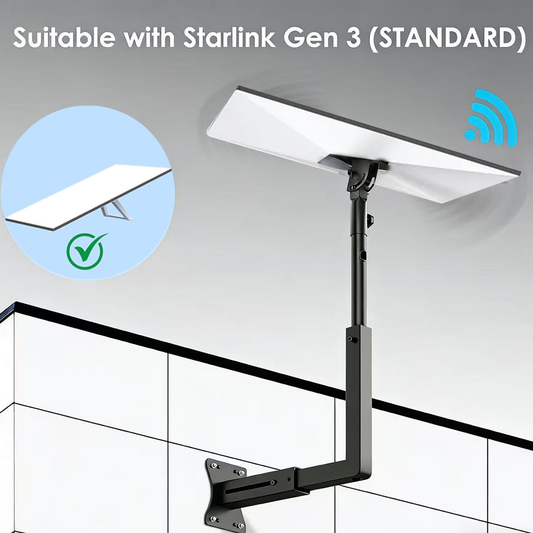
Adjustable Roof Wall Mount Kit for Starlink Gen 3
Regular price $59.00Sale price $59.00 Regular priceUnit price per$81.00Sale -
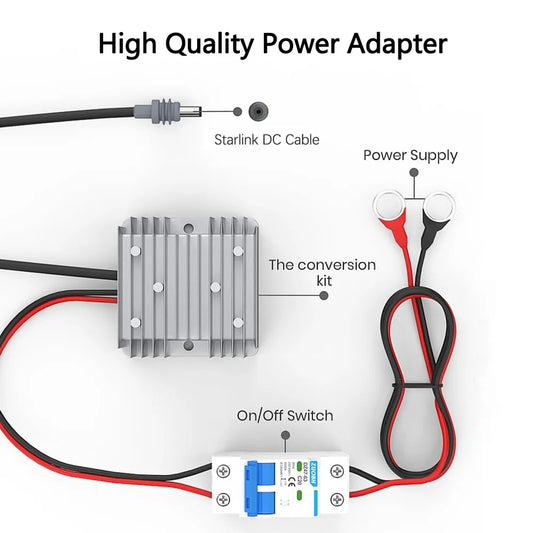
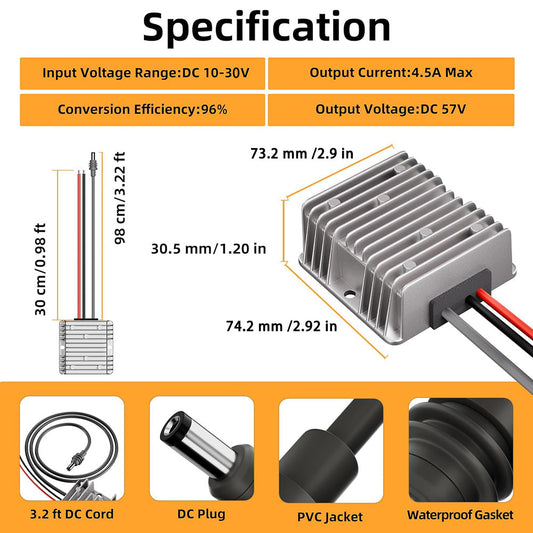
12V/24V to 57V Power Adapter with Switch for Starlink Gen 3 – Ring Terminal
Regular price $82.00Sale price $82.00 Regular priceUnit price per$99.00Sale -
Starlink Mini & Gen 3 Stainless Pole Clamp - 0.8"-1.17"
Regular price From $45.00Sale price From $45.00 Regular priceUnit price per$60.00Sale -
Starlink Gen 3 & Mini Extension Cable - 5M-46M
Regular price From $38.00Sale price From $38.00 Regular priceUnit price per$47.50Sale -
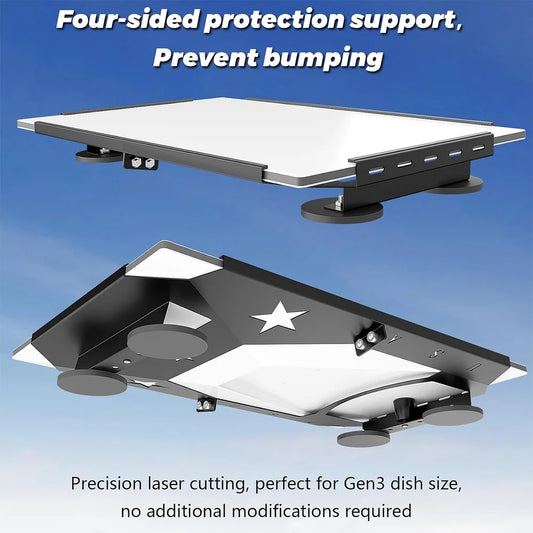
Adjustable Magnetic Roof Mounting Kit for Starlink Gen 3
Regular price $140.00Sale price $140.00 Regular priceUnit price per$155.00Sale -
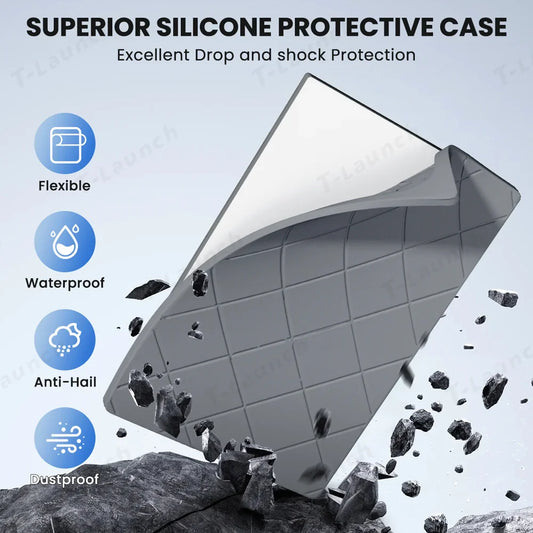
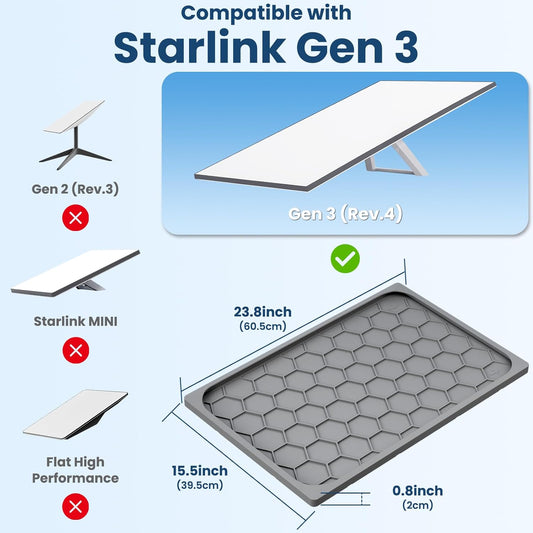
Silicone Hail Protector Cover for Starlink Gen 3
Regular price $49.99Sale price $49.99 Regular priceUnit price per$0.00 -
12V/24V to 30V Power Supply Adapter with DC Plug for Starlink Gen 3
Regular price $50.00Sale price $50.00 Regular priceUnit price per$62.50Sale -
Adjustable Tripod Mount with Adapter for Starlink Gen 3
Regular price $100.00Sale price $100.00 Regular priceUnit price per$125.00Sale -
Silicone Protector Cover Case for Starlink Gen 3 Dish
Regular price $59.99Sale price $59.99 Regular priceUnit price per$80.00Sale -
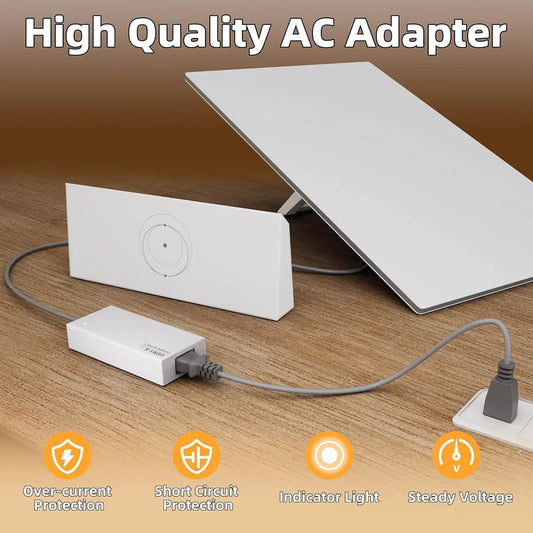
Starlink Gen 3 & Mini 100-240V AC Adapter - 30V Output
Regular price $112.00Sale price $112.00 Regular priceUnit price per$0.00 -
Starlink Standard Gen 3 Silicone Case for Satellite Dish Waterproof,Impact Resistant to Rocks/Sand/Hail
Regular price $78.00Sale price $78.00 Regular priceUnit price per$120.00Sale -
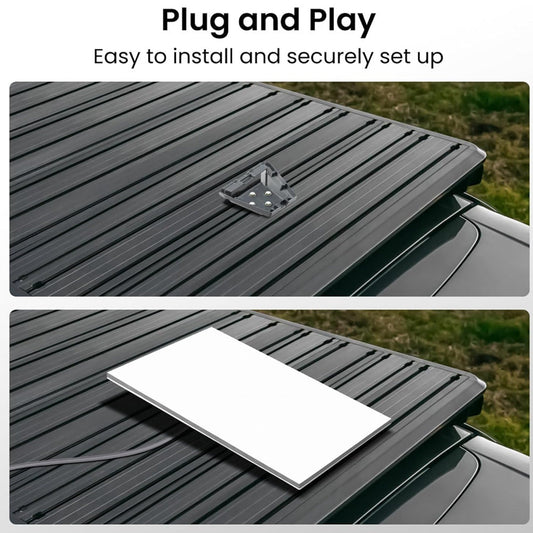
Anti-Theft Roof Mount for Starlink Gen 3 Dish
Regular price $88.00Sale price $88.00 Regular priceUnit price per$110.00Sale -
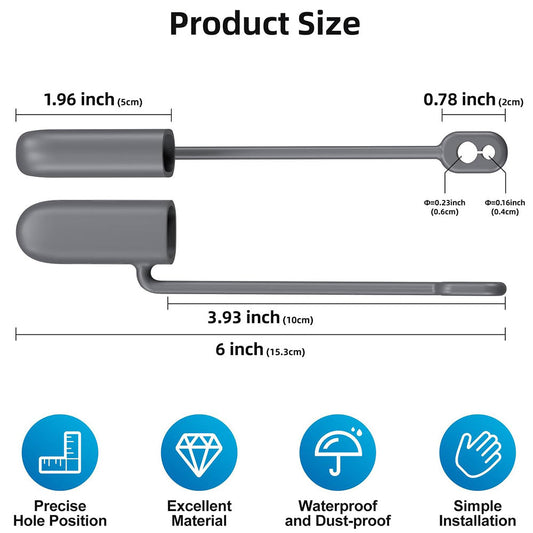
Waterproof Silicone Cable End Caps for Starlink Gen 3/Gen 2 (2 Pcs)
Regular price $13.00Sale price $13.00 Regular priceUnit price per$16.25Sale -
Magnetic Anti-Theft Roof Mount for Starlink Gen 3
Regular price $117.00Sale price $117.00 Regular priceUnit price per$169.00Sale -
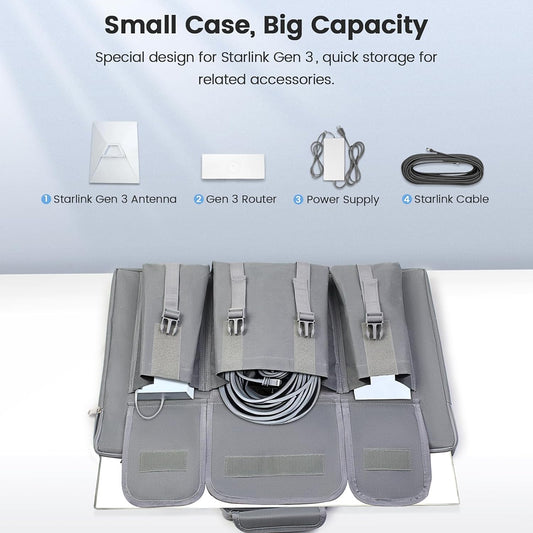
Starlink Gen 3 Travel Standard Kit bag for Car,RV,Camping
Regular price $58.00Sale price $58.00 Regular priceUnit price per$80.00Sale -
Starlink Gen 3 Eave Wall Mount Adjustable Angle Bracket
Regular price $87.00Sale price $87.00 Regular priceUnit price per$99.00Sale



















Gen 3 Setup Guide
Choose Gen 3 Accessories by Setup Task
Start with the job the accessory must perform, then verify the exact Standard Gen 3 terminal, selected variant, connector, electrical specifications, dimensions, mounting surface and included parts. A shared collection or product title does not make every option interchangeable.
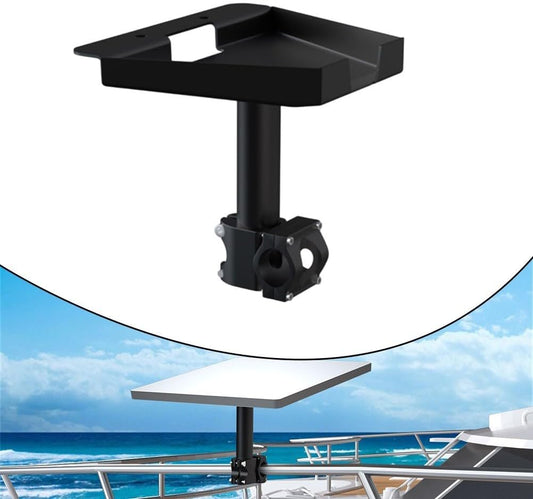
360° Wall, Roof & Pole Mount
Use this direction when: attaching a compatible Gen 3 dish to a suitable fixed structure after checking the selected interface, structure, fasteners, adjustment range, clearance, sealing method and installation requirements.
View this fixed mount Portable StandPortable Tripod Stand Kit
Use this direction when: planning a temporary ground-level setup after confirming the correct adapter, footprint, surface, leg stability, clearance, wind exposure, cable route and every item included with the selected kit.
View this tripod stand 12V/24V DC Power57V Power Adapter with Switch
Use this direction when: powering a compatible Gen 3 setup from a suitable 12V/24V DC system after checking input range, output, wattage, connector, polarity, cable gauge, fuse protection and total connected load.
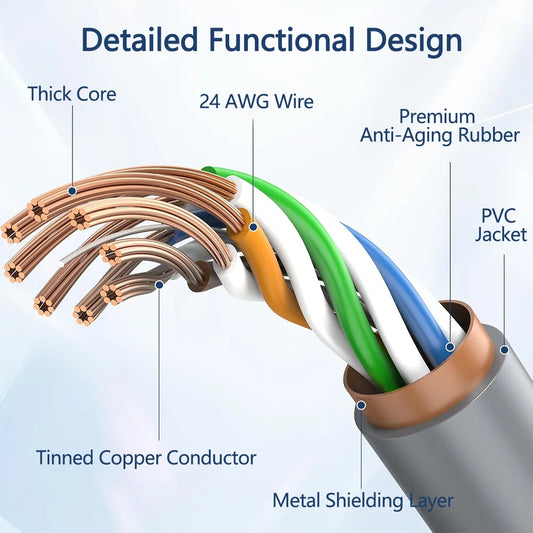
View this DC power option Cable RoutingGen 3 & Mini Extension Cable
Use this direction when: the installation needs a selected cable length after verifying the supported model and variant, connector shape, route, bend protection, entry point, environmental exposure and complete-system compatibility.
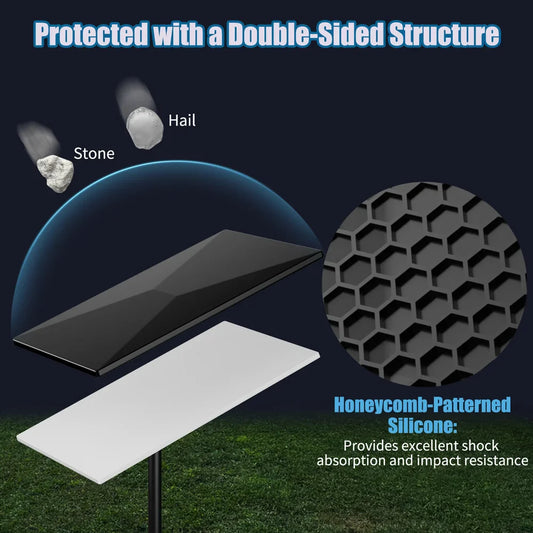
View this extension cable Dish ProtectionSilicone Protector Cover
Use this direction when: adding a compatible fitted cover after checking dimensions, coverage, attachment, current product claims and installation instructions. A cover does not make the complete system waterproof or damage-proof.
View this protector cover Travel + StorageGen 3 Travel Kit Bag
Use this direction when: organizing a compatible Gen 3 kit for transport or storage after checking internal dimensions, compartment layout, packed weight, closure, protection level and which accessories are sold separately.
View this travel bagFAQ
Starlink Gen 3 Accessory Questions
Confirm the model and task first, then verify the exact variant, mounting interface, connector and electrical specifications.
How can I tell whether I have Starlink Standard Gen 3?
Standard Gen 3 commonly refers to the current non-actuated rectangular Standard system, but store and customer naming can vary. Do not identify it from a collection label alone. Compare the terminal, kickstand or mount interface, router, power supply and cable connectors with the individual product listing, and contact CTmods with model details or photos when uncertain.
Do all products in this collection fit every Gen 3 setup?
No. The collection includes products for different mounting, power, cable, protection and storage tasks, and some listings also mention Starlink Mini or offer multiple variants. Verify the exact terminal, connector, electrical requirements, dimensions, interface and selected option before ordering. Collection placement is not a universal-fit guarantee.
Should I choose a fixed Gen 3 mount or a portable tripod?
Choose by the installation task. A fixed roof, wall or pole mount needs a suitable structure, fasteners, clearance and sealing plan. A portable tripod needs a stable footprint, correct adapter, suitable surface, cable route and environmental precautions. Neither format is automatically appropriate for use while a vehicle is moving.
Can a magnetic Gen 3 mount attach to any vehicle roof?
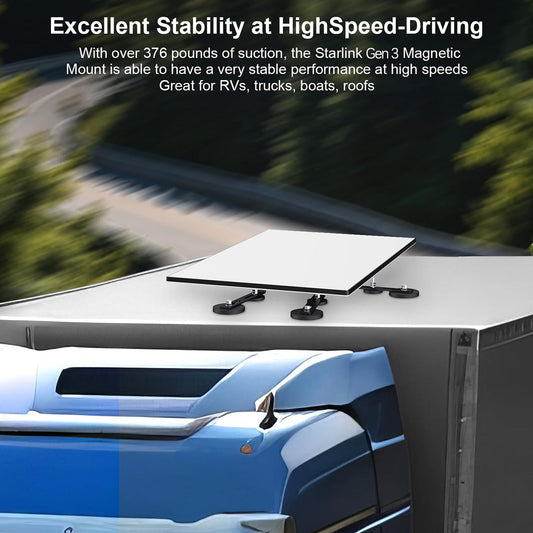
No. Magnetic attachment requires a compatible ferromagnetic steel surface and suitable contact area. Aluminum, composite, glass and some roof panels may not work. Confirm the vehicle material, product instructions, placement, surface condition, cable safety and intended stationary or mobile use before installation.
How should I choose a 12V or 24V power adapter for Starlink Gen 3?
Match the source voltage, required output voltage and wattage, connector, polarity and selected adapter first. Check cable gauge, fuse protection, battery and alternator capacity, conversion losses and the total load. Similar product names do not guarantee identical 30V, 48V or 57V outputs, so verify the current product page before connecting equipment.
Are Gen 3 and Starlink Mini extension cables interchangeable?
Do not assume so. Some individual listings may specify compatibility with both systems or offer model-specific variants, but connectors and power paths must still match the selected product and complete setup. Verify the exact model, connector, cable type, length, route and variant before ordering.
Do silicone covers make a Gen 3 installation waterproof or damage-proof?
No. A compatible fitted cover may add a layer of surface protection, but it does not make the terminal, cables, connectors or complete installation waterproof, impact-proof or immune to hail. Check the current product claims, dimensions, coverage, attachment and instructions, and avoid blocking required drainage, ventilation or operation.
Are these official Starlink Gen 3 accessories?
Do not assume a product is manufactured, authorized or endorsed by SpaceX unless the individual listing explicitly states that with supporting information. CTmods products are generally third-party accessories designed for specified setups. Starlink is a trademark of SpaceX.